CHAPTER 5
Menu System Description
NOTE: A menu system quick reference chart is located at “Navigating the Menu” on page 19.
Main Menu Access
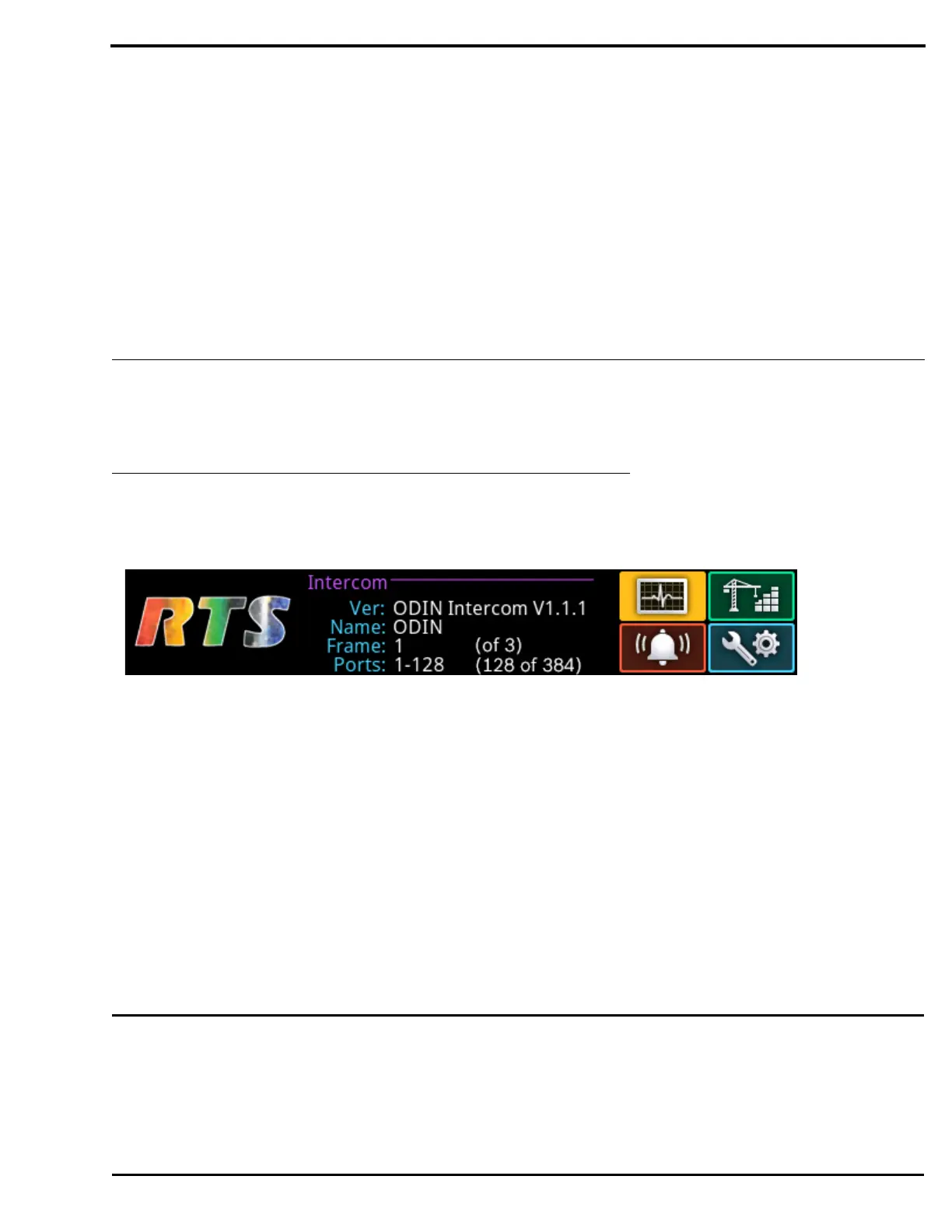
The Home Screen is the top-most level of the menu structure.
Available selections for this menu are:
Status
Configuration
Intercom Setup
Alarms
To access the main menu structure, do the following:
1. Rotating the right encoder knob, navigate to the desired menu – Status, Configure, Intercom Setup, or Alarms.
2. Press the right encoder knob to access the selected menu.
NOTE: For detailed instructions on using the front panel controls, see “Navigating the Menu” on page 19 and “Editing Form
Data” on page 20.
IMPORTANT: This note applies to many screens in the ODIN menu structure.
If the intercom system contains only one ODIN frame, the Frame field is hidden.
If the intercom system contains multiple ODIN frames, the Frame field is visible allowing the frame to be
switched to alternate frames. While the Frame field is highlighted, press the right encoder knob to activate
the field. Once activated, turn the right encoder knob to scroll through available frames, and then press the
right encoder knob a second time to select the specified frame.
FIGURE 10. ODIN Home



 To Next Page