144 Menu System Description ODIN Intercom Matrix
Enable DHCP Server Check Box
The Enable DHCP Server check box is used to enable DHCP server functionality.
Enable DHCP Relay Check Box
The Enable DHCP Relay check box is used to enable the DHCP server to provide addresses to devices outside of its own subnet.
Range Field
The Range field is used to select which range to view and edit. The DHCP Server supports up to eight ranges of IP addresses.
First IP Field
The First IP field is used to enter the first IP address in the range being defined.
Last IP Field
The Last IP field is used to enter the last IP address in the range being defined.
Gateway Field
The Gateway field is used to enter the gateway address used by the devices defined in this range.
Netmask Field
The Netmask field is used to enter the netmask address used by the devices defined in this range.
Domain Field
The Domain field is used to enter the domain name used by the devices defined in this range.
SNMP
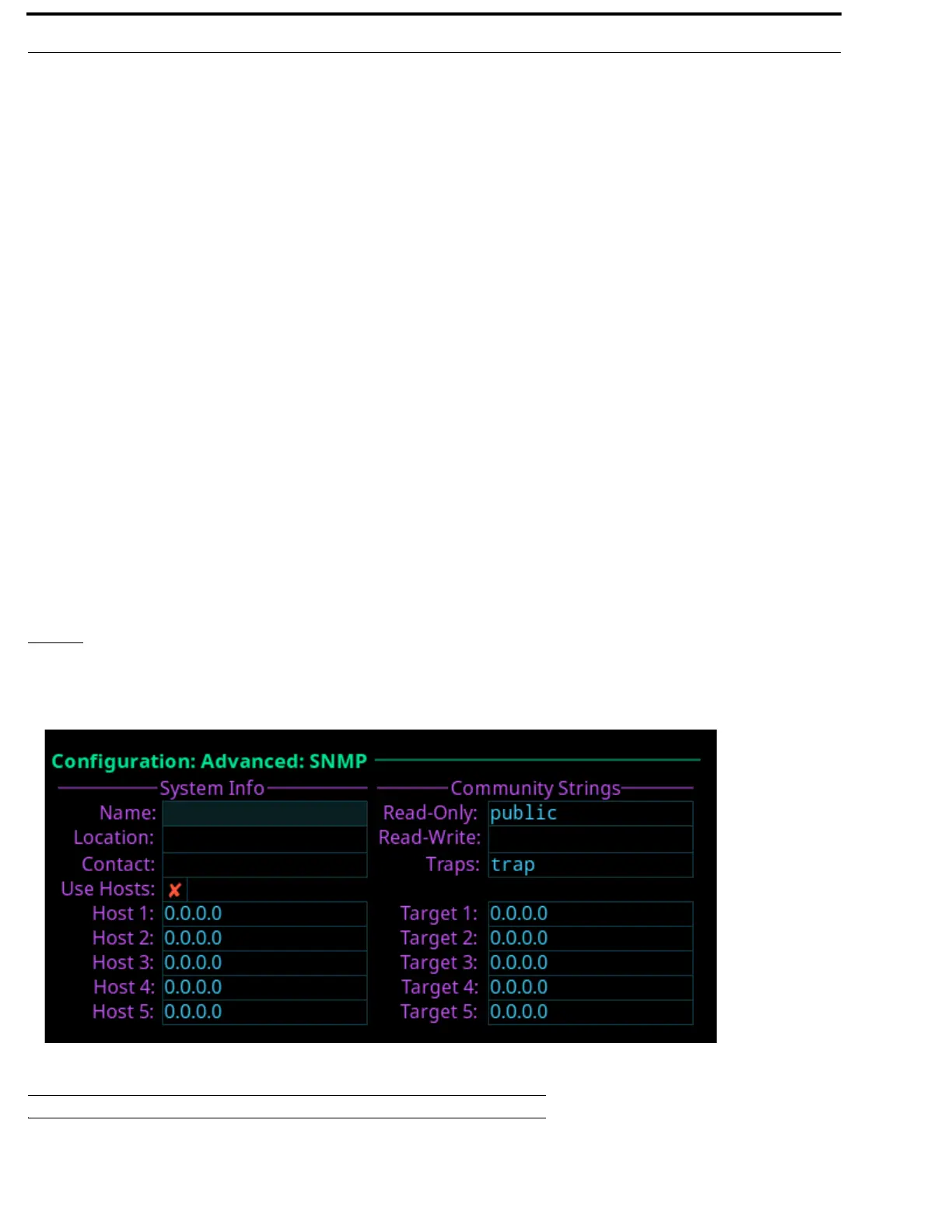
The SNMP configuration screen is used to configure SNMP (Simple Network Management Protocol) for the intercom system.
SNMP sends notifications when specified events occur within the intercom.
System Info
System information is used for documentation purposes. This information is used to see which device is configured and where it
is physically located.
FIGURE 82. Configuration | Advanced | SNMP



 To Next Page