ODIN Intercom Matrix Basic Operation 33
Front Panel Overview and Operation
Management Port
The Management Port is a front-panel Ethernet interface, providing convenient access for a laptop running AZedit.
Access to the Management Port can be enabled or disabled via the Authentication menu item, see “Management Port” on page 138.
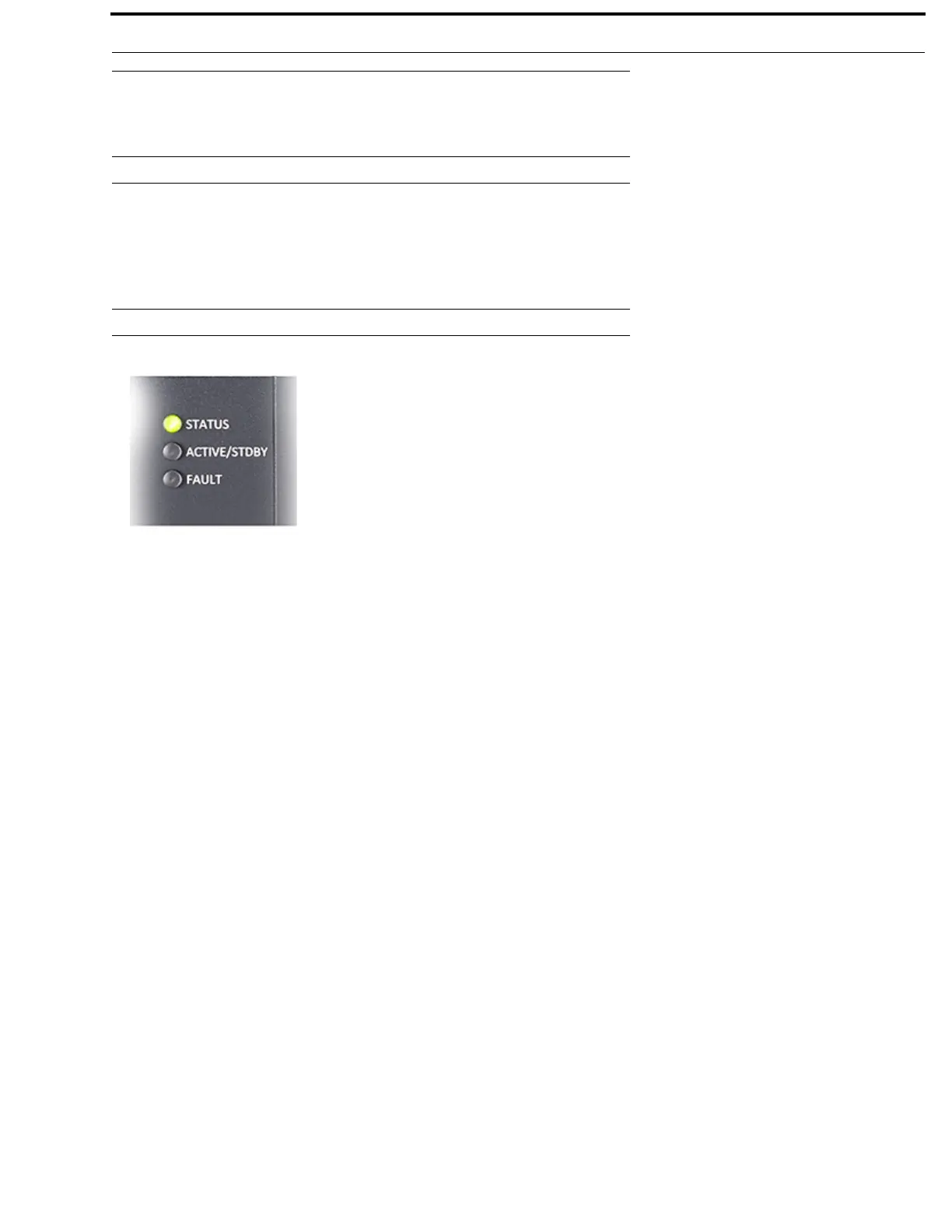
Front Panel LEDs
STATUS LED
The STATUS LED has two colors to indicate overall status of the frame.
Green System is working normally
Amber System is writing to flash (for example, saving the intercom setup to flash, reprogramming the flash after a
firmware download)
ACTIVE / STDBY LED
The ACTIVE / STDBY LED currently uses one color.
Blue System is about to reboot (for example, after re-sizing the intercom)
FAULT LED
The FAULT LED is used to indicate faults in the system.
Off All alarms have been acknowledged or cleared
Red One or more critical alarms are unacknowledged
Amber One or more alarms are unacknowledged, but none are critical
FIGURE 6. Front Panel LEDs



 To Next Page