ODIN Intercom Matrix Basic Operation 35
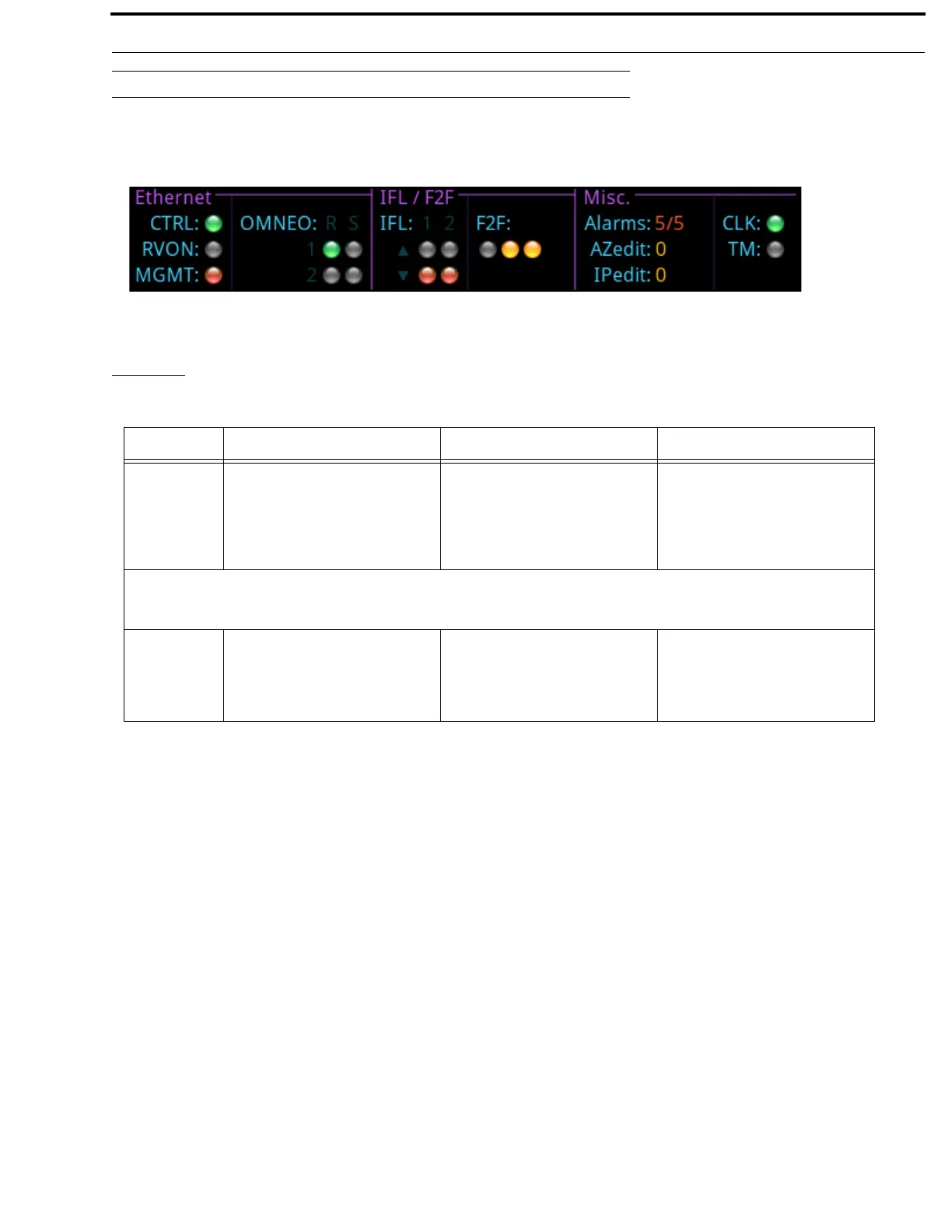
Link Status Overview
The Link Status Overview screen is used to view the different system connections available on ODIN. The connection status is
represented by different colored LEDs.
Ethernet
The Ethernet section displays link status for CTRL, RVON, MGMT, and OMNEO (4) ports.
FIGURE 8. Link Status Overview
GREEN LED RED LED GREY LED
CTRL
RVON
MGMT
The link is up. The OMNEO (Control or Audio) IP
Address is defined, but none of the
links are up (for RJ45). For SFP to
display red, the above needs to be true
and the SFP needs to be installed.
Either no IP Address (Control or
Audio) is defined for both RJ45 and
SFP, or an IP Address is defined but at
lease one of the other links is up. For
SFP, if no SFP is installed the LED is
always grey.
OMNEO
The status indicators are displayed to mimic the back panel. The rows labeled 1 and 2 represent PRIMARY and SECONDARY. The
columns labeled R and S represent RJ-45 and SFP.
The link is up. The Audio and/or Controller
interfaces have an IP Address but
none of the four links are up.
OR
An SFP is installed.
At least one OMNEO link is up.
OR
No SFP is installed.



 To Next Page