ODIN Intercom Matrix Menu System Description 153
Scroll Enables
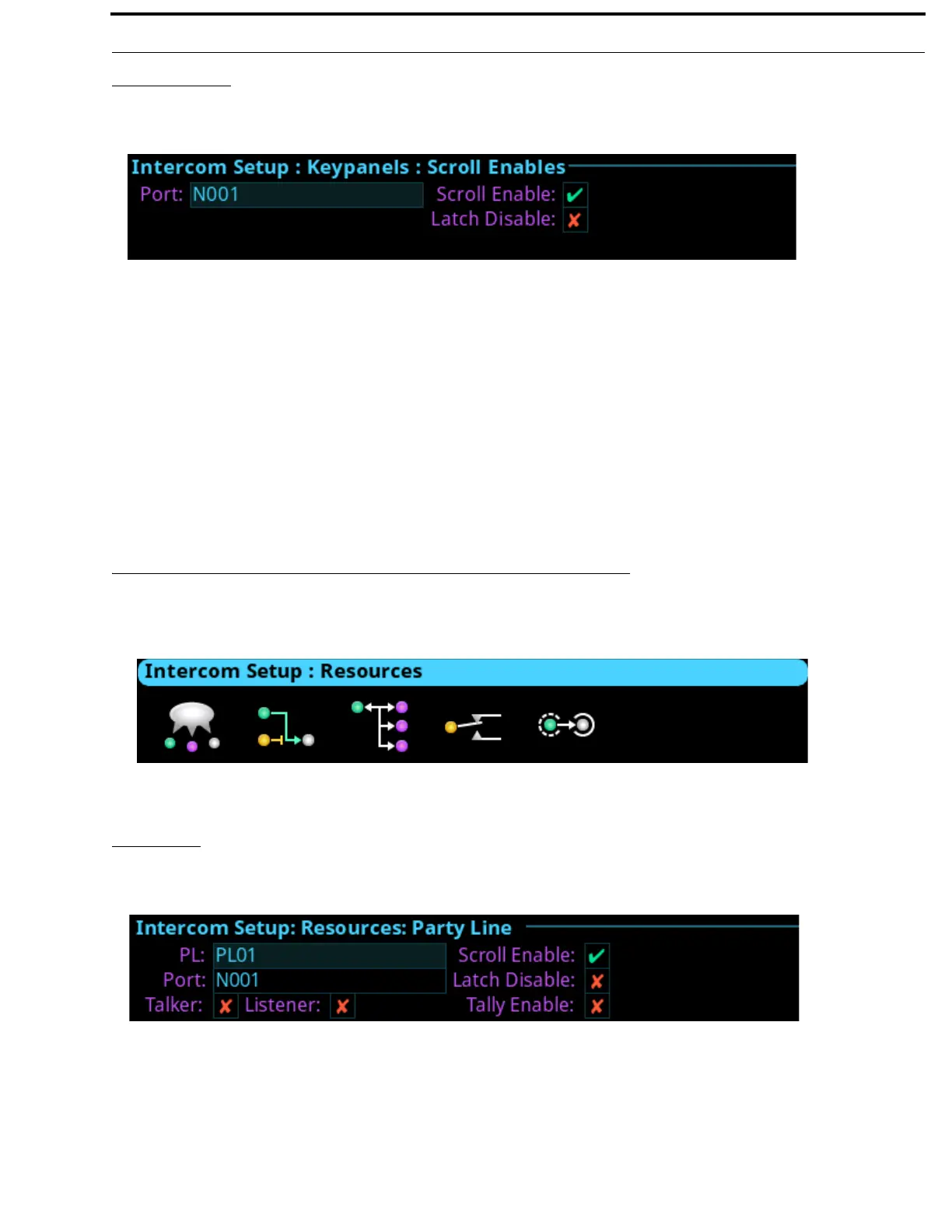
The Scroll Enables screen is used to configure selected ports for scroll enable and/or latch disable.
Port Field
The Port field is used to select the desired port where scroll enable and latch disable is to be enabled or disabled.
Scroll Enable Check Box
The Scroll Enable check box determines whether the selected port is visible in scroll lists.
Latch Disable Check Box
The Latch Disable check box determines whether the selected keypanel, when assigned to a key, causes the key to become latch
disabled. This can be overridden by clearing the latch disable for the key after the assignment is made.
Resources Menu
The Resources menu is used to setup intercom resources in the intercom.
Party Line
The Party Line screen is used to configure Party Line membership and options.
PL Field
The PL field is used to select the party line to configure.
FIGURE 90. Intercom Setup | Keypanels | Scroll Enables
FIGURE 91. Intercom Setup | Resources Menu Icons
FIGURE 92. Intercom Setup | Resources | Party Line



 To Next Page