ODIN Intercom Matrix Menu System Description 139
User Interface Menu
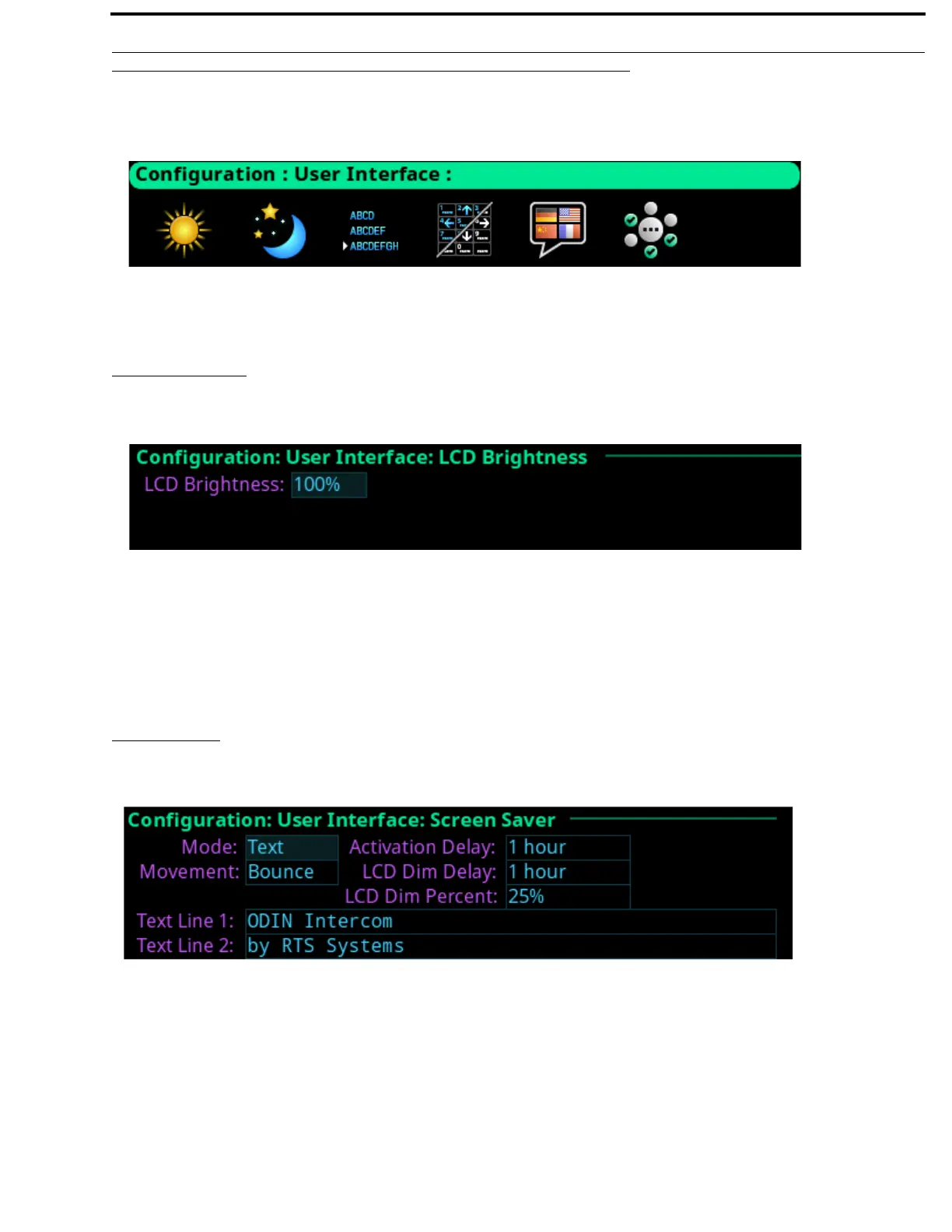
The User Interface menu is used to configure different user display options on the frame.
LCD Brightness
The LCD Brightness screen is used to set the brightness of the front display.
LCD Brightness Selection Field
The LCD Brightness selection field is used to set the front panel display brightness.
The range for this field is 35% to 100%.
Screen Saver
The Screen Saver screen is used to configure the way the screen saver operates.
Mode Field
The Mode field is used to select the type of screen saver desired.
Available options are Bitmap, Text, or Blank.
FIGURE 74. Configuration | User Interface Menu
FIGURE 75. Configuration | User Interface | LCD Brightness
FIGURE 76. Configuration | User Interface | Screen Saver



 To Next Page