ODIN Intercom Matrix Menu System Description 93
AIO
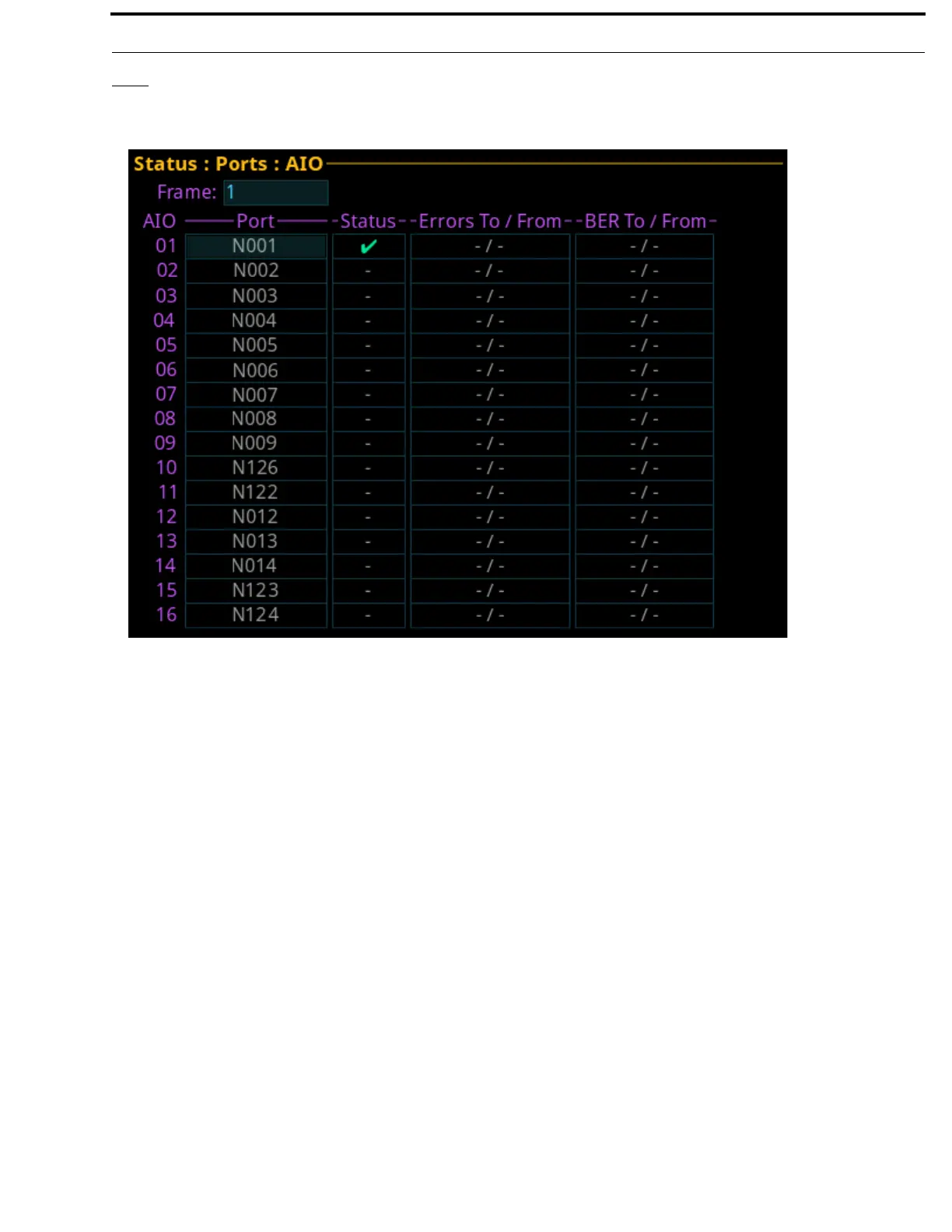
The AIO screen is used to display the AIO port status, which includes keypanel status and communication error counters.
Frame Field
The Frame field is used to select the frame to be viewed.
AIO Column
The AIO column displays the number of the physical AIO connector located on the back of the frame.
Port Field
The Port field displays the port number and alpha assigned to the connector.
FIGURE 25. Status | Ports | AIO



 To Next Page