ODIN Intercom Matrix Menu System Description 115
Intercom Size
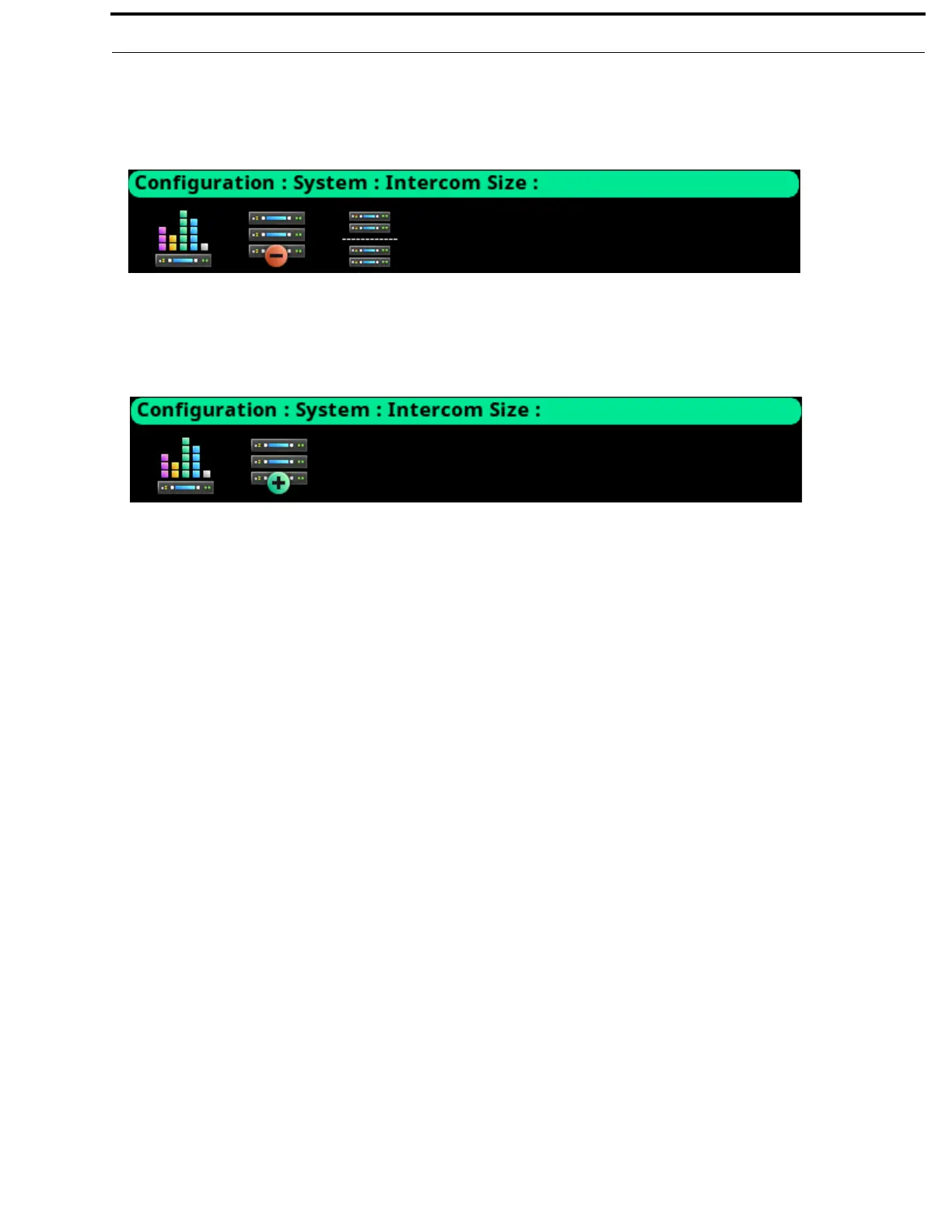
From the Intercom Size menu the intercom can be reconfigured, frames can be added or removed, or the intercom split into two
pieces.
The split intercom icon only appears when two or more frames are in the downstream line from the current frame. For example, in
a 5-frame system, the icon only displays in frames 1, 2, and 3.
Adding a frame or multiple frames is only possible from the last frame in the intercom. Removing a frame (or frames) is only
possible from a frame that is not the last frame in the intercom.
FIGURE 47. Configuration | System | Intercom Size Menu Icons (Multi-Frame System)
FIGURE 48. Configuration | System | Intercom Size Menu Icons (Single Frame System)



 To Next Page