158 Menu System Description ODIN Intercom Matrix
Gains Menu
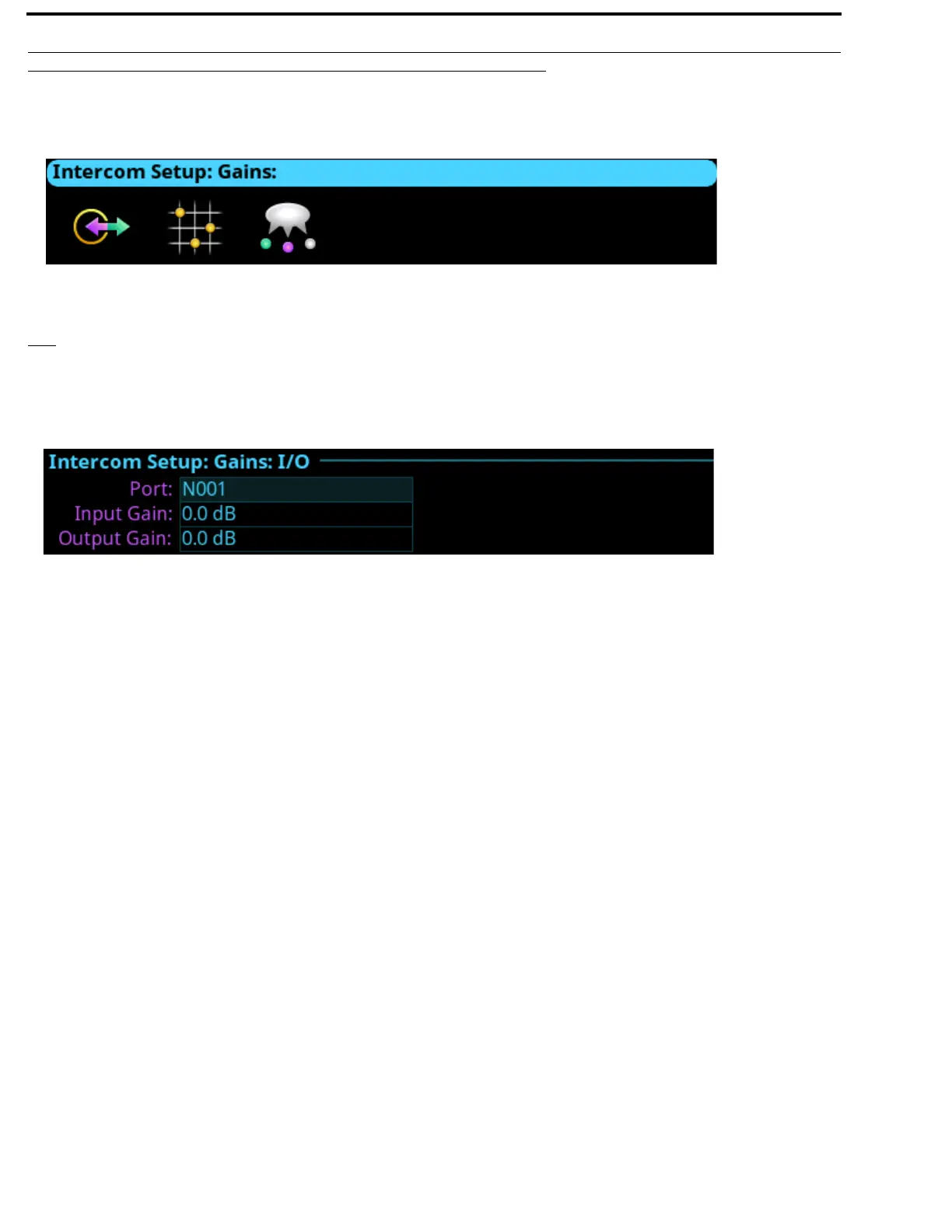
The Gains menu is used to set I/O gains, crosspoint gains, and party line gains.
I/O
The I/O screen is used to configure input and output gains for selected ports in the intercom system. Input and output gain
adjustments are used when an intercom port is interfaced to an external device operating at a different audio level than the intercom
system.
Port Field
The Port field is used to select the desired port’s gain to view or modify.
Input Gain Field
The Input Gain field is used to set the amount of gain, in dB, applied to the selected port’s input audio.
The range for this field is +20dB to -20dB.
Output Gain Field
The Output Gain field is used to set the amount of gain, in dB, applied to the selected port’s output audio.
The range for this field is +20dB to -20dB.
FIGURE 97. Intercom Setup | Gains Menu Icons
FIGURE 98. Intercom Setup | Gains | I/O



 To Next Page