146 Menu System Description ODIN Intercom Matrix
Target 1 through Target 5 Field
The Target 1 through Target 5 fields are used to enter the IP address of computers where trap messages are sent.
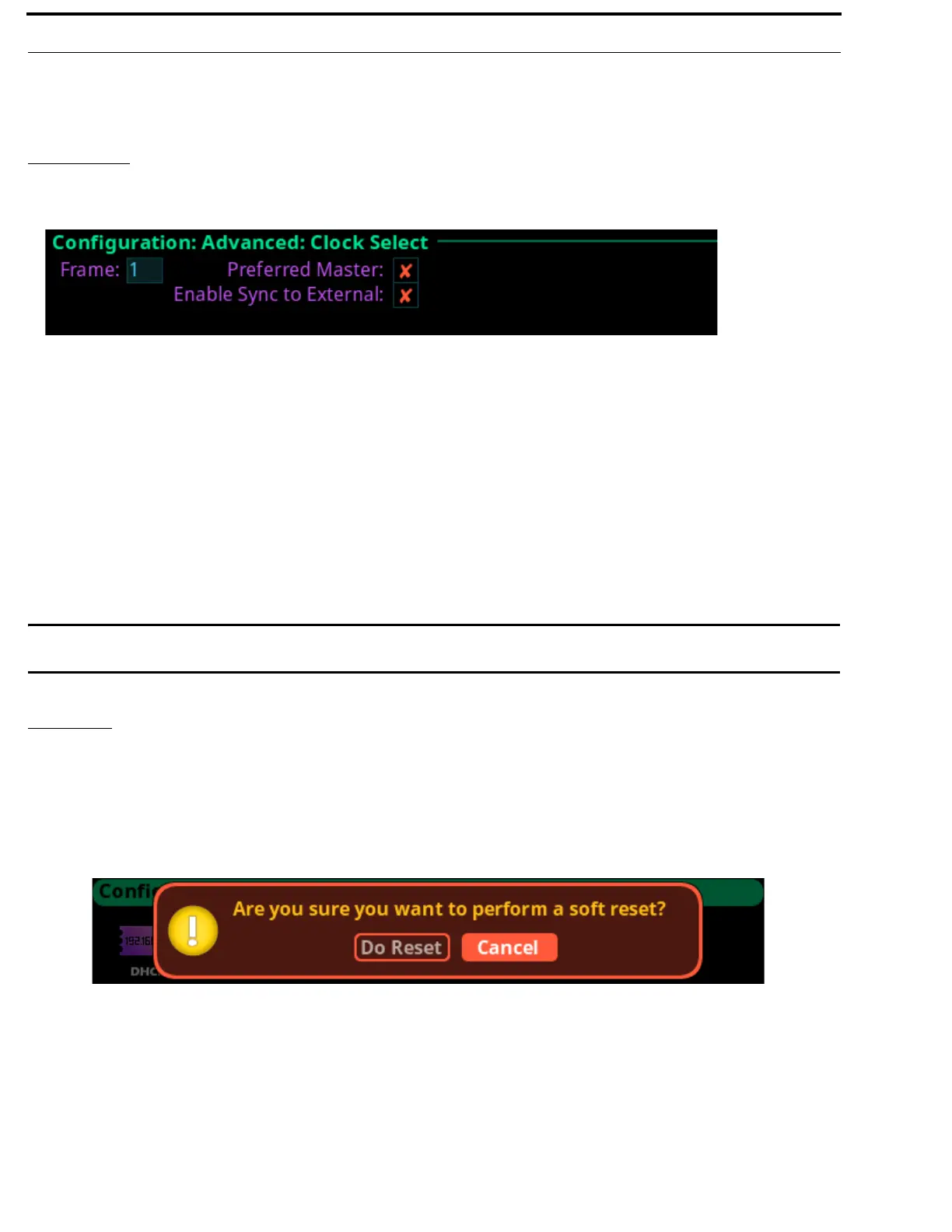
Clock Select
The Clock Select screen is used to configure the word clock used to synchronize audio across the frames in an intercom system.
Frame Field
The Frame field is used to select the frame to be viewed.
Preferred Master Check Box
The Preferred Master check box determines whether the frame is configured as the preferred master clock for other OMNEO
devices on the network.
Enable Sync to External Check Box
The Enable Sync to External check box determines whether the intercom system synchronizes to an external word clock.
IMPORTANT: ODIN only requires a 48 kHz external word clock if the Enable Sync to External check box is selected. If a
Network PTP clock is used, an external word clock is not needed.
Soft Reset
A Soft Reset is used to reboot the frame without resetting any of the configurations.
To perform a soft reset, do the following.
1. Turning the right encoder knob, navigate to the Soft Reset icon.
2. Press the right encoder knob.
The Soft Reset Confirmation message appears.
3. Turning the right encoder knob, move the button focus to Do Reset.
4. Press the right shaft encoder.
A countdown message gives direction to press the HOME key on the keypad 5 times.
5. Press the HOME key five times.
ODIN reboots.
FIGURE 83. Configuration | Advanced | Clock Select



 To Next Page