22 Basic Operation ODIN Intercom Matrix
ODIN Icon and Menu Descriptions
Display Panel Icons
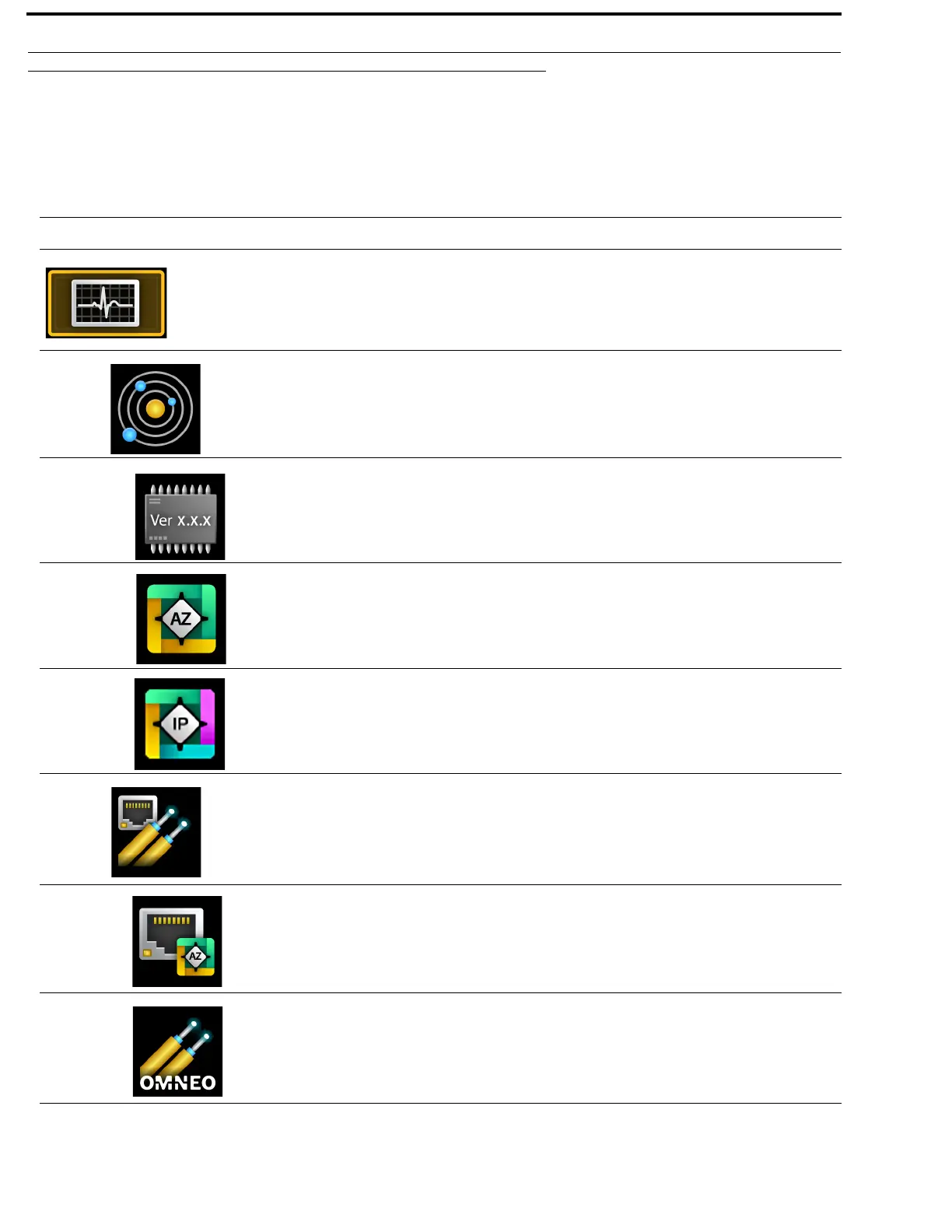
Display Panel Icons are used to navigate the menu structure on the ODIN frame. Use Table 1 for a complete description of each
icon seen in the menu and submenu structure.
TABLE 1. Display Icon Description and Menu Structure
Icon Icon Name Description
Status
The Status menu is used to view status information for the
intercom.
For more information, see “Status Menu” on page 82.
System
The System menu item is used to select the system status to be viewed.
For more information, see “System Menu” on page 82.
ODIN Versions The ODIN Versions menu item displays the version number for each
ODIN component (firmware or FPGA) currently installed on the frame.
For more information, see “ODIN Versions” on page 82.
AZedit Sessions The AZedit Sessions menu displays the name (if available) and associated
IP Address of each user connected to the frame via AZedit.
For more information, see “AZedit Sessions” on page 83.
IPedit Sessions The IPedit Sessions menu displays the name and associated IP Address of
each user connected to the frame via IPedit.
Network
The Network menu item is used to select the network connection status to
be viewed.
For more information, see “Network Menu” on page 84.
Control Port The Control Port menu item displays status details for the Control Port.
For more information, see “Control Port” on page 84.
OMNEO (SFP) The OMNEO (SFP) menu item displays status details for the OMNEO
SFP fiber ports.
For more information, see “OMNEO (SFP)” on page 85.



 To Next Page