ODIN Intercom Matrix Basic Operation 21
NOTE:
• Pressing CLR does a backspace if the cursor is not at the start of a field. At the start of a field, CLR deletes
the character at the cursor.
• Press CLR when there is no text in the field aborts the changes.
• Pressing UP/DOWN from the end of a text (when the cursor is shown as an underline) starts the character
offerings at the spot of previous character (to the left). If the previous character was an “m”, pressing UP/
DOWN would display an “n”.
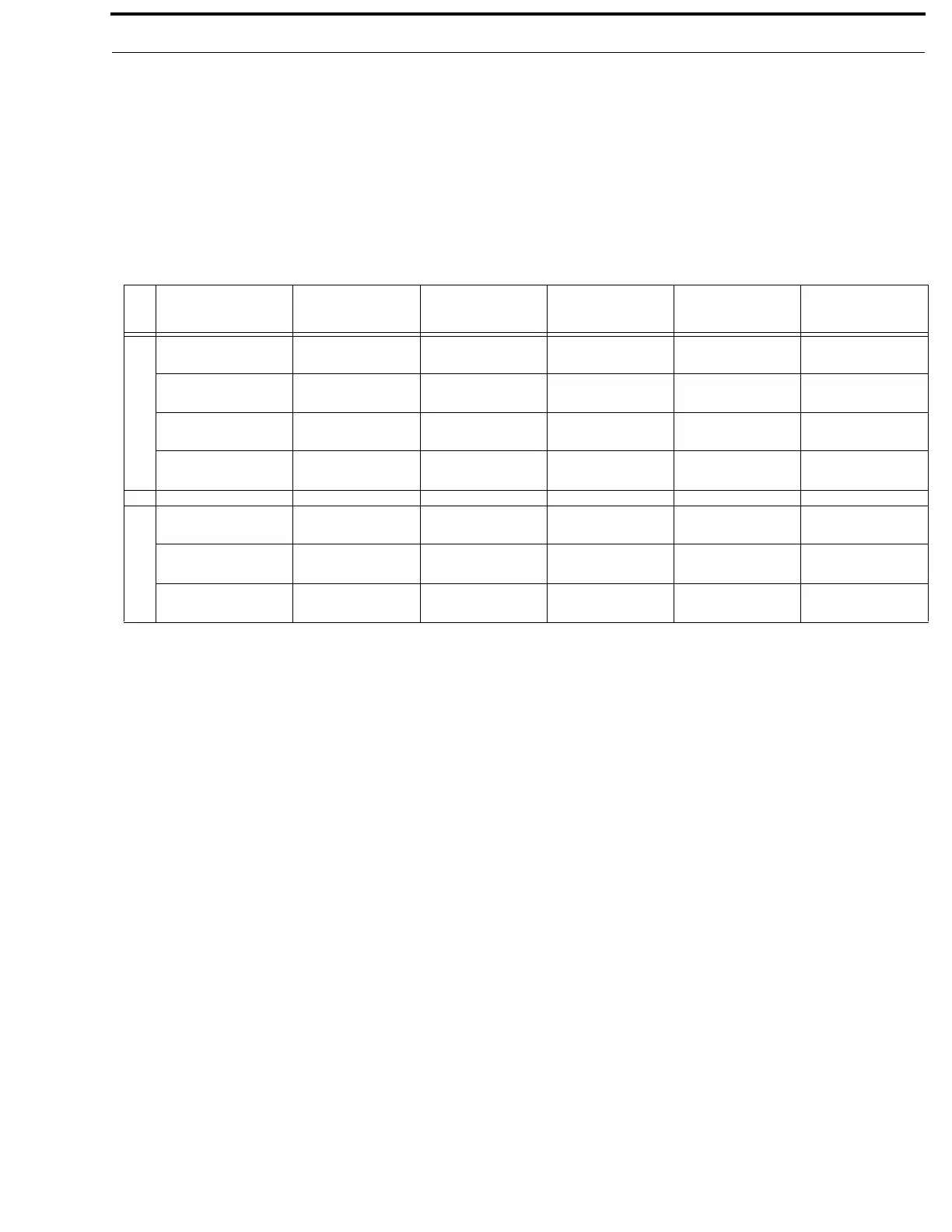
Shaft Encoder Operation
Keypad
Character/Mode
Form (editing):
Text
Form (editing) +
SHIFT: Text
Form (editing):
Spinner
Form (editing):
Pick List
Form: Check
box
Left Encoder
Click
Delete character Edit cancel (abort
changes)
Edit cancel (abort
changes)
Edit cancel (abort
changes)
Exit form (prompt if
changes)
Double Click
Edit cancel (abort
changes)
Edit cancel (abort
changes)
Edit cancel (abort
changes)
Edit cancel (abort
changes)
Exit form (abort
changes)
Press + Hold
Activate screensaver /
Logout
Activate screensaver /
Logout
Activate screensaver /
Logout
Activate screensaver /
Logout
Activate screensaver /
Logout
Rotate
Move character
highlight
Move character
highlight
Scroll form up / down Scroll form up / down Scroll form up / down
Right Encoder
Click
Move to next
character
Edit done (save
changes)
Edit done (save
changes)
Edit done (save
changes)
Toggle check state
Double Click
Edit done (save
changes)
Edit done (save
changes)
Edit done (save
changes)
Edit done (save
changes)
Exit form (save
changes)
Rotate
Change current
character
Toggle letter case
(current char)
Change value Change selected entry Move to next /
previous



 To Next Page