ODIN Intercom Matrix Menu System Description 147
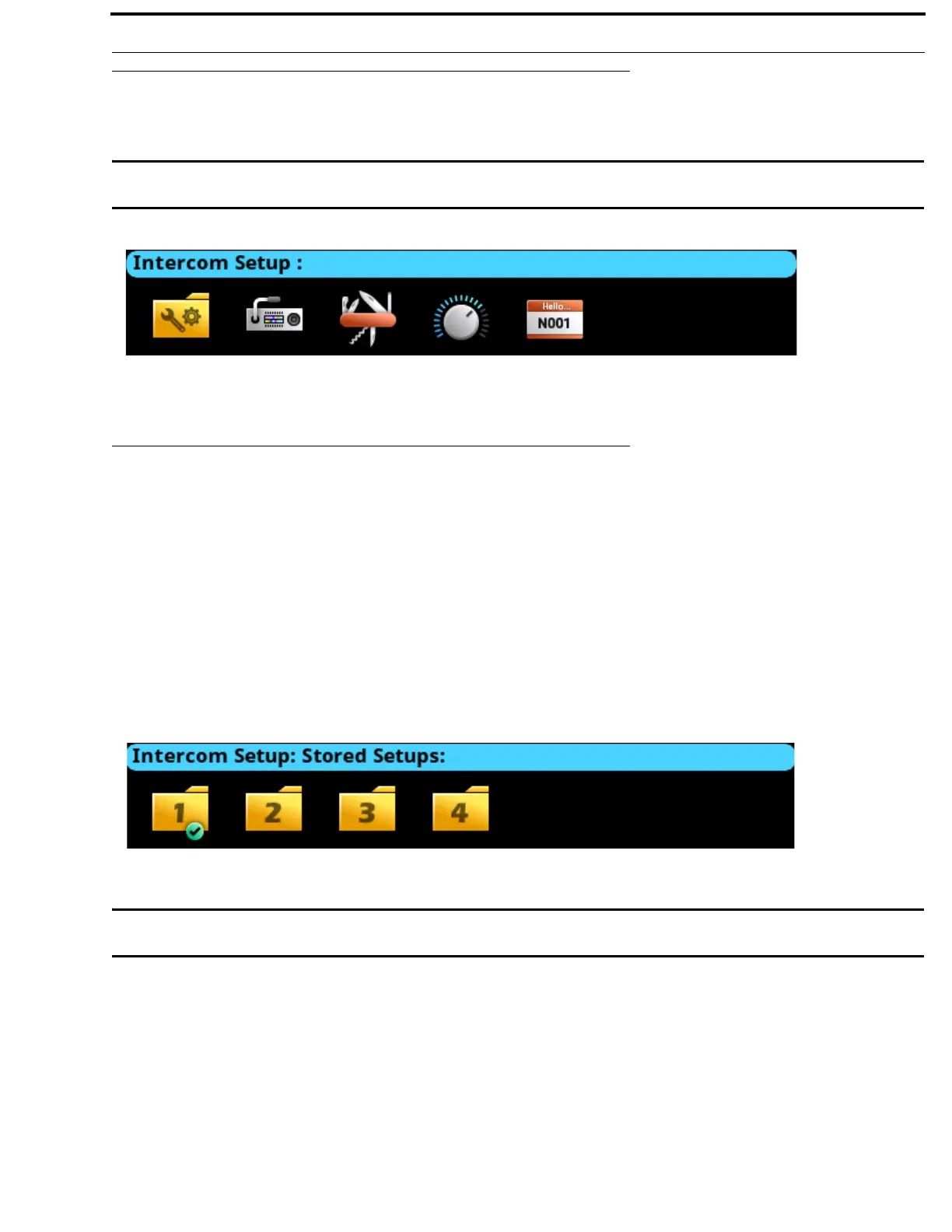
Intercom Setup Menu
The Intercom Setup menu is used to setup keypanels, intercom resources, gains and alphas.
IMPORTANT: Changes made to front panel settings are saved to flash immediately. However, changes made to Intercom
Setup may not be saved for up to 5 minutes after the change is made.
Stored Setups Menu (Single Frame Only)
Stored Setups are full AZedit setup files that are stored locally in ODIN and can be recalled from the front panel (or AZedit)
without having to send the file from AZedit. Up to four stored setups (Slots) can be configured and saved in ODIN.
The following can be done from the Stored Setups menu:
• confirm slot validation
• save the current setup to a slot
• restore the setup from a valid slot
• delete a valid setup
• update the description of a valid setup
IMPORTANT: Stored Setups are limited to use with single frame intercom systems. The Stored Setups menu item does not
appear in multi-frame systems.
FIGURE 84. Intercom Setup | Resources Menu Icons
FIGURE 85. Intercom Setup | Stored Setups Menu Icons



 To Next Page