78 Firmware ODIN Intercom Matrix
8. Click Begin Download.
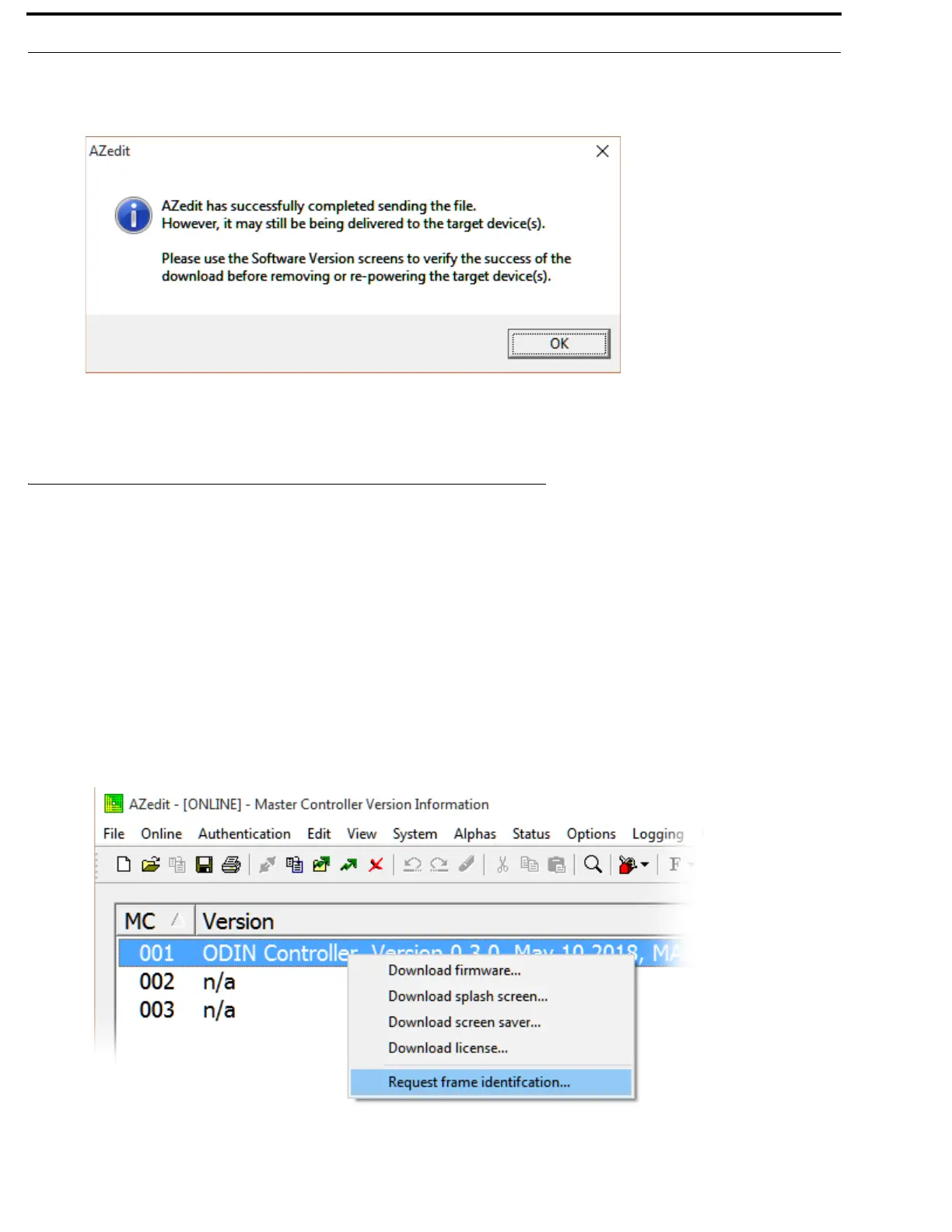
The download begins. A progress bar appears to show the progress of the download. Once complete, a success message
appears.
9. Click OK.
The message closes. The file is updated.
Request Frame Identification
The Request Frame Identification option is used to display the frame number on the front panel of the frame from AZedit. The
display is more visible to see, for example from across a room.
To have each ODIN frame in an intercom identify itself by displaying the frame number on the front panel, do the following:
1. Open AZedit.
2. From the Status menu, select Software Versions | Master Controllers.
The Master Controller Version Information window appears.
3. Highlight the Master Controller to be updated.
NOTE: More than one selection may be made holding the CTRL key down while selecting multiple frames.
4. Right-click the highlighted selection(s).
A popup menu appears.



 To Next Page