34 Basic Operation ODIN Intercom Matrix
Port Status Overview
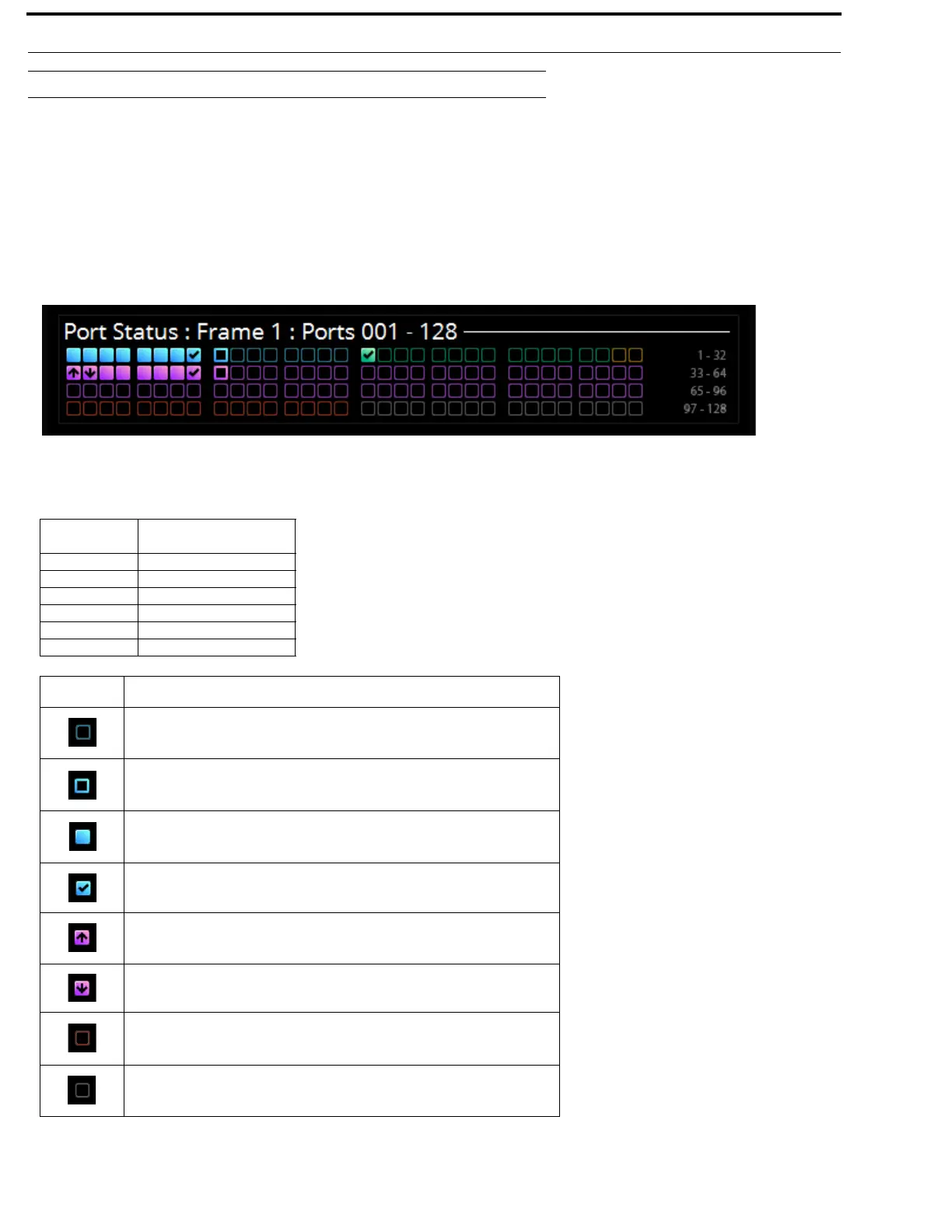
The Port Status Overview displays the port status in each frame of the intercom. The port type and port status are represented by
different colored status boxes.
To display the port status screen, do the following:
> While on the Home Screen, click the left encoder knob.
OR
Press the Home button on the keypad.
The Port Status screen appears.
FIGURE 7. Port Status Screen
Color Description
Blue RVON
Green AIO
Gold 2-Wire
Magenta OMNEO
Red Port not allocated
Grey Port not licensed
Icon Description
Not Configured (displayed as a square outline in the port type color, see
Figure 7)
Configured, not connected
Configured, connected, bi-directional audio
Configured, connected, keypanel attached and communicating
Configured, connected, OMNEO unidirectional receive
Configured, connected, OMNEO unidirectional transmit
Port Type has not been defined (red square outline)
Port is unlicensed (grey square outline)



 To Next Page