ODIN Intercom Matrix Menu System Description 133
Mode Field
The Mode field is used to select the channel operation mode.
Available options are:
Off
Audiocom – Balanced Audio, shared power and audio
Clear-Com – Unbalanced, separate power and audio
RTS1 – CH 1 Unbalanced, shared power and audio
RTS2 – CH 2 Unbalanced, shared power and audio
Balanced and unbalanced refer to the type of audio signal being used
Unbalanced Audio – uses ground reference signalling
Balanced Audio – uses differential mode signalling
By default, this field is set to Off.
Auto-Mute Field
The Auto-Mute field determines whether the 2W port is automatically muted. If the setting is enabled, the 2W port is muted
whenever ODIN detects the absence of DC power on the line (typically because the cable on the 2W port was removed).
By default, the Auto-Mute is enabled.
Peripherals Menu
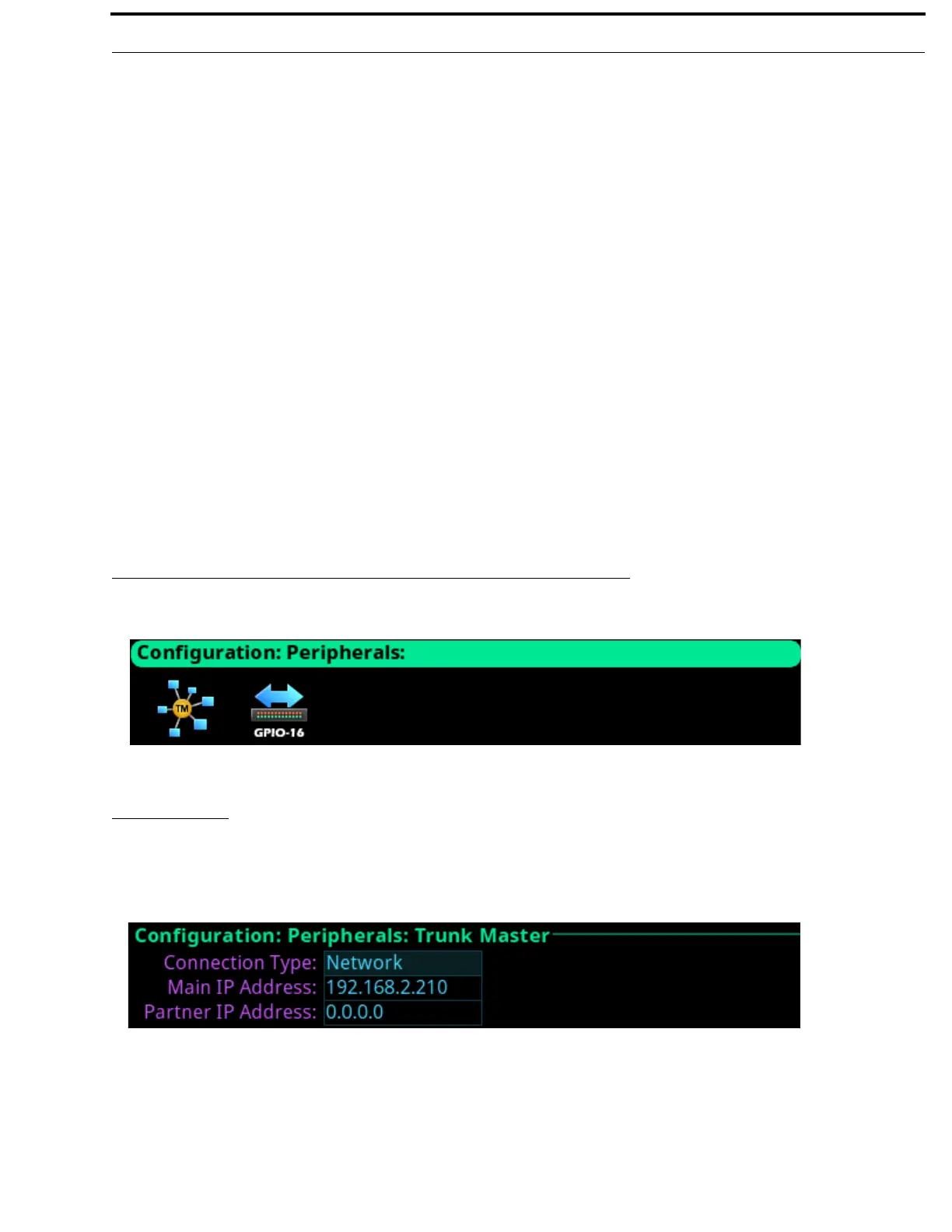
Trunk Master
The RTS Trunking System manages communications between separate intercoms using trunks (reserved intercom ports) and
connected between the intercom system. Keypanel or other data devices can communicate with various destinations in other
intercom systems via trunks.
Connection Type Field
The Connection Type field is used to select the type of connection the Trunk Master uses.
Available options are Network and Disabled.
NOTE: ODIN does not support a serial connection to the Trunk Master.
FIGURE 65. Configuration | Peripherals Menu Icons
FIGURE 66. Configuration | Peripherals | Trunk Master



 To Next Page