32 Basic Operation ODIN Intercom Matrix
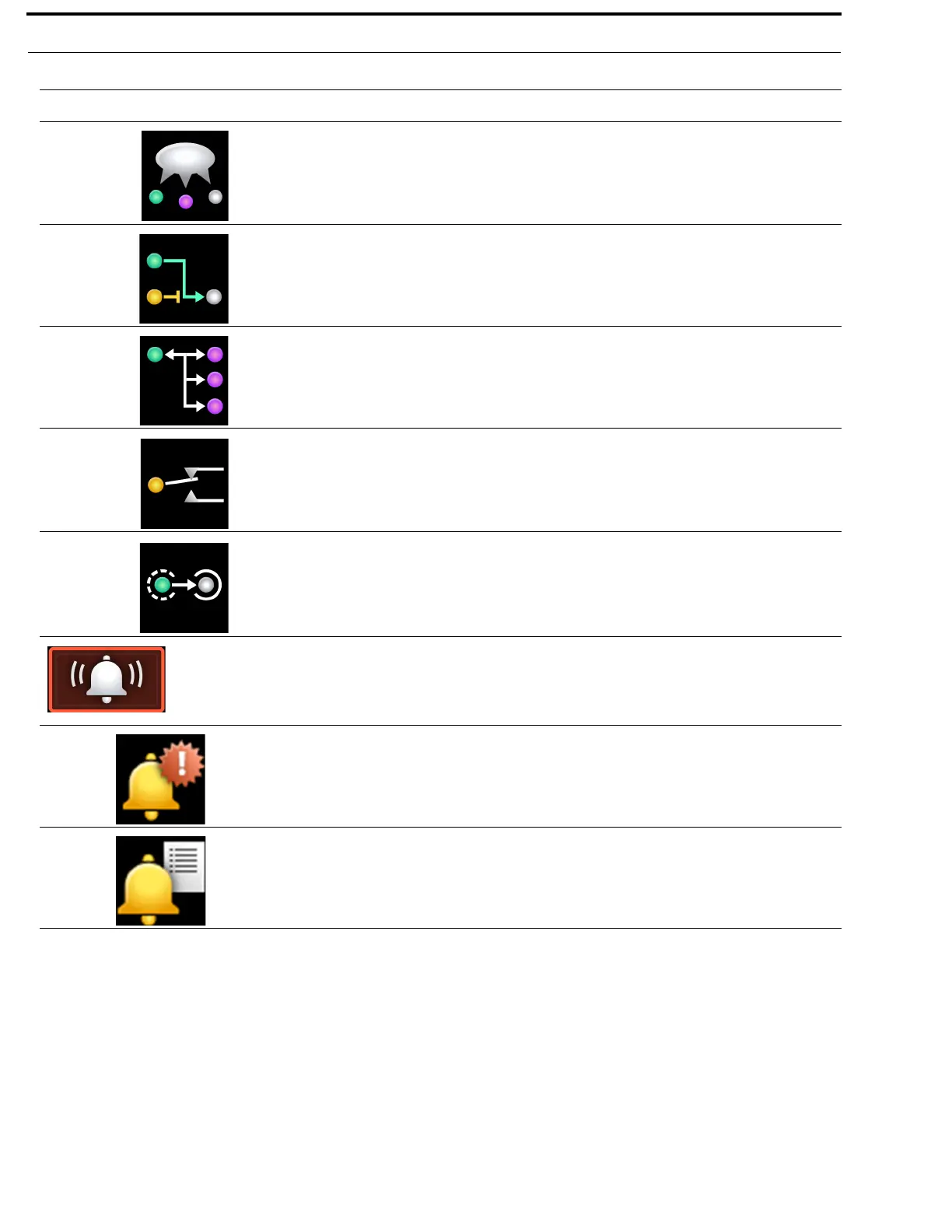
Party Line The Party Line menu item is used to view and edit the Alpha(s) and Scroll
Enable flags for each party line assignment.
IFB The IFB menu item is used to view and edit the Alpha(s) and Scroll Enable
flags for each IFB assignment.
Special List The Special List menu item is used to view and edit the Alpha(s) and
Scroll Enable flags for each special list assignment.
Relay The Relay menu item is used to view and edit the Alpha(s) and Scroll
Enable flags for each relay assignment.
ISO The ISO menu item is used to view and edit the Alpha(s) and Scroll Enable
flags for each ISO assignment.
Alarms
The Alarms menu is used to access alarm notifications of events that occur
in the intercom system. If the sound waves in the icon are flashing there are
unacknowledged alarms in the system.
For more information, see “Alarms Menu” on page 162.
Unacknowledged The Unacknowledged menu item displays alarms the user has not yet
acknowledged (meaning the alarm may not have been seen yet).
Active The Active menu item displays all alarms that have occurred and are still
active (for example, the fault has not gone away).
TABLE 1. Display Icon Description and Menu Structure
Icon Icon Name Description



 To Next Page