ODIN Intercom Matrix Menu System Description 149
Update Description Button
The Update Description button is used to confirm and update the changes made to the description of the Stored Setup. Changes to
the description can also be made in AZedit on the Stored Setups window (ONLINE | Stored Setups).
IMPORTANT: The contents of a stored setup from ODIN cannot be viewed. The Description field is used to describe in
detail the saved setup parameters.
To save a setup, do the following:
1. Click the Stored Setups icon.
The four setup slot folders appear.
2. Click the slot to store the setup file.
The Slot <N> screen appears.
3. In the Description field, enter a description for the stored setup.
4. Click the Save button.
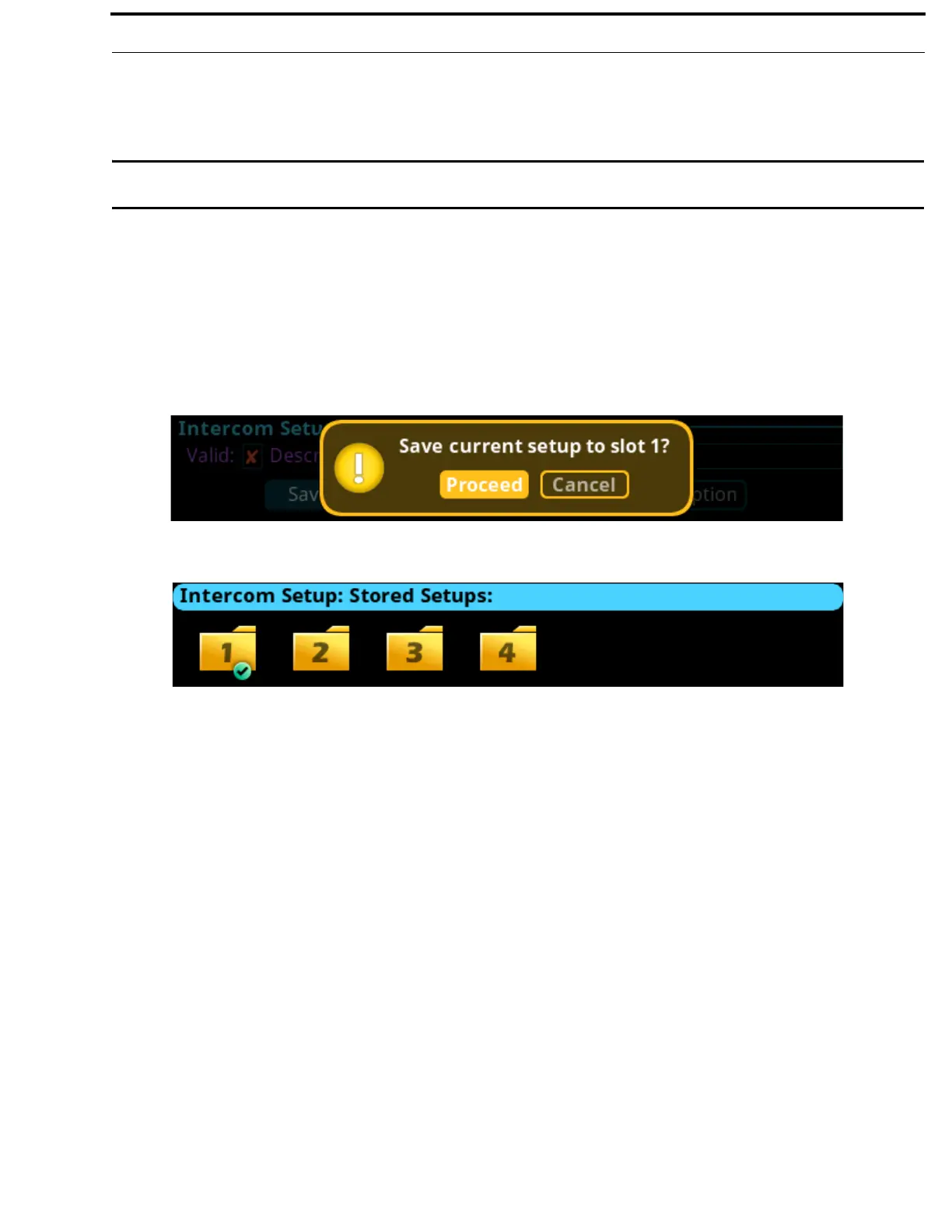
The Save current setup to slot <n> message appears.
5. Click the Proceed button.
The Stored Setup menu appears. The Saved Setup Slot folder is shown with a green check mark.



 To Next Page