ODIN Intercom Matrix Menu System Description 161
To configure the alpha size, do the following:
1. Turning the right encoder knob, navigate to the desired assignment type to assign an alpha.
2. Click the right encoder knob.
The Alpha Configuration form appears.
3. Turning the right encoder knob, navigate to the Port field.
4. Click the right encoder knob.
The Port field becomes active.
5. Turning the right encoder knob, scroll to the port desired.
6. Click the right encoder knob.
7. Rotating the right encoder knob, navigate to the 4 Character, 6 Character, 8 Character, or 8 Unicode field.
8. Click the right encoder knob.
The selected field becomes active.
9. In the active field, enter the desired Alpha for the port.
10. Rotating the right encoder knob, scroll to the first character of the Alpha.
11. Tap the right encoder knob to advance to the next character.
12. Repeat steps 9 thru 11 until the alpha is entered.
When finished entering the alpha, all the Alpha fields turn yellow (modification made).
13. Click the left encoder knob.
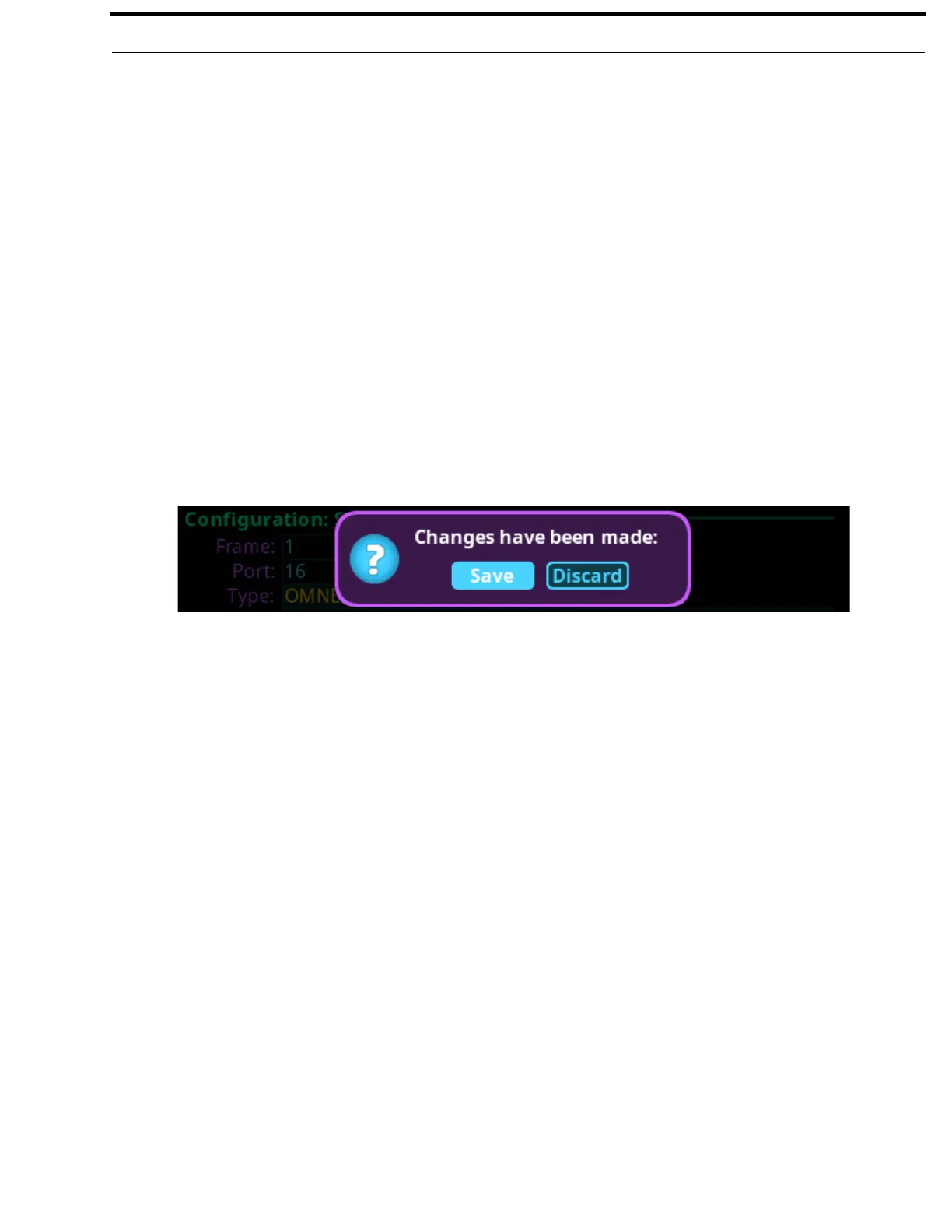
A confirmation message appears.
14. Verify the Save button has the focus.
15. Click the right encoder knob.
The modifications are saved and exits the menu.


 To Next Page
 Loading...











