164 Menu System Description ODIN Intercom Matrix
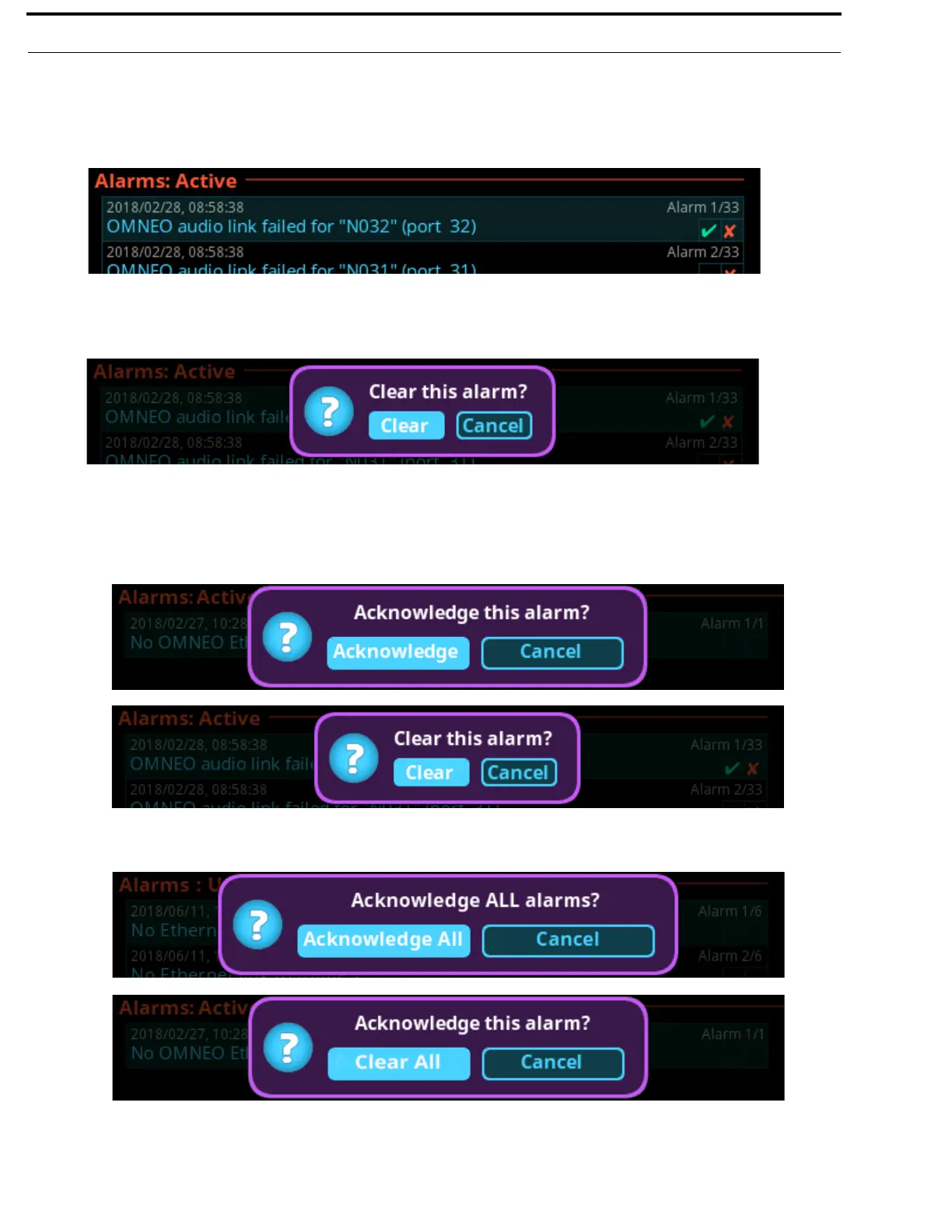
To clear alarms from the Active alarm list, do the following:
1. Navigate to the Active icon.
2. Click the right encoder knob.
The Active list appears.
3. Navigate to the desired alarm to clear.
4. Click the right encoder knob.
A popup message appears confirming the Clear.
5. Click the Clear button.
The alarm is cleared and removed from the Active List.
NOTE: When viewing all alarms, and an alarm is not acknowledged and not cleared, and then when SEL is pressed a prompt
to Acknowledge or Clear is displayed.
When viewing all alarms and pressing SHIFT+SEL (or SHIFT + Right Click) prompts to Acknowledge All or Clear
All (clearable) alarms at once.



 To Next Page