Operation • 89
English
17-10-05-353-002g_10-2020 B
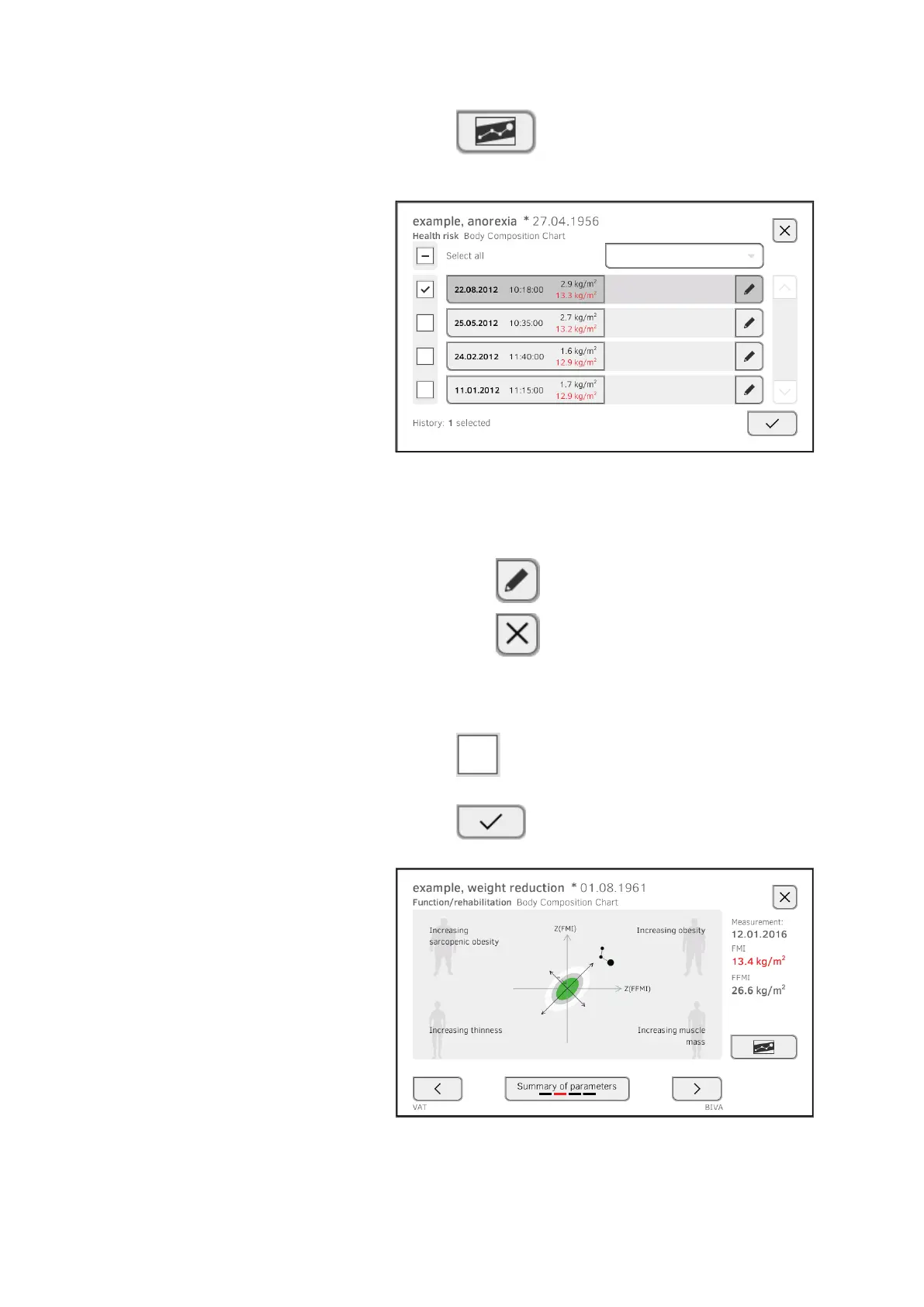
3. Press the button.
All measurements for the selected analysis parameter are displayed.
The latest measurement is selected automatically.
You have the following options for continuing:
► Press the drop-down menu: Filter measuring results by period (a
maximum of 5 measuring results are displayed). Then continue at
step 5.
► To select values for the history individually: continue at step 4.
► Press the button: Add a comment
► Press the button: Return to the previous view
NOTE
Just a single comment can be added to each measured result.
Existing comments will be overwritten.
4. Press the checkboxes for all measurements (maximum: 5) which
you want to look at in the history.
5. Press the button.
The history is displayed (in this case: three measurements)



 To Next Page