Cirklon Sequencer User Manual
It is also possible to set the tempo using the SCULPT key.
Tap the SCULPT key at least twice, at the desired tempo. The display will show the tempo
detected.
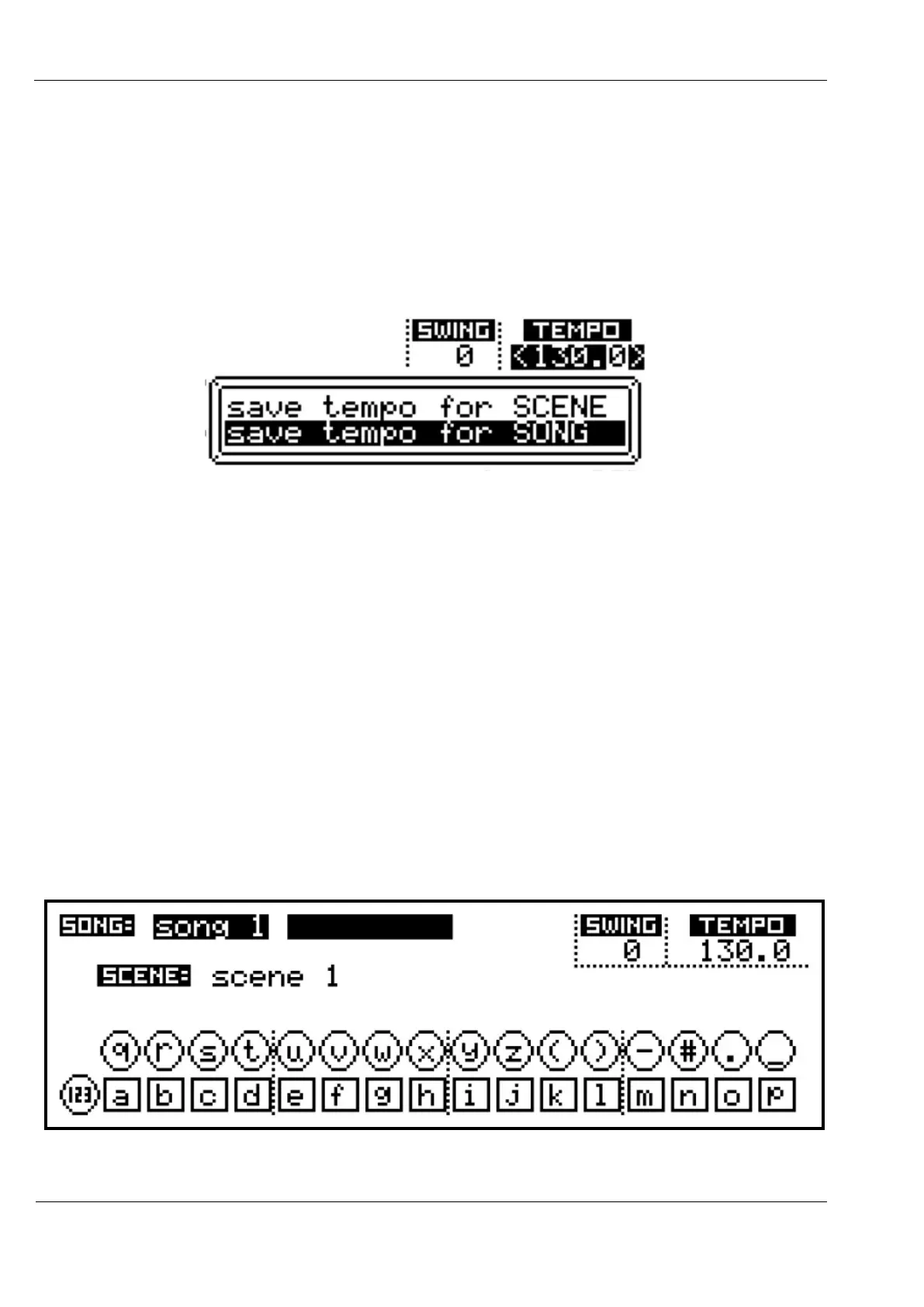
While the TEMPO value is selected for editing, it is possible to save the value for the current
song or scene by pressing the SAVE key.
A popup window will show two options, with song selected by default:
To save the current tempo value for this song, press ENTER.
When a song has a stored tempo, the label [SONG] will appear below the value.
You can remove the stored value by pressing the DELETE key while the tempo value is active
for edit.
When the song is later recalled, the tempo will be adjusted to its stored tempo value.
Once the tempo has been set as required, press VALUE/ENTER again.
The arrows will disappear and the encoder is once more active for selecting the other values
on the page.
The SWING setting is adjusted in the same way as tempo, and can be saved for the song or
scene.
Swing has a range of 0 (off) to 16, and adds a 16
th
note shuffle feel to the playback of patterns.
If you select the song name, then press VALUE/ENTER, you will see a display like this:



 To Next Page