DOC-06810 Rev. A 6–19
Objet1000 Plus User Guide
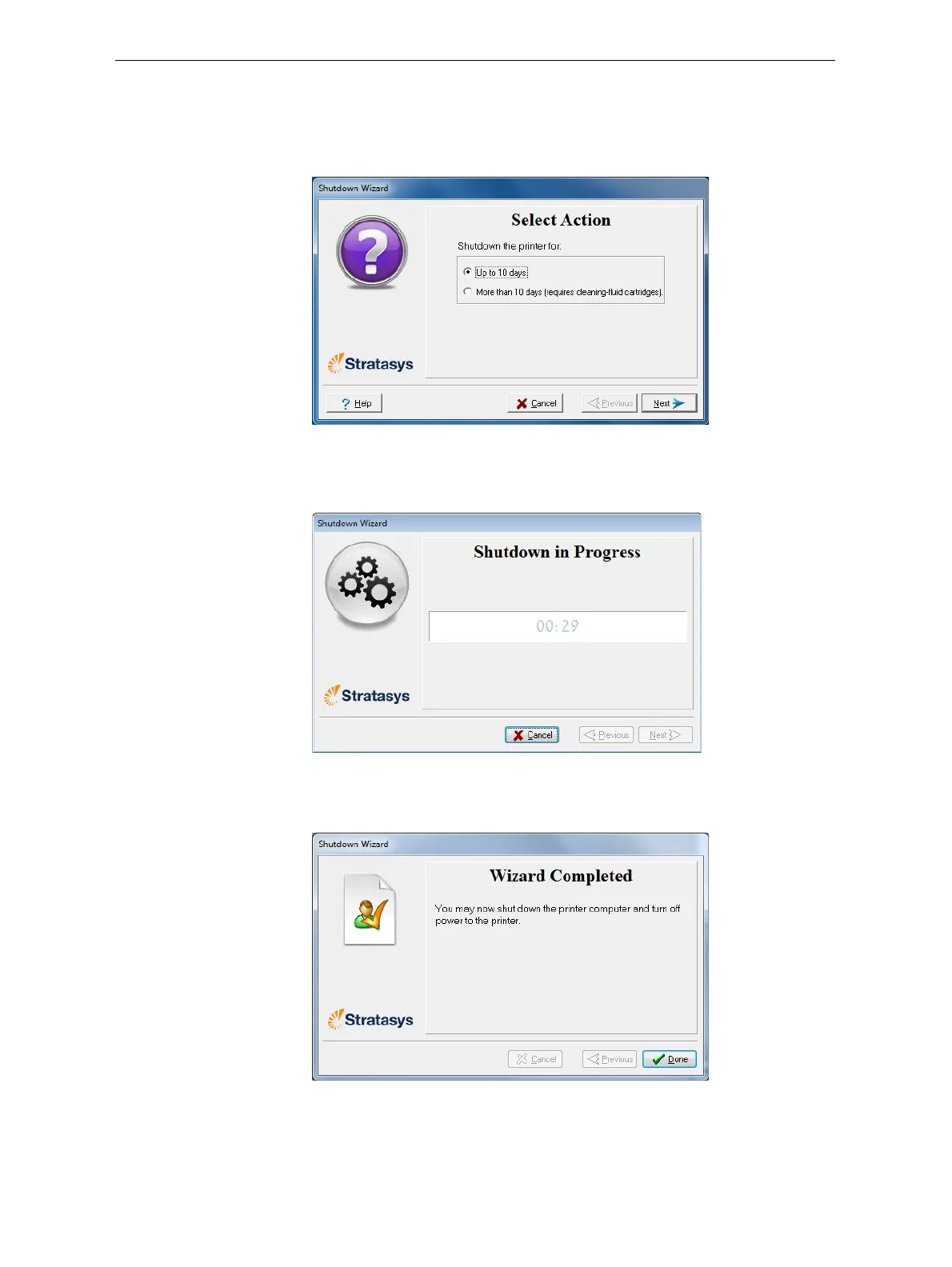
3. Choosetheappropriateoptionforthelengthoftimethattheprinter
willnotbeused—lessormorethantendays.
Note: Before selecting More than 10 days, make sure that cleaning-fluid
containers are available.
Figure 6-16: Shutdown options
4. Inthenextscreen,verifythatthetrayisemptyandclickNext.
Theshutdownprocedurebegins.
Figure 6-17: Shutdown progress screen
5. Whenthefinalwizardscreenappears,closeallopenprogramsonboth
computers,andshutdownthecomputers.
Figure 6-18: Final Shutdown wizard screen
6. Afterbothprintercomputersshutdown,turnoffthemainpower
switchatthebackoftheprinter(seefigure 6‐2onpage 2).













 To Next Page