DOC-06810 Rev. A 6–21
Objet1000 Plus User Guide
UV Lamp
Check
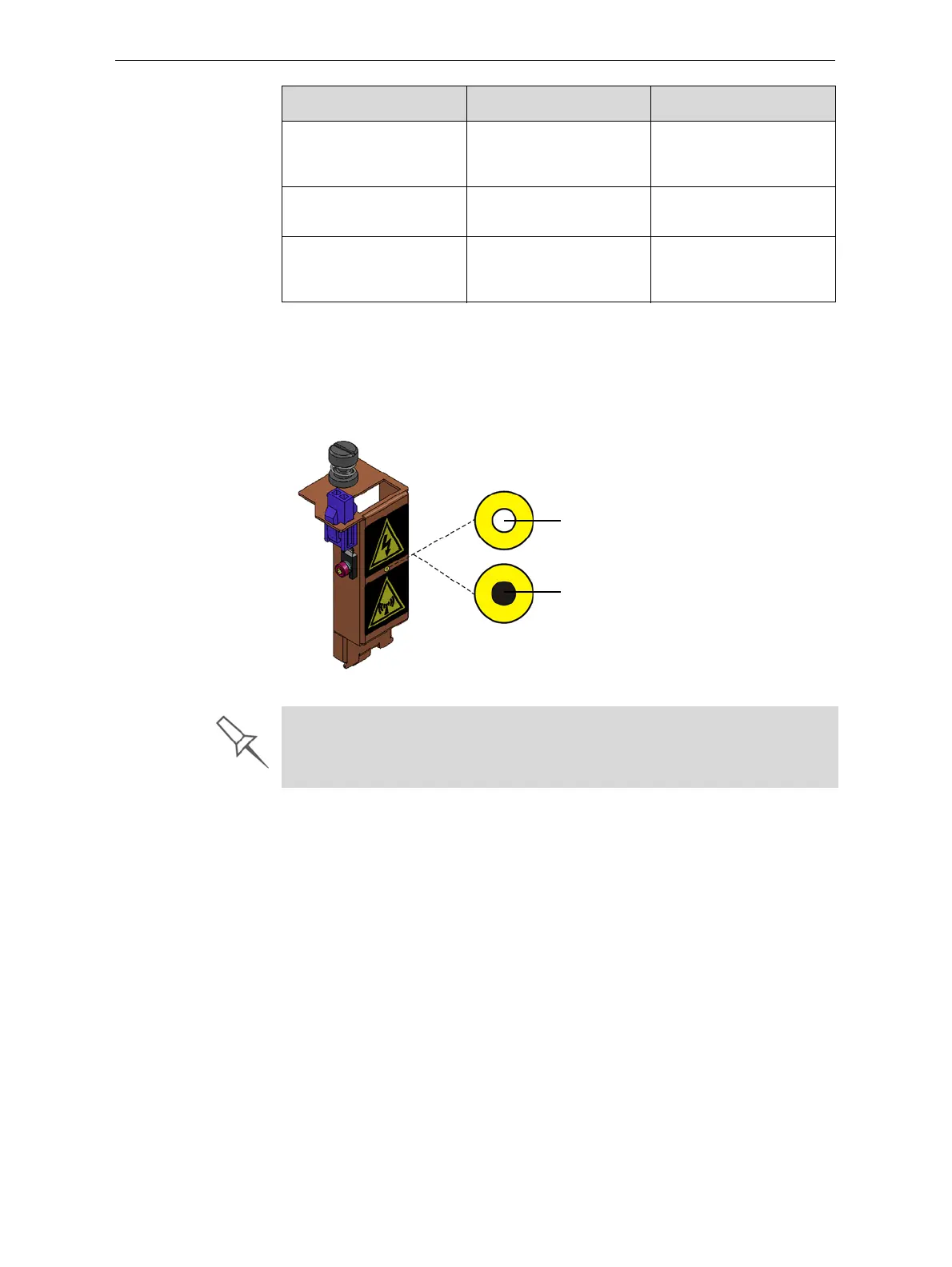
Aheat‐sensitivelabelisfixedtotheUVlampcoversasawarningagainst
overheating.Itscenterchangesfromwhitetoblackifthetemperatureof
thecoverreaches65°C(150°F).Ifthisoccurs,donotusetheprinter,and
callyourserviceprovider.Asaprecaution,it
isrecommendedthatyou
checkthelabelbeforeandafterprinting.
Figure 6-19: Heat-sensitive label on UV lamp cover
Cleaning the
Print Heads,
Roller and
Wiper
Regularinspectionandcleaningoftheorificeplatesonthebottomofthe
printheadspreventsprintnozzlesfromclogging.Cleaningtherollerand
wiperarealsoimportantformaintainingqualityprinting.Awizardadjusts
printercomponentstoenableaccesstothesekeyareas,anditguidesyou
throughthecleaning
procedure.Tomaintaintheprinterinoptimum
condition,runthewizardaftereveryprintjob,whenyouremovethe
modelfromthebuildtray.Thisproceduretakesabout20minutes.
To clean the print heads, roller and wiper:
1. Prepare—
• isopropanol(IPA—isopropylalcohol)orethanol(ethylalcohol)
• disposablecleaninggloves
• asuppliedcleaningclothorequivalent
• amirror
Monthly Inspecttheexhaust
system(duct,fan,
connections).
Monthly Calibratetheloadcells. See“Calibratingthe
LoadCells”onpage 62.
Every2500hoursof
printing
Preventivemaintenance
visitbyauthorized
serviceengineer.
ContactyourStratasys
serviceprovider.
Frequency Task For More Information
Normal
Overheating
problem
If the UV lamp continues to overheat, and the temperature around the lamp
reaches 90 °C (194 °F), a heat fuse cuts the power to the UV lamp and the
motion motors. In the unlikely event that this occurs, the printer cannot be
used until it is serviced by an authorized service engineer.













 To Next Page