Using Objet Studio
5–42
DOC-06810 Rev. A
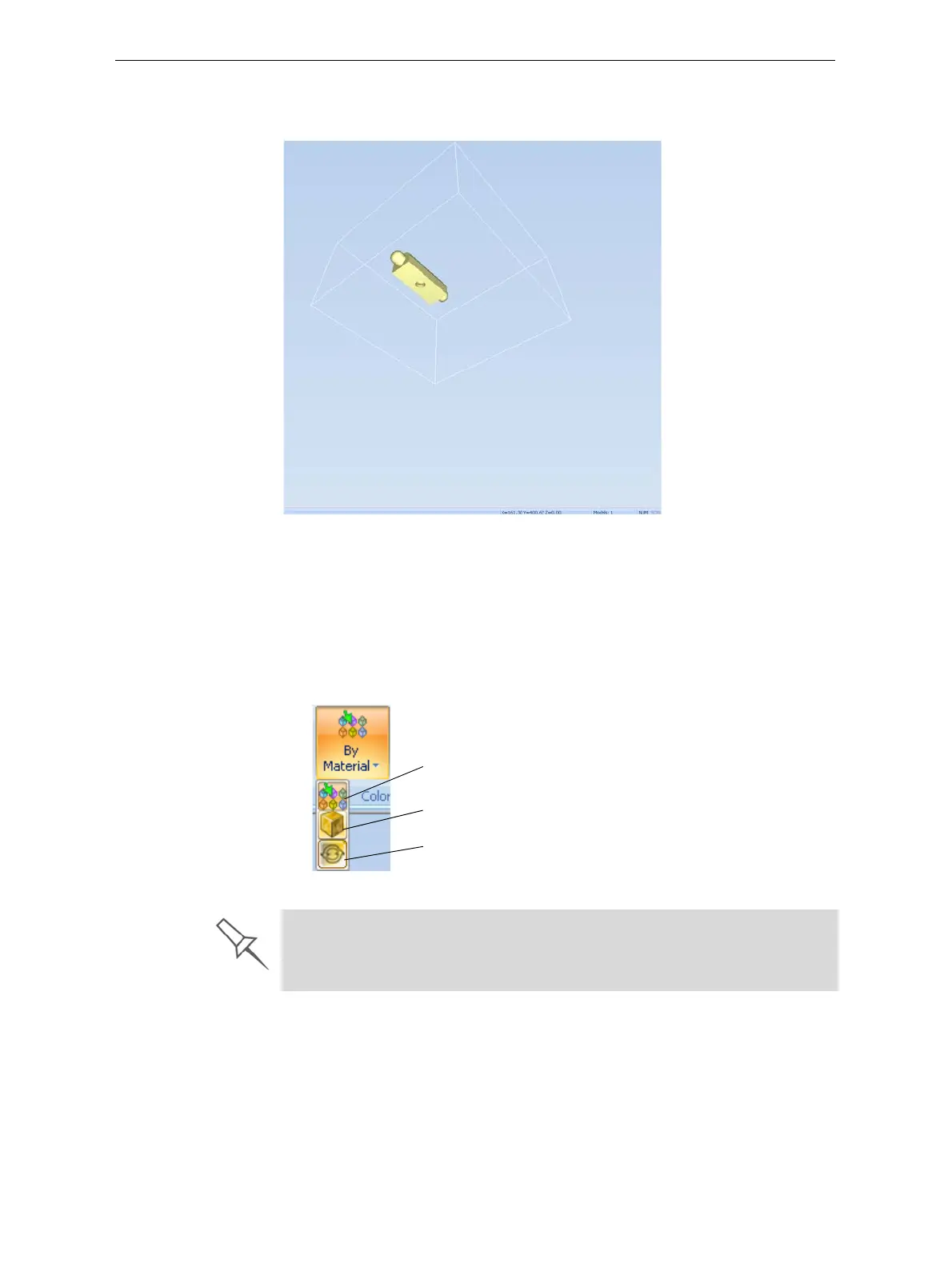
To manually rotate the tray:
¾
PressAltandpressthemousewheelwhilemovingthemouse.
Figure 5-60: Tray after rotating it upside-down
Setting Object
Colors
Thecolorofobjectsonthebuildtraycanindicatehowtheyareprinted.
ObjetStudioenablesyoutochoosethecolordisplaysothatyoucaneasily
seethematerial,surfaceandcoatingofobjects.
To choose how colors are applied on the display:
¾
OntheModelSettingsribbon,intheColorsgroup,selectoneofthe
optionsfromtheflyouttoolbar.
Figure 5-61: Colors display options
Color Indicates Model material
Color indicates Model surface
Color indicates if coating is used
Before sending a build tray to the printer, or when you perform tray
validation, Objet Studio checks if there is a problem with the stl files or the
positioning of objects on the tray. If so, the affected objects are displayed
with special colors (see “Tray Validation” on page 46).













 To Next Page