Operating & Maintaining the Objet1000 Plus 3D Printer
6–18
DOC-06810 Rev. A
Shutting Down the Printer
YouonlyneedtoshutdowntheObjetprinterifitwillnotbeusedfora
weekormore.Otherwise,theprintercanremainon,inIdlemode.
Toproperlyshutdown,theprinterneedstoperformseveralprocesses.
ThesearecontrolledbytheShutdownwizard.Donotattemptto
shut
downtheprinterbysimplyclosingthecomputerinterface(theprinter‐
controlapplication),andneverdisconnectpowertotheprinterbefore
completingthiswizard.
Dependingonthelengthoftimetheprinterwillnotbeused,youcan
choosebetweenashortshutdownprocedure,andamorethorough
procedure.
• Upto10days:ThewizardemptiestheprintblockofModeland
Supportmaterial,topreventleaks.Thistakesabout10minutes.
• Morethan10days:Thewizardemptiestheprintblock,thenflushes
thesystemwithcleaningfluid.Thistakesupto35minutes,andyou
mustbepresenttoloadcleaning‐fluidcontainerswheninstructed.
To run the Shutdown wizard:
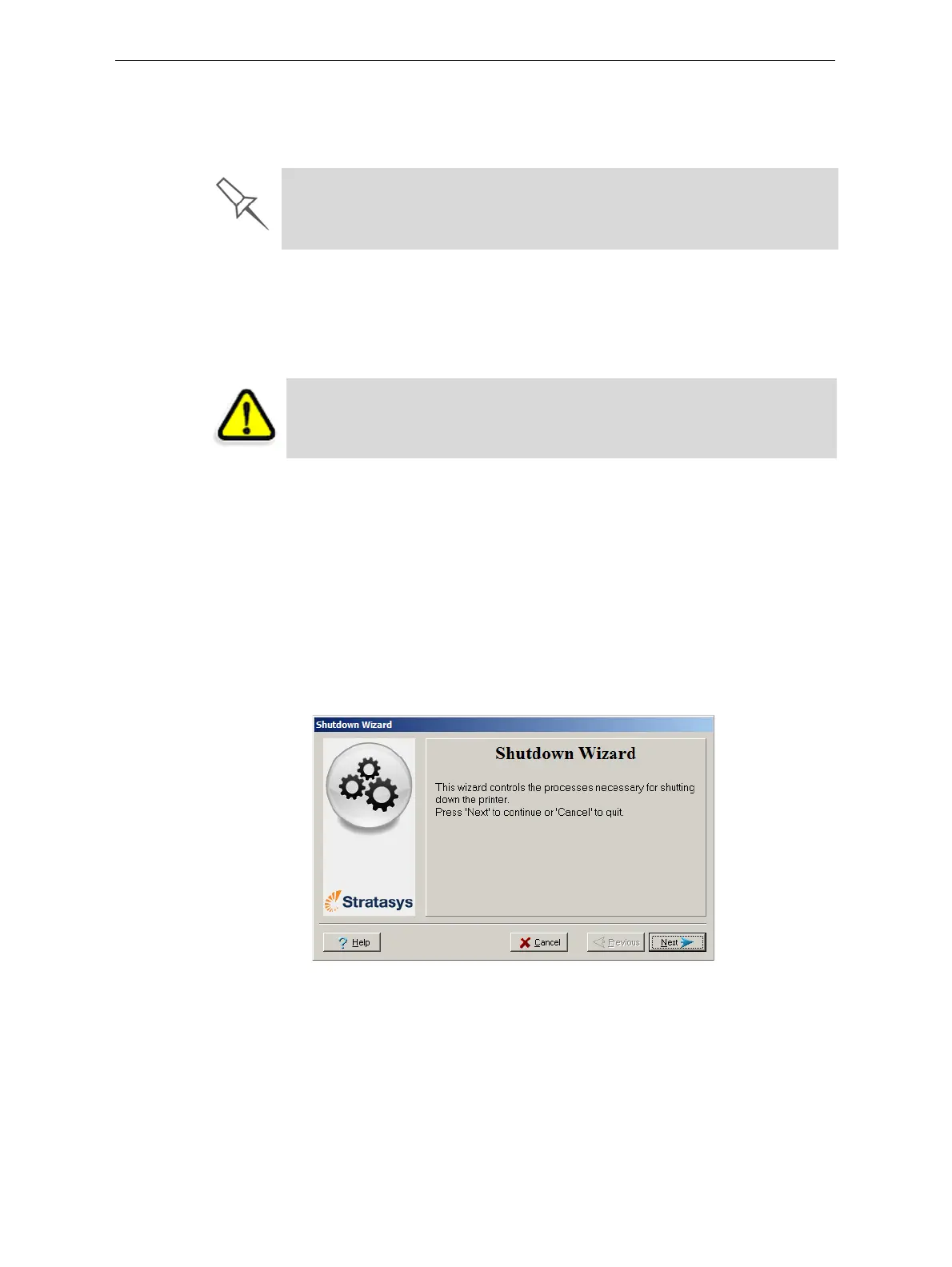
1. StarttheShutdownwizardfromtheOptionsmenu.
Figure 6-15: Shutdown wizard, opening screen
2. ClickNext.
The Shutdown process flushes printing materials from printer components.
To avoid flushing out valuable material, make sure to print models at least
once a week. Many printer operators use this opportunity to print customer
samples or test models.
CAUTION: Not using the printer for an extended period without first
running the wizard can cause serious damage to print heads and other
expensive printer parts.













 To Next Page