Using Objet Studio
5–8
DOC-06810 Rev. A
Objet Studio
Commands
Menu
Clickingtheiconintheupper‐leftcorneropenstheObjetStudio
Commandsmenu.Thismenudisplaysbasicapplicationcommandsand
options.
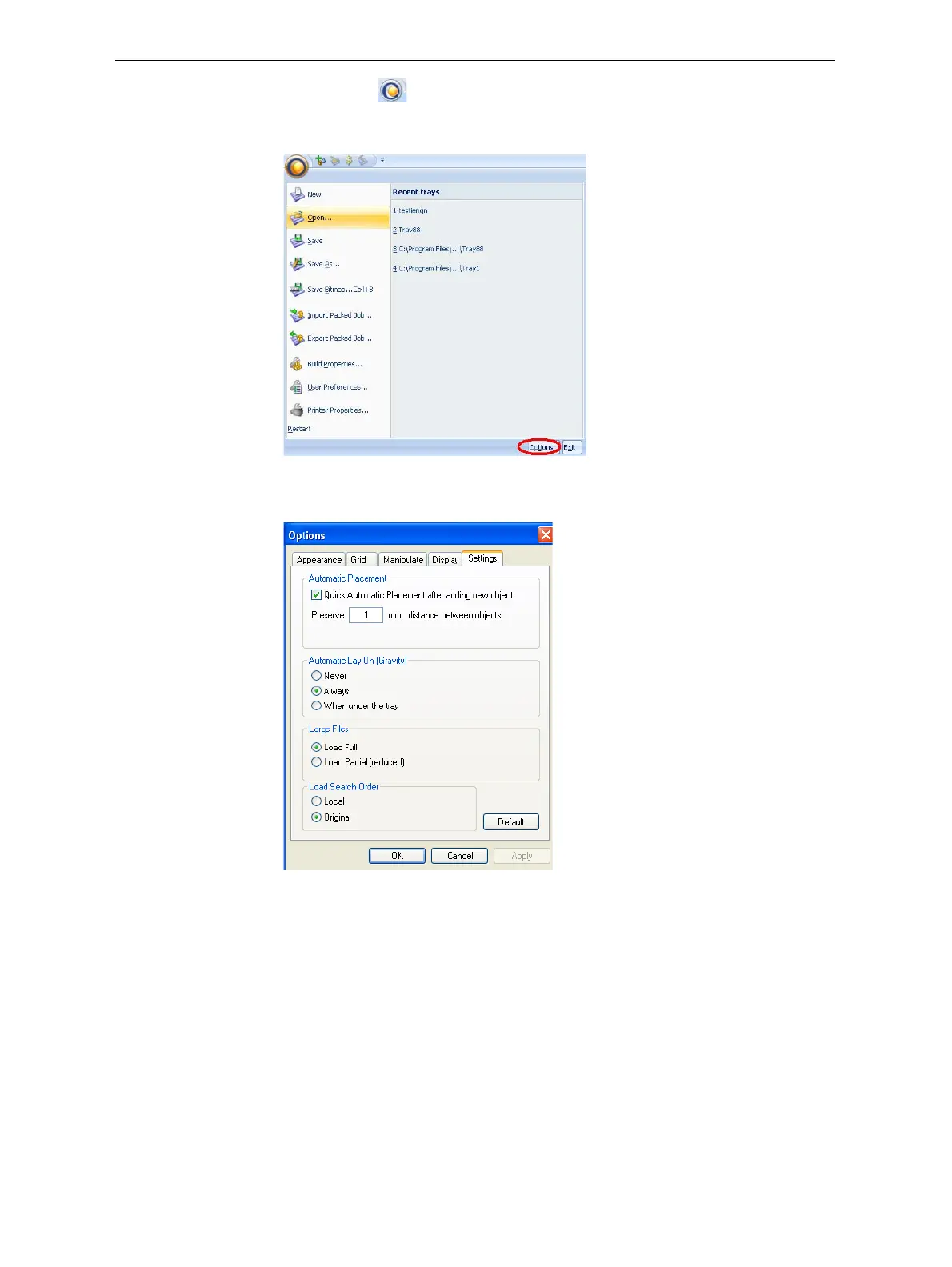
Figure 5-7: Objet Studio Commands menu
TheOptions buttonopensadialogboxforcustomizingObjetStudio.
Figure 5-8: Options dialog box
Model Tree
Pane
TheModelTreepaneliststheobjectsplacedonthebuildtrayinaparent‐
childhierarchy.Bydefault,thepane“floats”—thatis,youcanmoveitto
anotherpositiononthescreenandresizeit.Alternatively,youcanfixits
positionattheleftoftheapplicationwindow,and
evenhideit.













 To Next Page