Using Objet Studio
5–38
DOC-06810 Rev. A
Freezing Model
Orientation
Ifyoumanipulateanobjectonthebuildtray,youcanfreezeitsorientation
sothatitdoesnotchangewhenyoupositionitautomatically(see
“A u t o m a t i c Placement”onpage 27).
To freeze an object:
1. Selectanobjectonthebuildtray.
2. OntheModelSettingsribbon,intheManipulategroup,orontheModel
Toolbar,click .
To unfreeze an object:
¾
Selecttheobjectandclick(tode‐selectit).
Display Options
Viewing
Objects
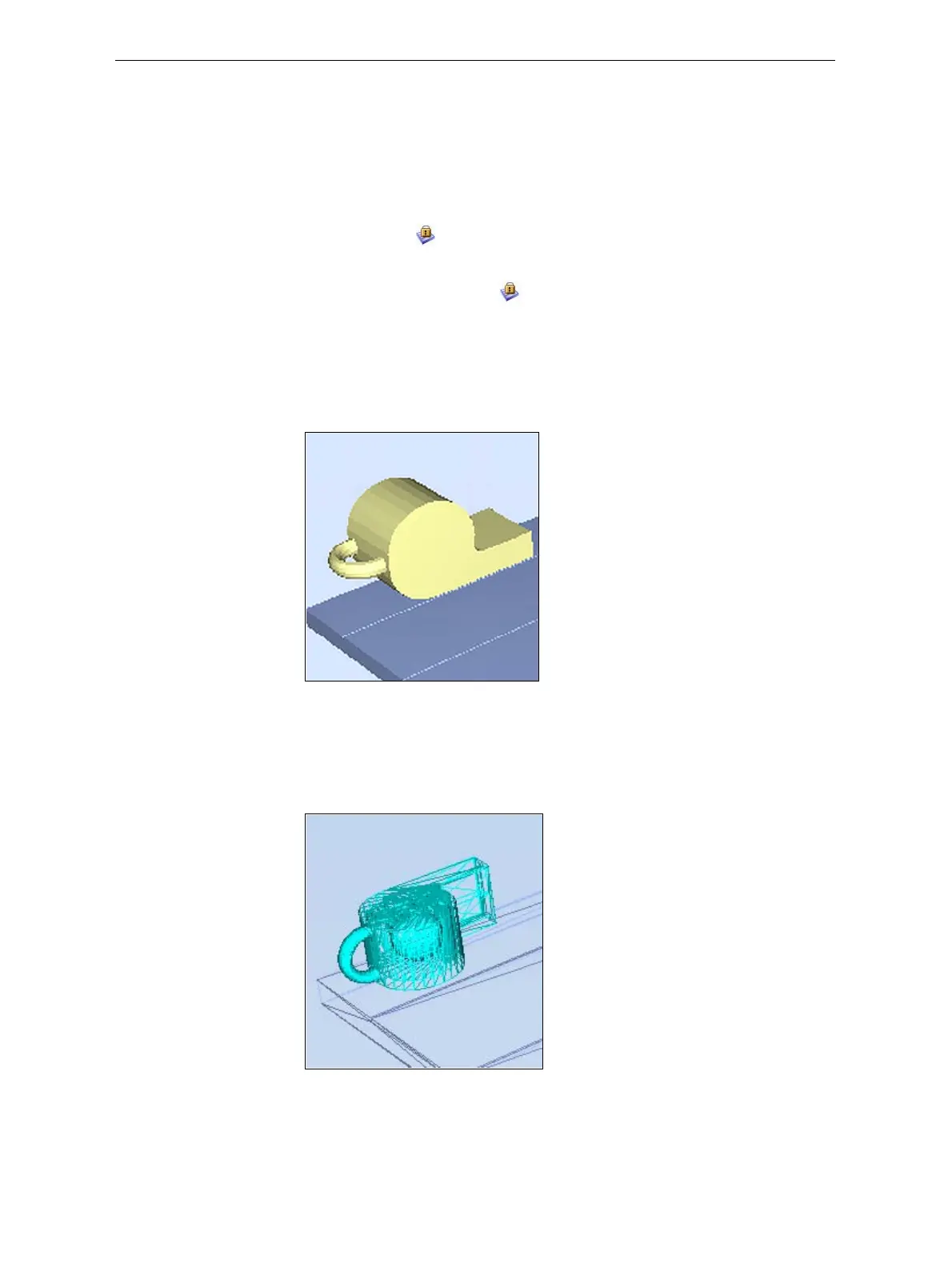
FromtheViewmenu,youcanchangethewayobjectsaredisplayed.The
defaultmethodfordisplayingmodelsonthebuildtrayisassolid
(“shaded”)objects.
Figure 5-50: Tray and model displayed in Shaded view
TheotherdisplayoptionsareWireFrameandPoints.
To display the build tray in WireFrame view:
¾
FromtheViewmenu,selectWireFrame.
Figure 5-51: Tray and model displayed in WireFrame view
To revert to the shaded view:
¾
FromtheViewmenu,select Shaded.













 To Next Page