DOC-06810 Rev. A 5–39
Objet1000 Plus User Guide
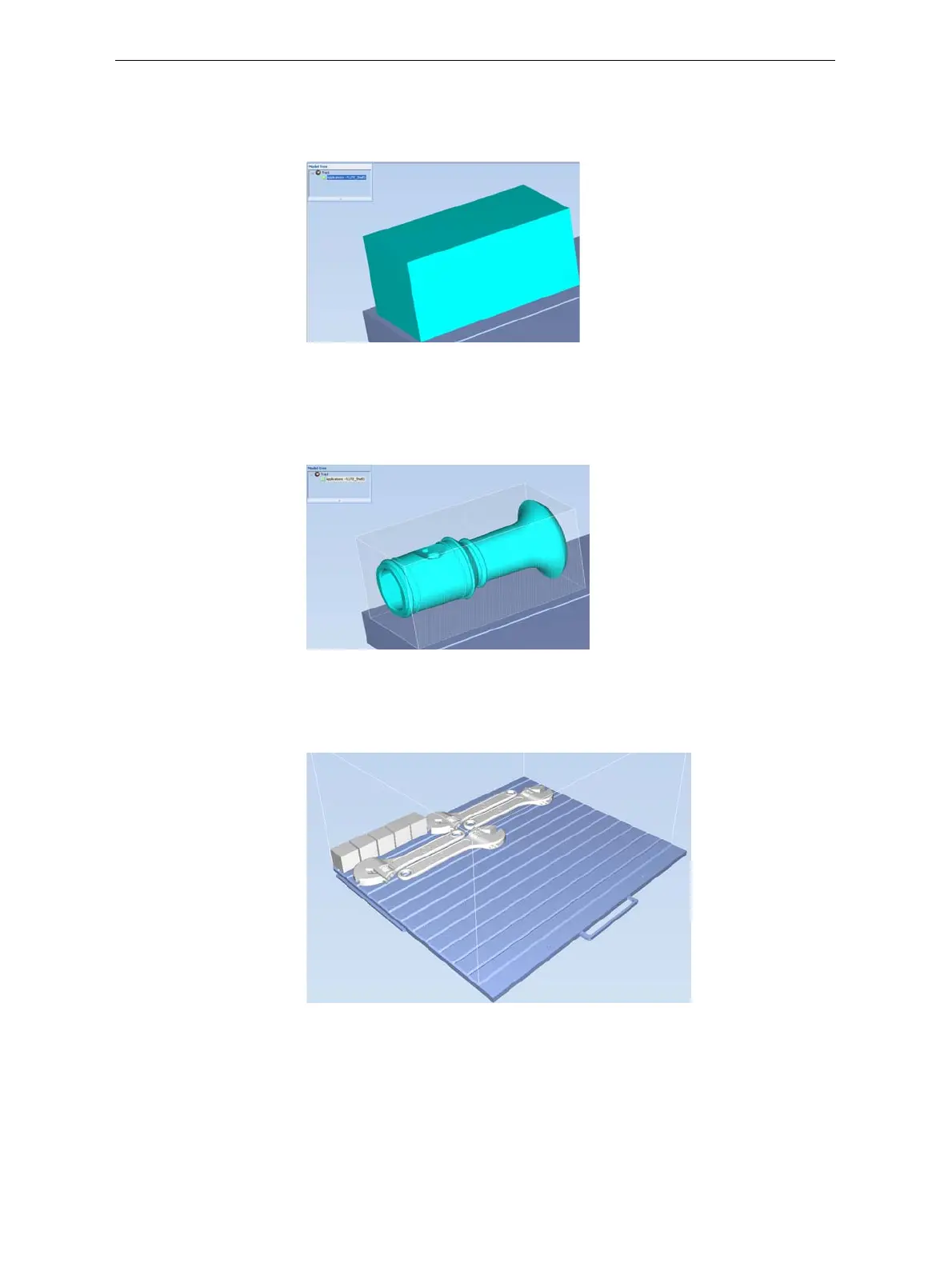
To display objects as boxes, showing their maximum dimensions
instead of their shape:
¾
FromtheViewmenu,select Display Bounding Box.
Figure 5-52: Model displayed with bounding box
To display the area around objects needed for support material (to
produce a matte finish):
¾
FromtheViewmenu,select Display Thickening Box.
Figure 5-53: Model displayed with thickening box
To display the maximum build height:
¾
FromtheViewmenu,selectDisplay Tray 3D Box.
Figure 5-54: Tray 3D Box
To display objects without the build tray:
¾
FromtheViewmenu,clear(de‐select)theDisplayTrayoption.













 To Next Page