Installing Objet Software
4–2
DOC-06810 Rev. A
How to Install Software for the Objet 3D Printing System
TheObjetStudiosetupwizardguidesyouwheninstallingthissoftware.
ObjetStudioisinstalledontheprinter‐server(“host”)computer,oneofthe
built‐inprintercomputers,butitcanalsobeinstalledonremote,“client”
computersandoncomputersusedtopreparefiles forprintingmodels,or
fortraining
anddemonstrationpurposes.Duringinstallation,youchoose
toinstalleithertheprinter‐server(“host”)applicationortheclient
application.
To install Objet software:
1. InserttheObjetStudioCDintothediskdrive.
2. Right‐clickthe
StartbuttonandselectExplore(oruseanyothermethod
fordisplayingfilesonthecomputer).
3. OpentheCD‐drivefolderandselect
Setup.
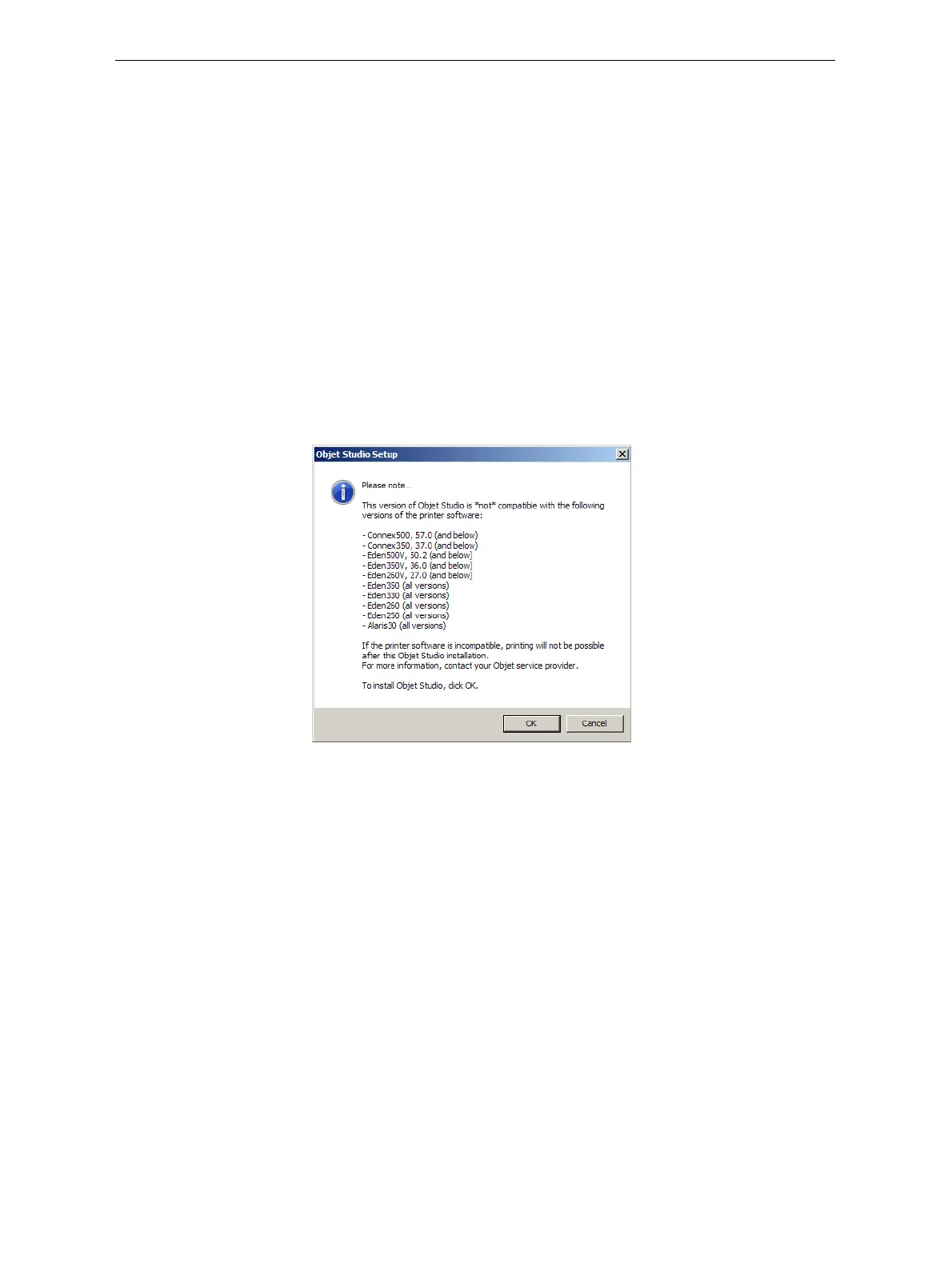
4. IfyouareinstallinganObjetStudioupgrade,makesurethatyour
printeriscompatiblewithitbycheckingthelistdisplayed.
Figure 4-1:Objet Studio compatibility check
5. ToinstallObjetStudio,youmustagreetothelicenseagreement.After
readingitsterms,click
Yestocontinue,orNotoclosethewizard.













 To Next Page