DOC-06810 Rev. A 5–19
Objet1000 Plus User Guide
Splitting
Objects into
Components
Youcanconvertacomplexobjecttoanassemblyofcomponentparts.Todo
so,yousplitthestlfilethatrepresentstheobjectintoagroupofseparatestl
files,eachonerepresentingacomponent.(ThisisreferredtointheObjet
Studiointerfaceasseparatingtheobjectintoshells
.)Youcanthenassigna
modelmaterialtoeachstlfile,andyoucansavethenewly‐created
assemblyasanobjdffile.
To split an object into an assembly of component parts:
1. Iftheobjectisnotdisplayed,placeitonthebuildtraybyinsertingitsstl
file(see“PlacingObjectsontheBuildTray”onpage 10).
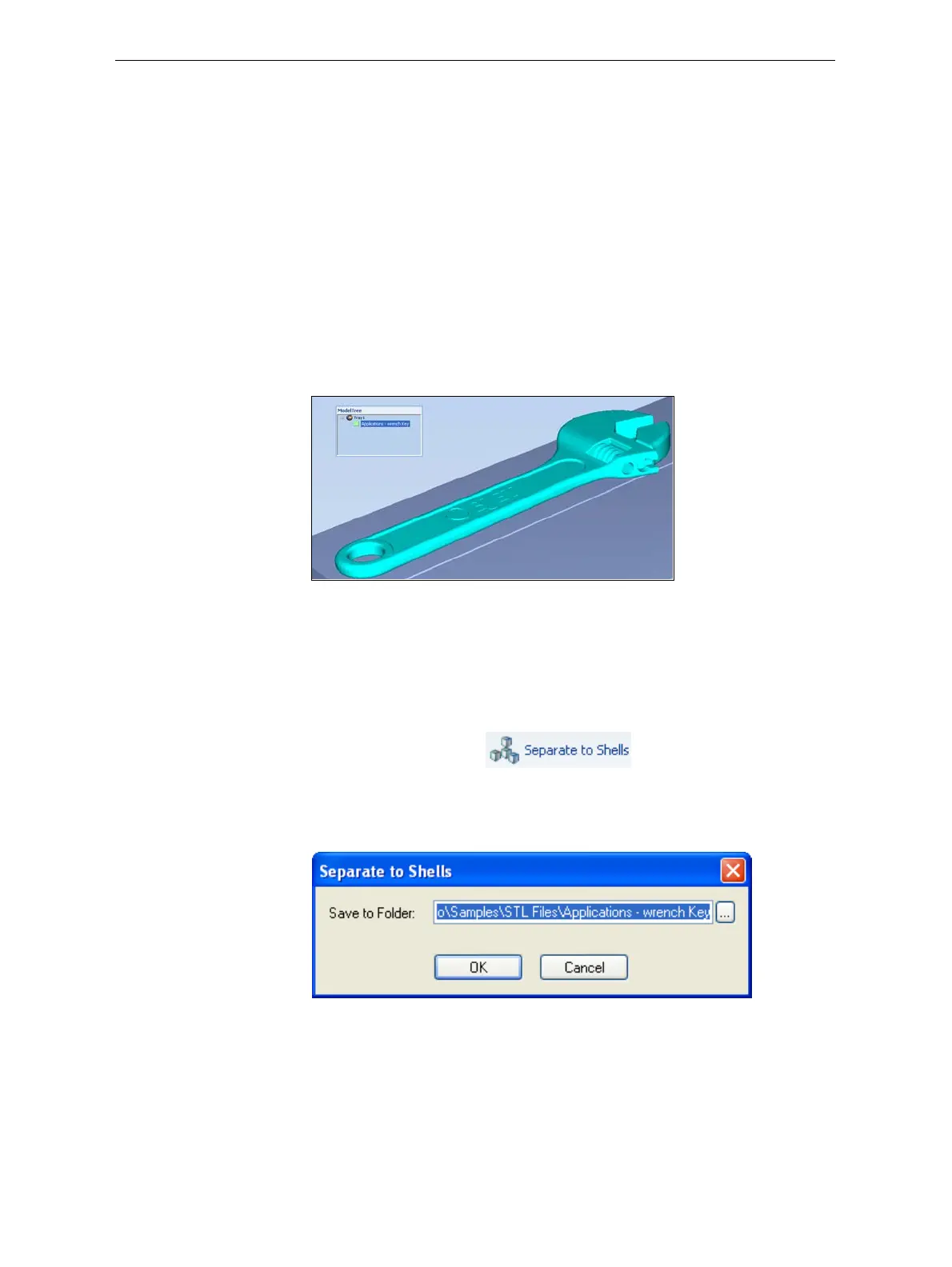
Theobjectappears—onthebuildtrayandinthemodeltreepane—asa
singlepart.Itisassigned,bydefault,the“primary”modelmaterial.(If
ObjetStudioisconfiguredwithasecondarymaterial,youcanassign
it—oradigitalmaterial—totheentireobject.Thisisexplainedin
“Model‐MaterialSettings”onpage 20.)
Figure 5-21: Object placed on the build tray from a single stl file
Note: There is no need to resize or arrange the object on the build tray at
this time.
2. Withtheobjectselected:
• FromtheObjectmenu,selectSeparate into Shells.
or—
• Ontheribbon,click .
Adialogboxopensinwhichyoucanspecifywheretosavethe
componentstlfiles.(Bydefault,ObjetStudioofferstosavethenewfiles
inafolderinthesamelocationastheoriginalstlfile.)
Figure 5-22: Folder selection for saving stl files after splitting into shells
3. ClickOK.
ObjetStudiosplitstheobjectintoanassembly ofcomponentparts,each
aseparatestlfile(“shell”).













 To Next Page