Operating & Maintaining the Objet1000 Plus 3D Printer
6–12
DOC-06810 Rev. A
Changing the Printing Material
Beforeproducingmodelsusingadifferenttypeofprintingmaterialthanis
currentlyinstalled,runtheMaterialReplacementwizardtoflushtheprint
blockandfeedtubes.
To replace the printing material with the wizard:
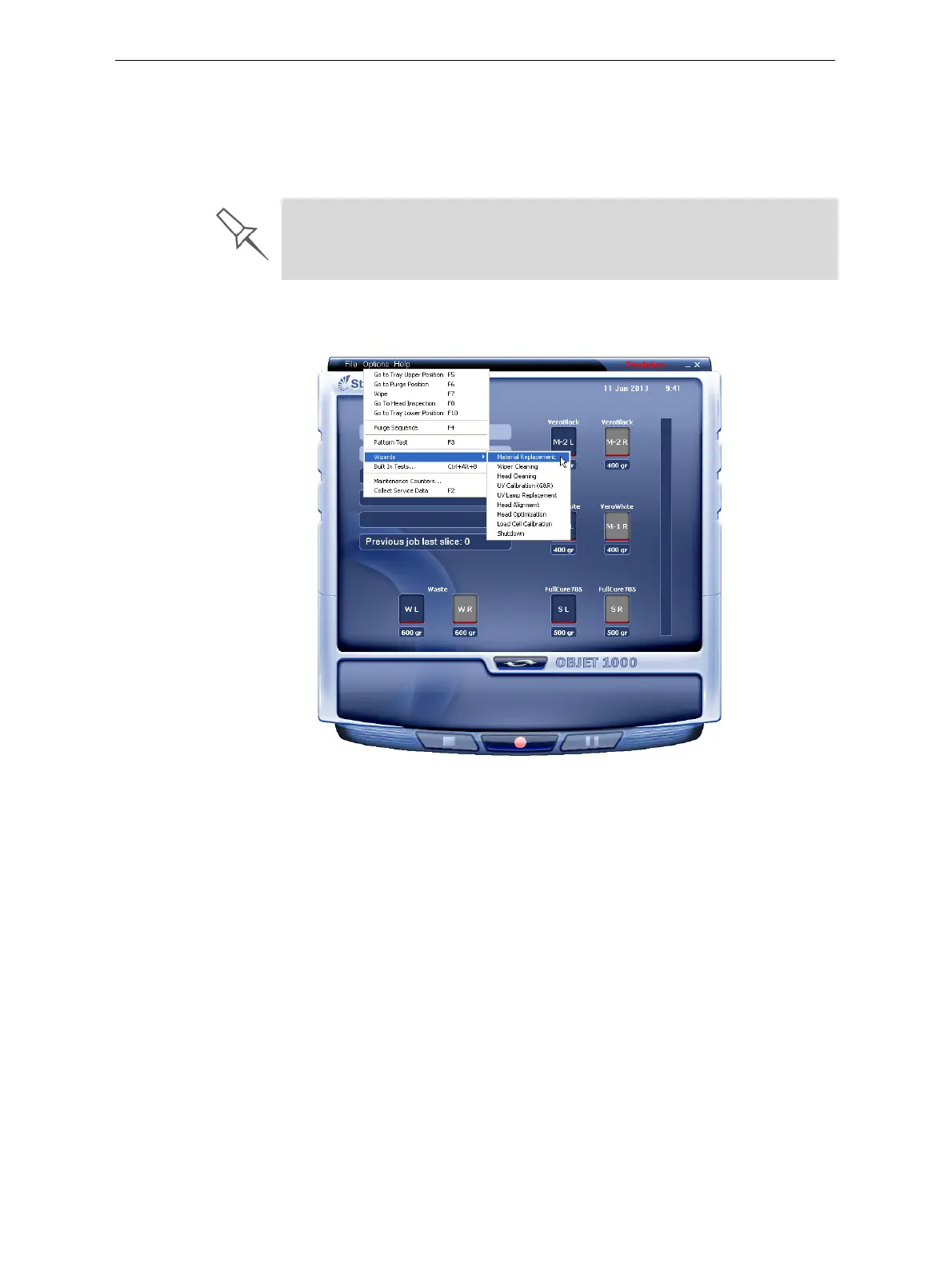
1. StarttheMaterialReplacementwizardfromtheOptionsmenu.
Figure 6-9: Starting the Material Replacement wizard
2. Intheopeningscreen,clickNext.
You should carefully plan printing models with different Model materials to
avoid unnecessary waste of the materials currently loaded. The amount of
material flushed depends on the flushing cycle chosen and if you are
replacing one or both Model containers.













 To Next Page