DOC-06810 Rev. A 5–37
Objet1000 Plus User Guide
Grouping and
Ungrouping
Objects
Youcanmanipulatetwoormoreobjectsonthebuildtray,atthesametime.
• Selectingmultipleobjects
Manipulatingdonetooneobjectaffectsallselectedobjects.For
example,turningoneobjectonitsaxiscausesallselectedobjectstoturn
ontheirrespectiveaxes.
• Convertingtheobjectstoanassembly
Separateobjectsbecomepartsofoneunit.Forexample,turningthe
assemblyonitsaxiscausesallitscomponentpartstoturnasoneunit.
To convert objects to an assembly:
1. Selecttheobjects(see“SelectingObjects”onpage 18)
2. FromtheObjectmenu,select
Group to Assembly.
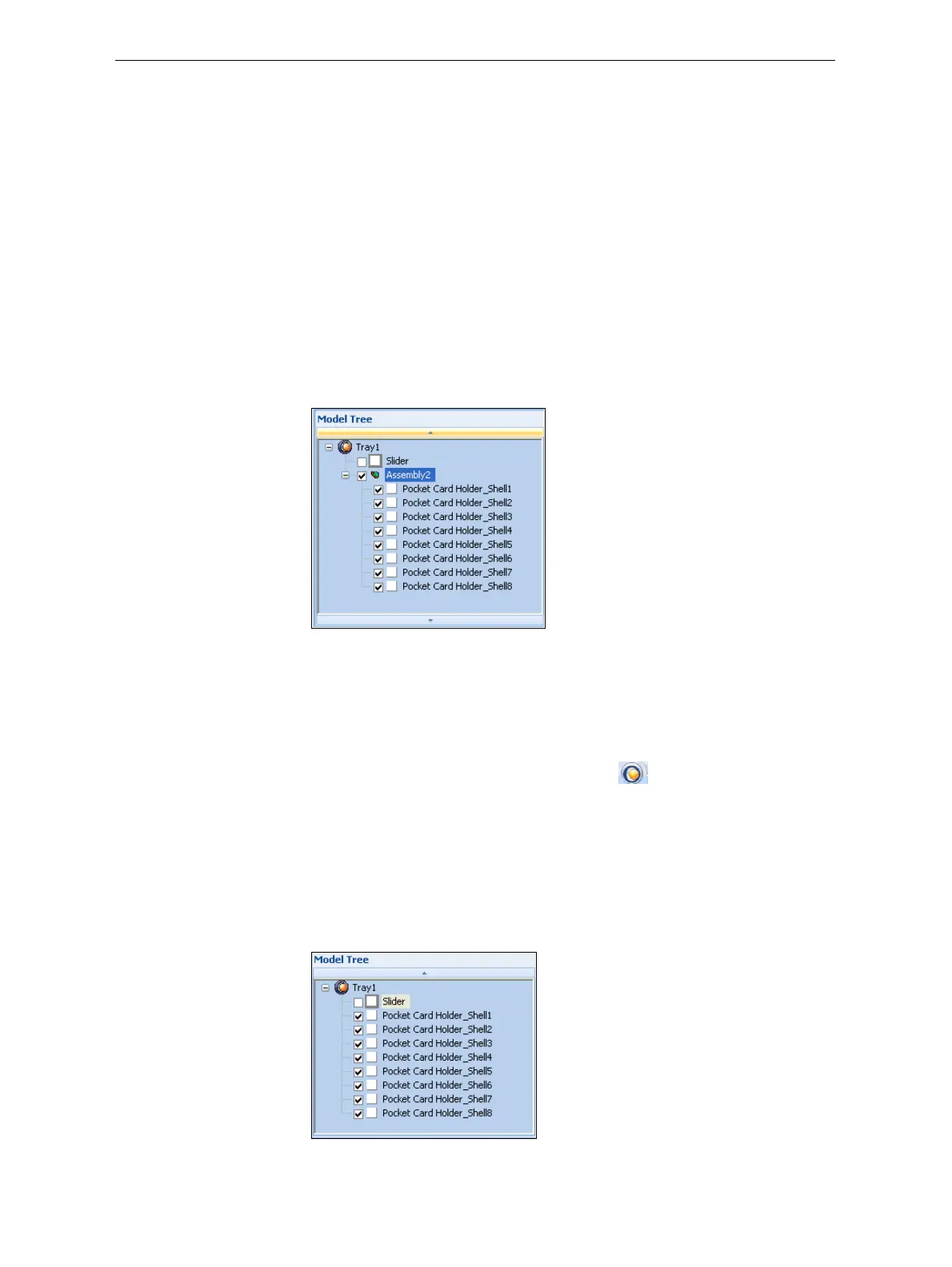
Inthemodeltree,theobjectsnowappearaschildrenofaparent
(assembly).
Figure 5-48: Assembly in the model tree
Aftercreatinganassembly,youcansaveitasanobjdffile,forre‐use.
(Savingtheassemblyisnotnecessaryformanipulatingandprintingit.)
To save an assembly:
1. Selecttheassembly(eitheronthebuildtrayorinthemodeltree).
2. FromtheObjetStudioCommandsmenu
, selectSave As.
3. Inthe
SaveAsdialogbox,selecttheobjdfformat,choosealocation,
namethefile,andclick
Save.
To separate assemblies into individual objects (stl files):
1. Selecttheassembly(eitheronthebuildtrayorinthemodeltree).
2. FromtheObjectmenu,select
Ungroup.
Inthemodeltree,theelementsarenotpartsofanassembly.
Figure 5-49: Separate objects in the model tree













 To Next Page