DOC-06810 Rev. A 6–63
Objet1000 Plus User Guide
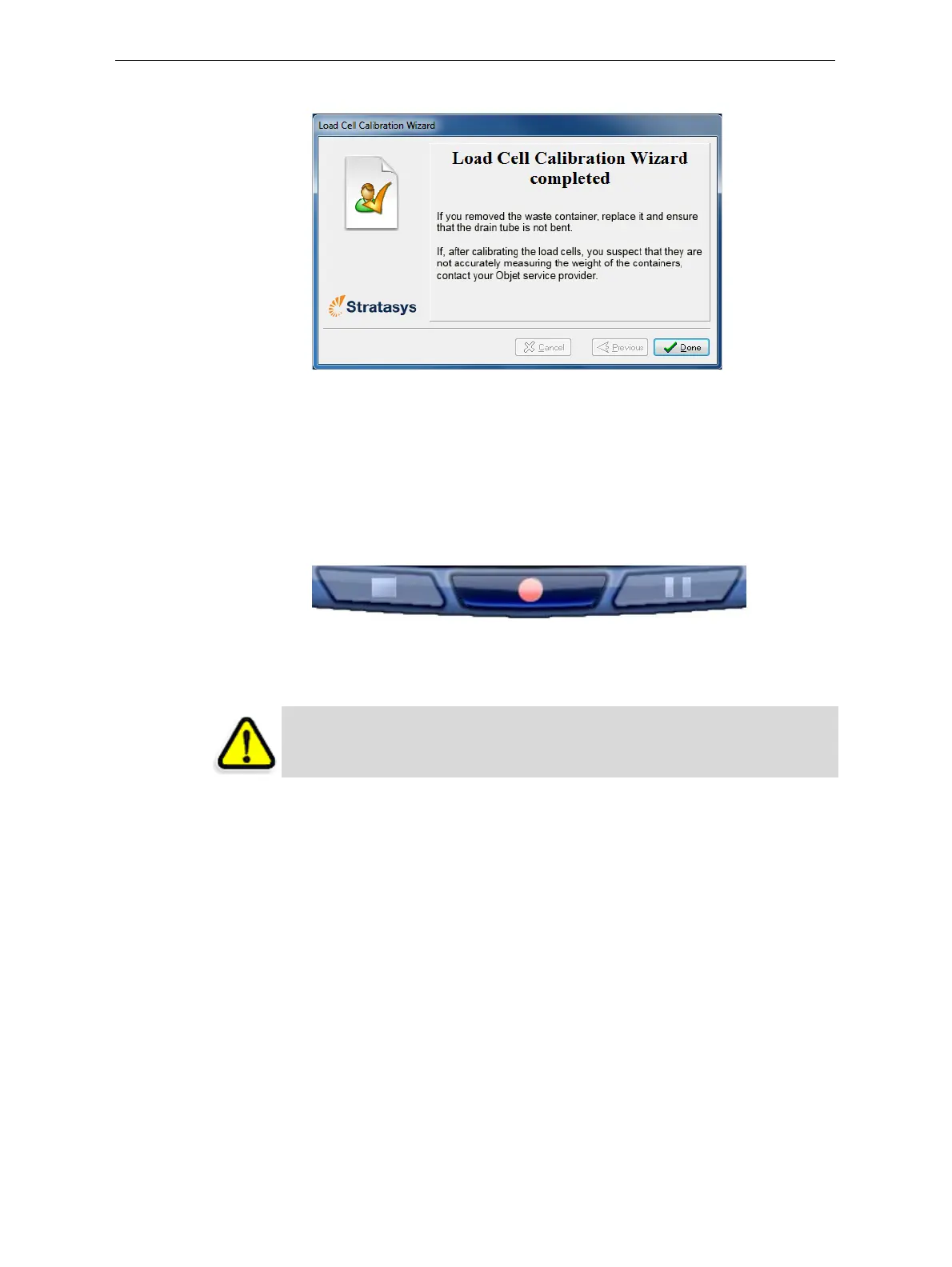
6. ClickDoneinthefinalwizardscreen.
Figure 6-100: Final wizard screen
Replacing the
UV Lamps
TheUVlampsusedforcuringmodelshavealong,butlimited,working
life.TheStratasysserviceengineerteststheireffectivenessduringregular
maintenancechecks,andreplacesthem,ifnecessary.Youcantestand
adjusttheireffectivepowerwiththeUVCalibrationwizard(see“Testing
andCalibratingtheUVLamps”on
page 55.IfyouneedtoreplaceaUV
lamp,followtheseinstructions:
1. Makesuretheprinterisinofflinemode.
Figure 6-101: Offline mode indicator (red)
Theonline/offlinebuttonatthebottomoftheprinterinterfaceshouldbe
red.Ifnot,clickittoswitchtheprintertoofflinemode.
2. StarttheUVLampReplacementwizardfromtheOptionsmenu(see
figure 6‐9onpage 12).
WARNING: Before continuing, make sure that the safety interlock is not
defeated, and that the lamp is not hot.













 To Next Page