Using Objet Studio
5–14
DOC-06810 Rev. A
Opening Objet
Tray Files
Youcanopentraysthatweresavedasobjtffiles.Thisisuseful,forexample,
ifyousavedatrayafterpreparingitforprinting,andnowyouwantto
makechangesbeforeprintingit.
To place an object saved as an Objet Tray File (objtf) file on the build
tray:
1. FromtheFilegroup,click .
or—
FromtheObjetStudioCommandsmenu ,select
Open.
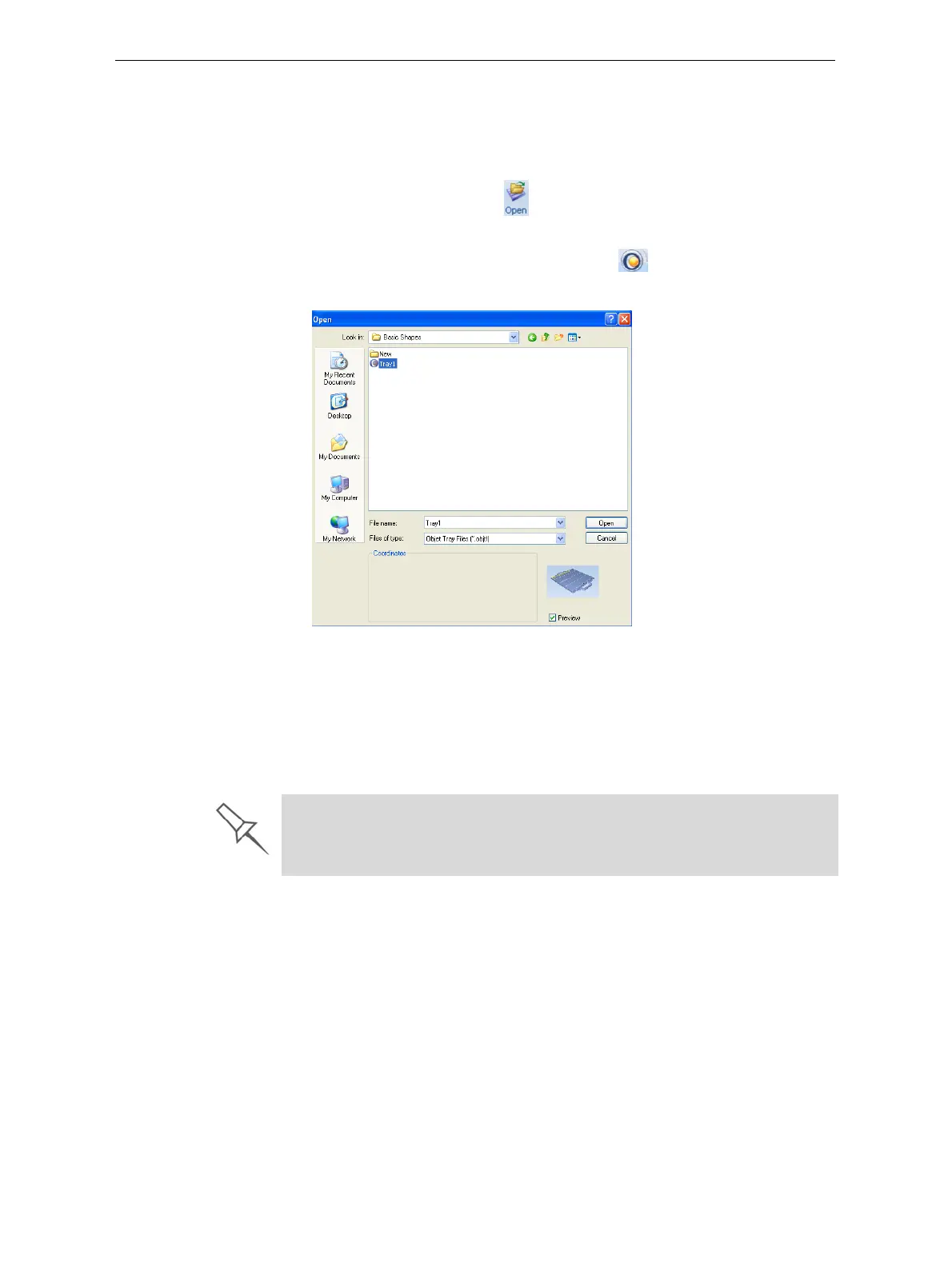
TheOpendialogboxisdisplayed.
Figure 5-15: Objet Tray File Open dialog box
2. Selectthedesiredfile,andmakesurethatitappearsintheFilename
field.
IfthePreviewcheckboxisselected,theobjectisdisplayed.
3. Click
Open.
ObjetStudioopensthetrayfile.
The objtf file is actually a file containing instructions for printing—which stl
files to print and their position on the build tray. Because the objtf file
references the stl files used, they must remain in the same file location as
when the objtf file was saved.













 To Next Page