DOC-06810 Rev. A 5–41
Objet1000 Plus User Guide
Tray
Perspective
Thedefaultperspectiveofthebuildtrayis“isometric.”Youcanchangethe
perspectiveoftheactivewindowwithoneoftenoptions.
To change the perspective of the build tray in the active window:
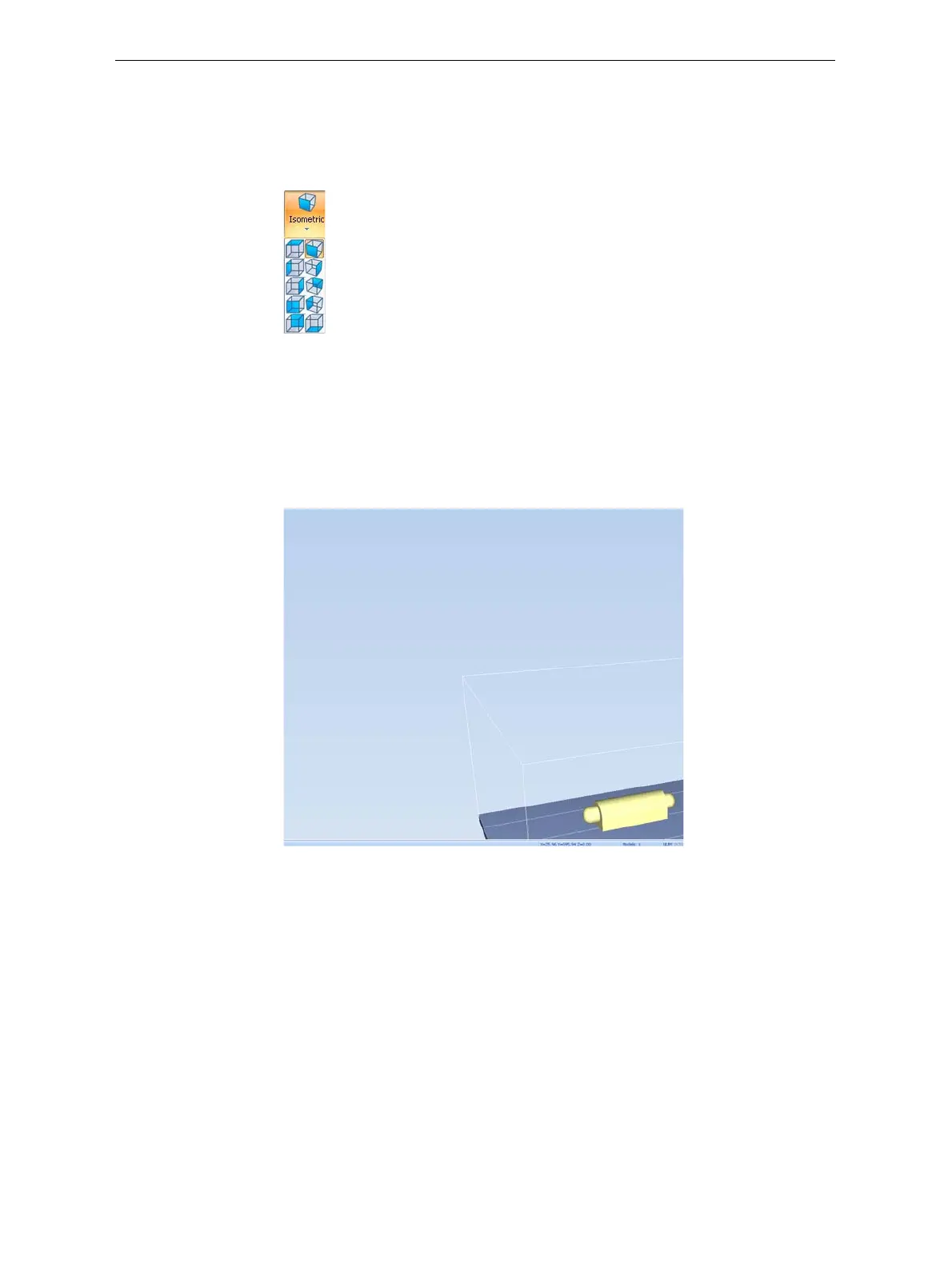
1. OntheTraySettingsribbon,openthePerspectiveflyouttoolbar.
Figure 5-58: Perspective flyout toolbar
2. Clicktheiconthatrepresentsthedesiredperspective.
Tray Positioning Toviewthetrayandmodelsfromdifferentdirections,youcanmovethe
trayaroundthescreenandchangeitsdisplayangle.
To move the tray in the Objet Studio screen:
¾
Pressthemousewheelwhilemovingthemouse.
Figure 5-59: Tray after moving it in the Objet Studio display













 To Next Page