Using Objet Studio
5–80
DOC-06810 Rev. A
3. ClickDetails.
Figure 5-117: Event selection for alerts
4. IntheReportsEventsdialogbox,selectthealerteventsandclickOK.
5. IntheNotificationsdialogbox,click
OK.
Printing the
Tray
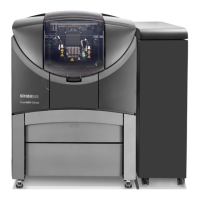
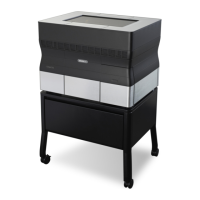
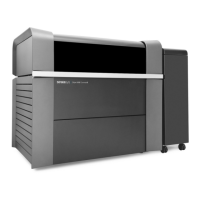
IfthereisajobintheJobsQueue,itissentautomaticallytotheObjet
printer—aslongasitison,thereisaconnectiontotheprinter,andthe
printerisonline.Chapter6describesstartingandoperatingtheprinter.
Additional
Server
Features
ObjetStudioontheprinterserverincludesthefollowingadditional
features:
• ExtendedTrayPreview
• EditingJobs
• RestartingJobs
• ResumingJobs
• SchedulingJobs
• ExportingJobs(objzf)
• ModifyingtheJobManagerScreen
Thesefeaturesaredescribedonthefollowingpages.




 To Next Page