Using Objet Studio
5–18
DOC-06810 Rev. A
Selecting
Objects
Tomanipulateanobjectonthebuildtrayorassigncharacteristicstoit
(modelmaterial,buildingstyleetc.),youmustfirstselecttheobject.You
selectanobjectbyclickingit,eitheronthetrayorinthemodeltree.Its
imageonthebuildtraychangescolor(tolightblue,
bydefault)andits
nameishighlightedinthemodeltree.Youcanselectmultipleobjectsby
drawingaboxaroundthemwiththemousecursor,orbypressingthe
Ctrl
or
Shiftkeyswhileclickingadditionalobjects.
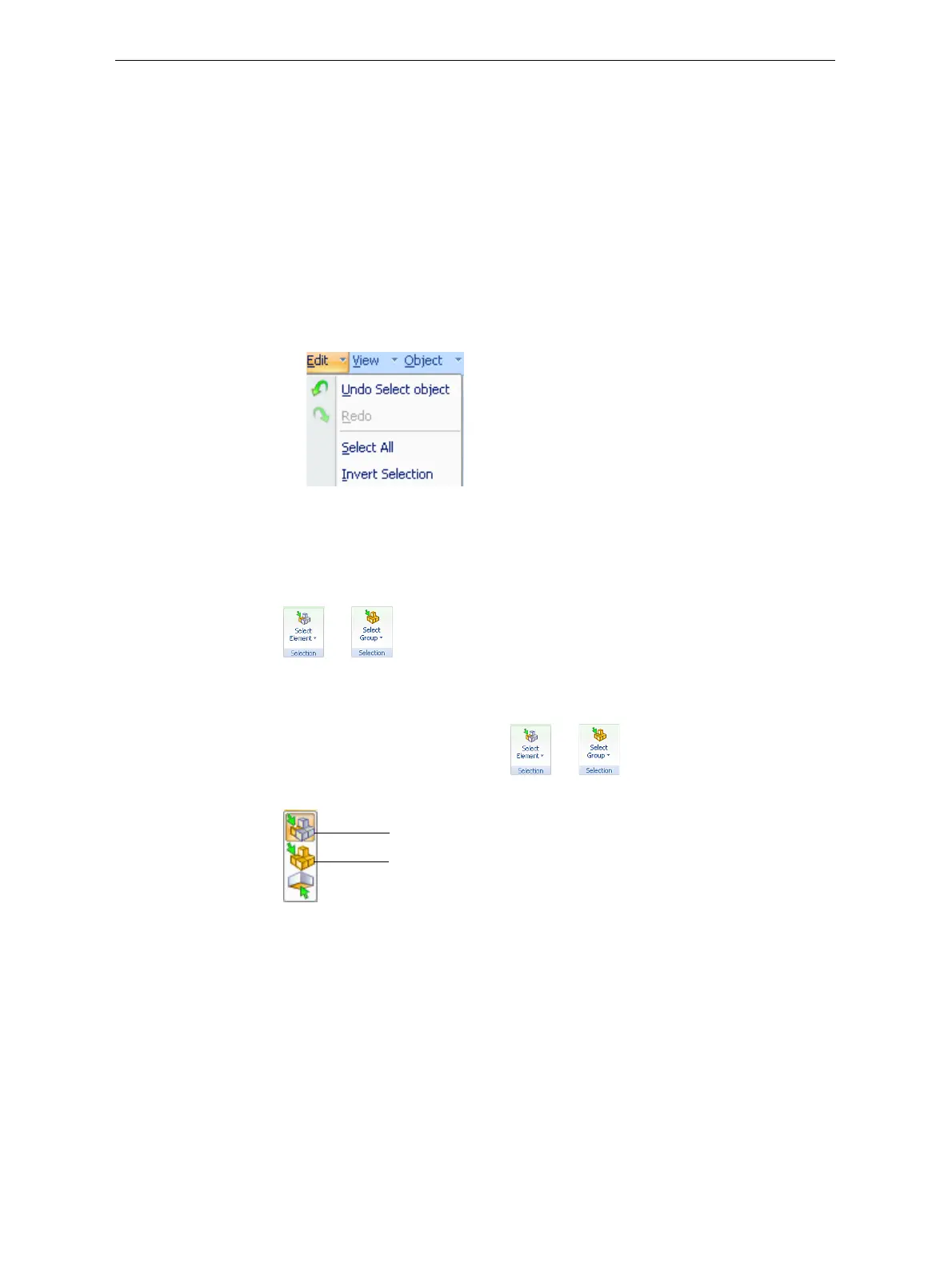
Alternatively,selectorde‐selectobjectsusingthefollowingEditmenu
commands:
• Select All
• Invert Selection
• Undo Select object
Figure 5-19: Edit menu
Sometimes,youneedtoselectindividualelementsofanassembly.Other
times,youneedtoselecttheentireassembly.TheSelectionicondisplayed
ontheribbondetermineswhatwillbeselectedwhenyouclickonthe
model:
or
To change the selection action:
1. OntheTraySettingsorModelSettingsribbon—
a. ClicktheSelectionicon:or .
b. Ontheflyouttoolbar,clicktheappropriateicon:
Figure 5-20: Selection flyout toolbar
Select Group
Select Element













 To Next Page