DOC-06810 Rev. A 6–25
Objet1000 Plus User Guide
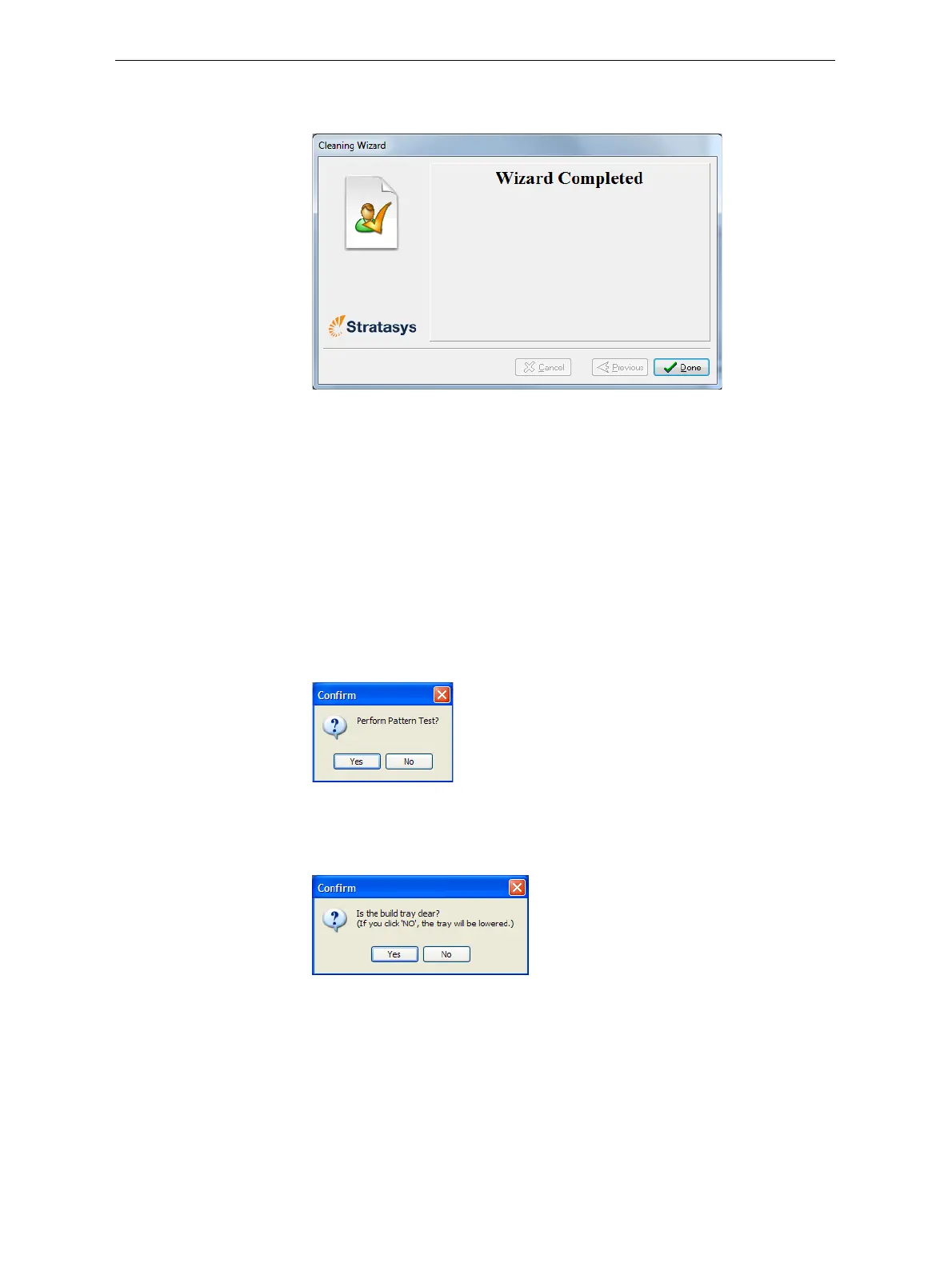
Thehead‐purgecyclebegins.Whenthisiscomplete,thefinalwizard
screenappears.
Figure 6-25: Cleaning wizard—final screen
18. ClickDonetoclosethewizard.
Pattern Test
Thepatterntestisthebasicverificationoftheprinter’sabilitytoproduce
qualitymodels,sinceitdemonstratestheconditionofthenozzlesinthe
printheads.Makesure,therefore,thatyouperformthistestweekly,and
wheneveryoususpectaprintingproblem.
To perform the pattern test:
1. Makesurethatthebuildtrayisempty.
2. Prepareasheetofpinkpaper—A‐4orLettersize.
3. Intheprinter,tapethepinkpapertothesurfaceleftofthebuildtray.
4. Press
F3,oropentheOptionsmenuandselectPattern Test.
Figure 6-26: Pattern Test confirmation
5. Ifthebuildtrayisnotclear,clickNointhefollowingdialogbox.
Thislowersthebuildtray,sothatmodelsonthetrayarenotdamaged.
Figure 6-27: Build tray (Z) level adjustment
Theprinterprintsaseriesoflinesonthetestpaper(seenextfigure).













 To Next Page