Operating & Maintaining the Objet1000 Plus 3D Printer
6–24
DOC-06810 Rev. A
9. Aftercleaningtheprintheads,cleantheentirerollersurface,by
rotatingitasyouclean.
10. CleantheglasslensontheUVlamps.
11. Opentheservicewindowontheleftsideoftheprintertoaccessthe
wiper.
12. Usingagenerousamountofalcoholonthecleaningcloth,removeany
material
remainingonthewiperandthesurroundingarea.
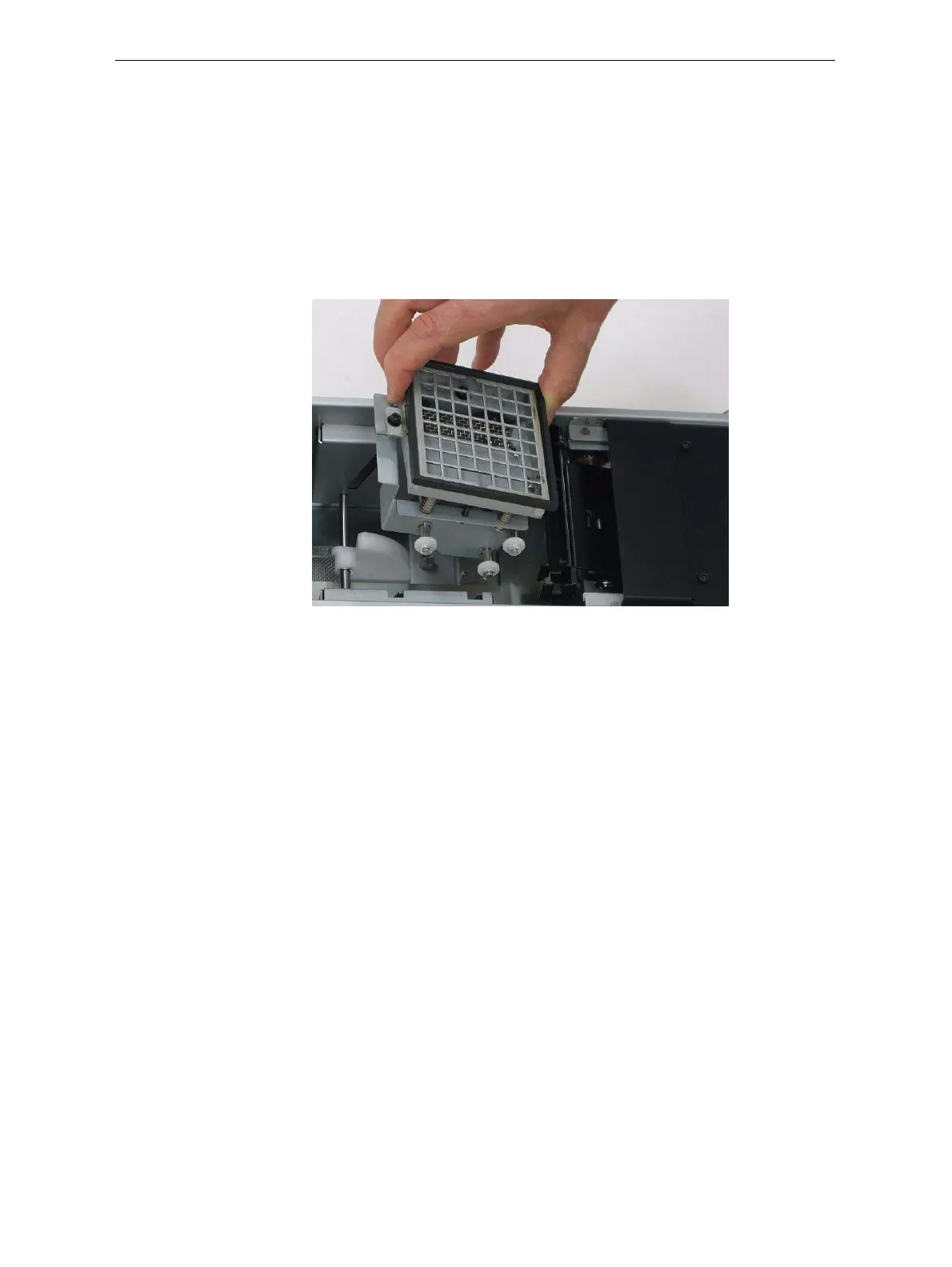
13. Removeanypiecesofwastematerialcollectedinthepurgeunit.If
necessary,removethewastecollectortocleanit.Wipetherubberseal.
Figure 6-24: Purge unit waste collector
Note: When returning the waste collector to the purge unit, make sure to
insert it as shown.
14. Inspectthewiper.
Ifthewiperisscratched,tornorworn,orifyoucannotcleanit
completely,replaceit.
a. Graspitandpullitupandoutofitsbracket.
b. Insertthenewwiperblade,makingsurethatitisstraightandsecured
wellonbothsides.
15. Whenyouhave
finishedcleaning,selecttheconfirmationcheckboxes
inthewizardscreen(seefigure 6‐22)andclick
Next.
16. Removethecleaningmaterialsfromtheprinterandclosetheprinter
doors.
17. Selecttheconfirmationcheckboxesinthewizardscreenandclick
Next.













 To Next Page