Using Objet Studio
5–36
DOC-06810 Rev. A
3. OntheAlignmenttoolbar,clickanappropriateicontochangethe
alignment.
or—
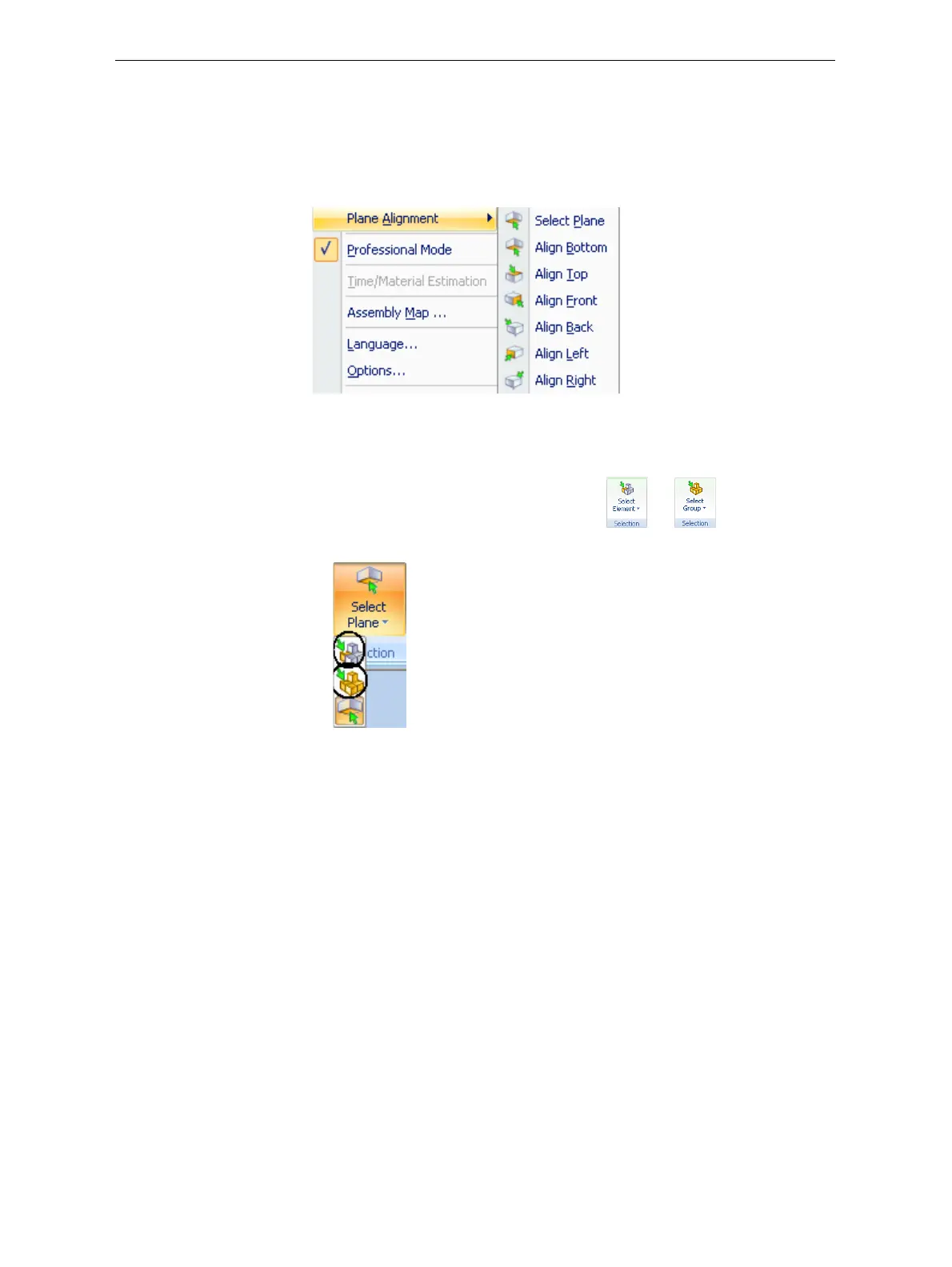
FromtheToolsmenu,select
Plane Alignment,andselectanalignment
option.
Figure 5-47: Tools menu, Plane Alignment options
To cancel plane selection after re-aligning objects on the build tray:
¾
OntheTraySettingsorModelSettingsribbon—
a. ClicktheiconintheSelectiongroup:or .
b. Ontheflyouttoolbar,clicktheSelectElementorSelectGroupicon:
or—
¾ FromtheToolsmenu,selectPlane Alignment > Select Plane.
To flip an object 180 degrees on any axis:
1. Selecttheobject.
2. FromtheObjectmenu,select
Flip > Flip X / Flip Y / Flip Z.
To make precise changes to the object’s orientation on any axis:
1. Selecttheobject.
2. DisplaytheTransformdialogbox(seefigure 5‐45onpage 34).
3. Changethe
Rotateparametersforeachaxis.













 To Next Page