DOC-06810 Rev. A 4–3
Objet1000 Plus User Guide
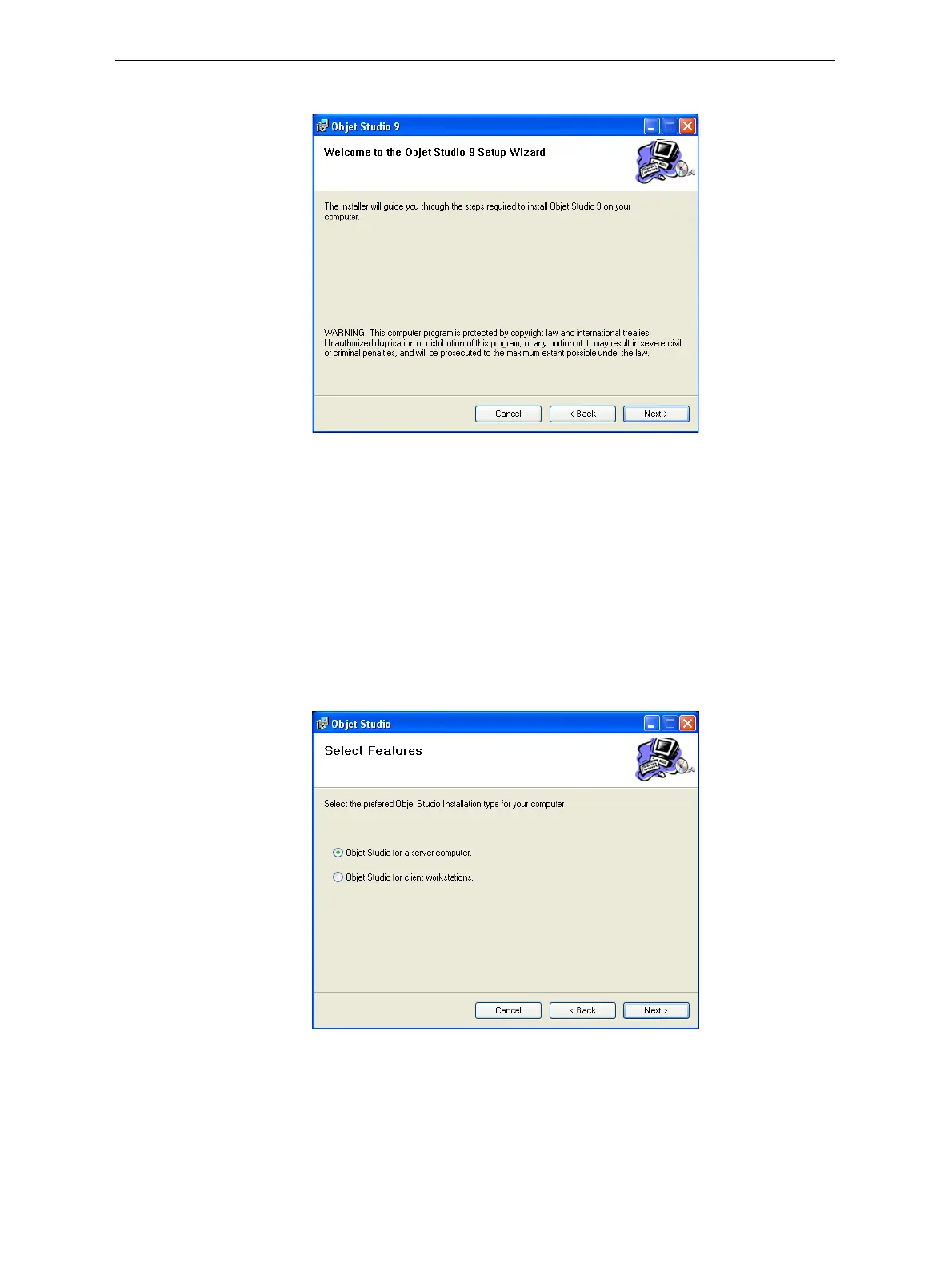
IfyouclickYes,thefollowingscreenshouldappear.
Figure 4-2: Objet Studio installation wizard—Welcome screen
6. ClickNexttobegininstallation.
7. IntheSelectFeaturesscreen,selecttherequiredinstallationoption.
Select
Objet Studio for a server computer...
• ifyouareinstallingObjetStudioontheserver(“host”)computer—
oneofthecomputersinsidetheprinter.
• ifyouareinstallingObjetStudioonastandalone(off‐line)
computer.
Select
Objet Studio for client workstations ifyouareinstallingObjet
Studioona“client”workstation—aremotecomputerthatprepares
printjobsandthensendsthemtoaservercomputer.
Figure 4-3: Objet Studio configuration selection













 To Next Page