Installing Objet Software
4–4
DOC-06810 Rev. A
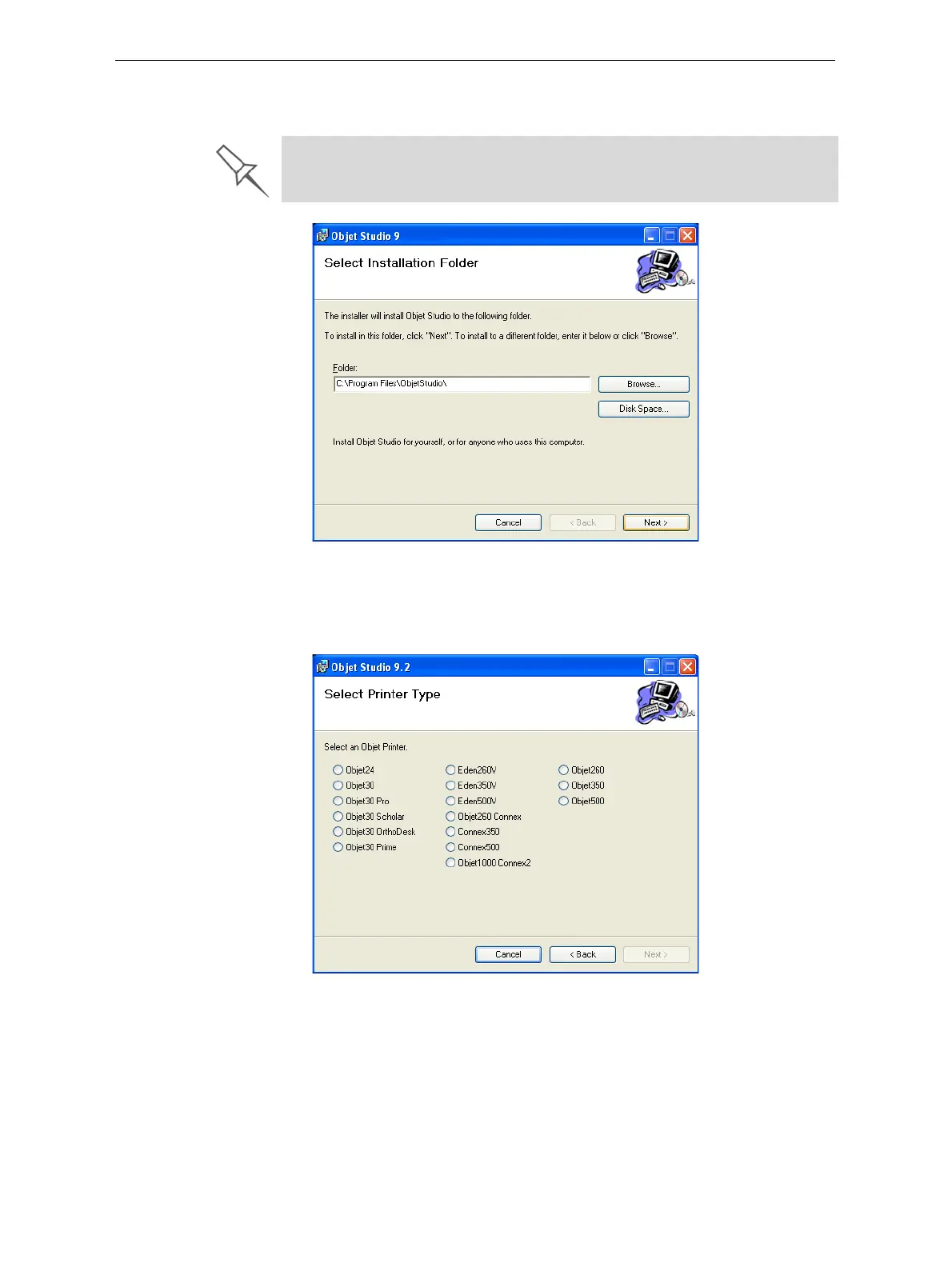
8. IntheSelectInstallationFolderscreen,verifythedestinationfolderand
click
Next.
Figure 4-4: Objet Studio installation-folder selection
9. IntheConfirmInstallationscreen,clickNext tobegininstallation.
10. IntheSelectPrinterTypescreen,selecttheObjet3Dprinterusedfor
producingmodelsandclickNext.
Figure 4-5: Printer selection
It is recommended that you do not change the default destination folder.
Click Disk Space to check the space in the destination folder.













 To Next Page