Operating & Maintaining the Objet1000 Plus 3D Printer
6–22
DOC-06810 Rev. A
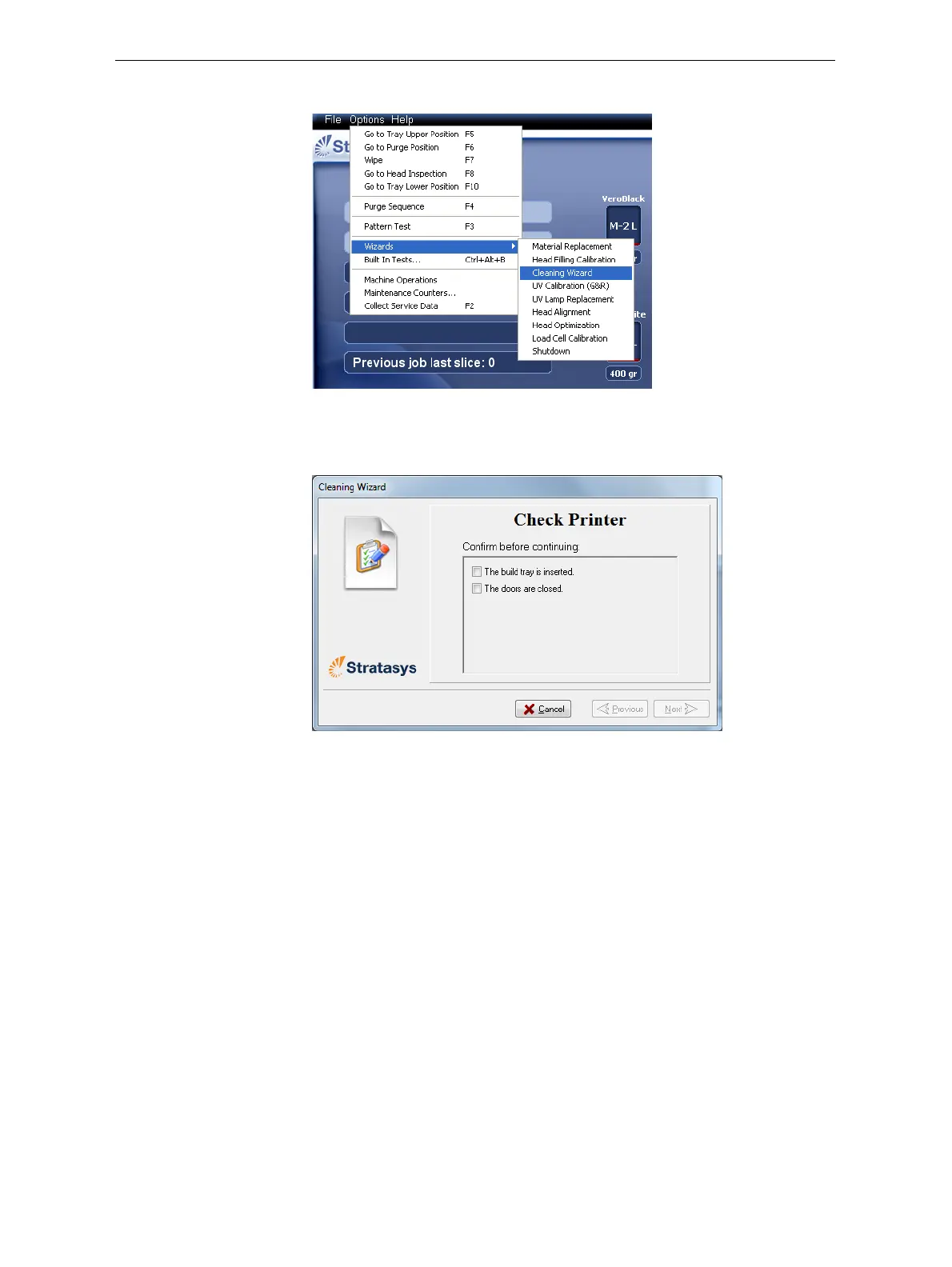
2. StarttheCleaningwizardfromtheOptionsmenu.
Figure 6-20: Options > Wizards menu
3. Makesurethatthebuildtrayisintheprinter,andclosetheprinter
doors.Confirmthisinthewizardscreenandclick
Next.
Figure 6-21: Preparation check
Theprintermovescomponentstothecleaningposition.













 To Next Page