DOC-06810 Rev. A 5–57
Objet1000 Plus User Guide
Saving the
Screen Display
as an
Image File
Youcansavetheimagedisplayedintheactiveviewingscreenasagraphic
file.
To save the screen display as an image:
1. PressCtrl+B.
or—
FromtheObjetStudioCommandsmenu ,select
Save Bitmap.
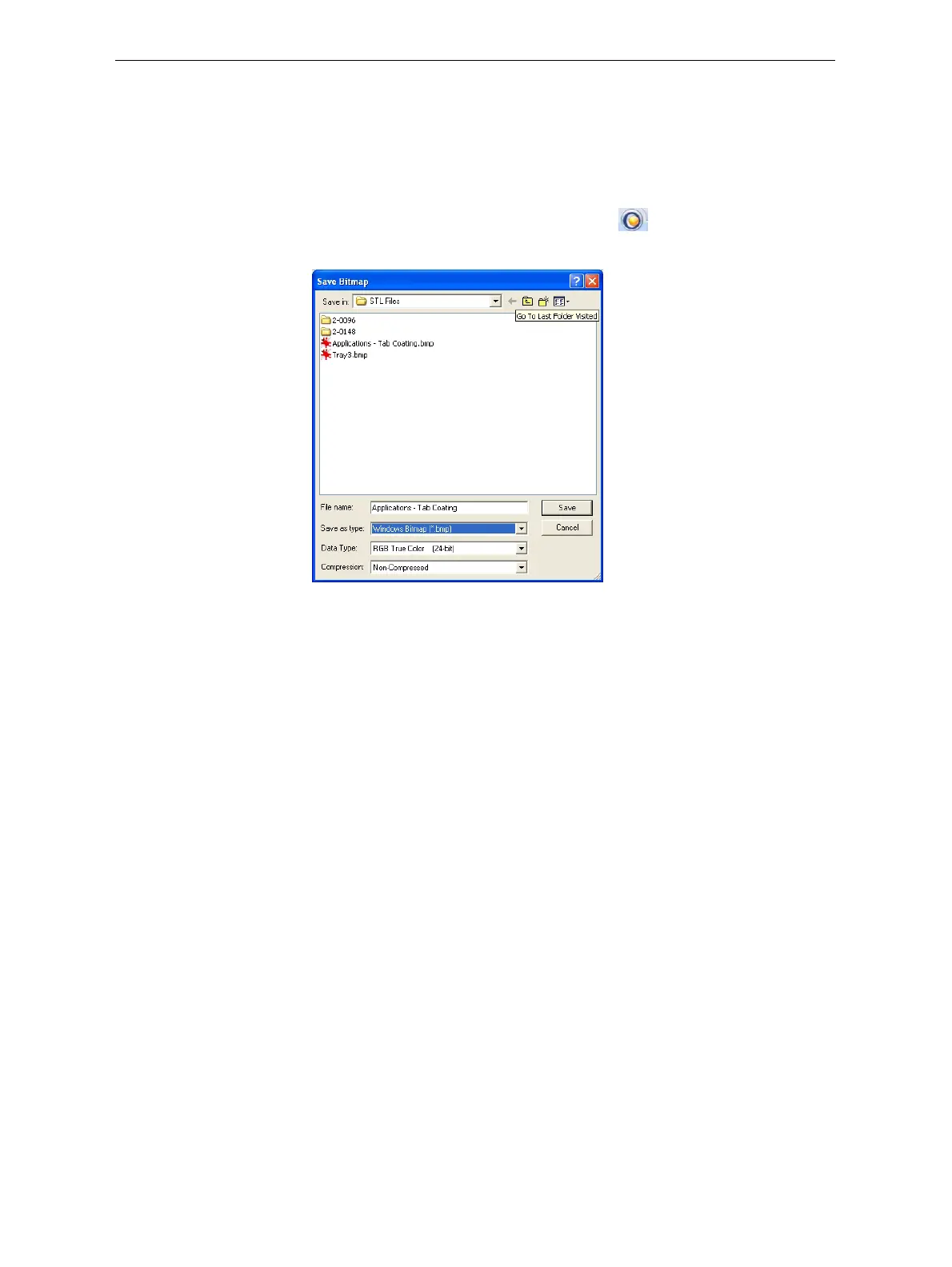
TheSaveBitmapdialogboxopens.
Figure 5-81: Save Bitmap dialog box
2. Atthetopofthedialogbox,selecttheappropriatefolder.
3. Atthebottomofthedialogbox,enterafilename.
4. OpentheSaveastypedrop‐downlist,andselectthefileformat.
5. Click
Save.













 To Next Page