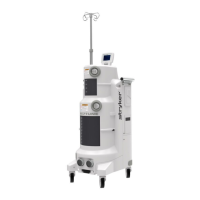
6. Remove two socket head cap screws (P/N 0004-645-000) (BT) and two flat washers
(P/N 0011-507-000) (W) from top cover assembly (P/N 0702-001-090) (BF).
ve two socket head cap screws (P/N 0004-645-000) (BT) and two flat washers
(P/N 0011-507-000) (W) from top cover assembly (P/N 0702-001-090) (BF).
Caution: Do not remove any connector by pulling on the wires. Doing so may
damage the equipment.
7. On the main control board (P/N 702-1-800), disconnect the cable labeled main
controller from the P2 connector and the cable labeled rover controller from the P4
connector.
7. On the main control board (P/N 702-1-800), disconnect the cable labeled main
controller from the P2 connector and the cable labeled rover controller from the P4
connector.
Caution: Make sure to take proper measures to prevent Electro-Static Discharge
(ESD) from damaging any circuit boards in the rover. Connect a protective wrist strap
to exposed metal chassis prior to removing the hardware and touching the board.
2-22


 To Next Page
 Loading...