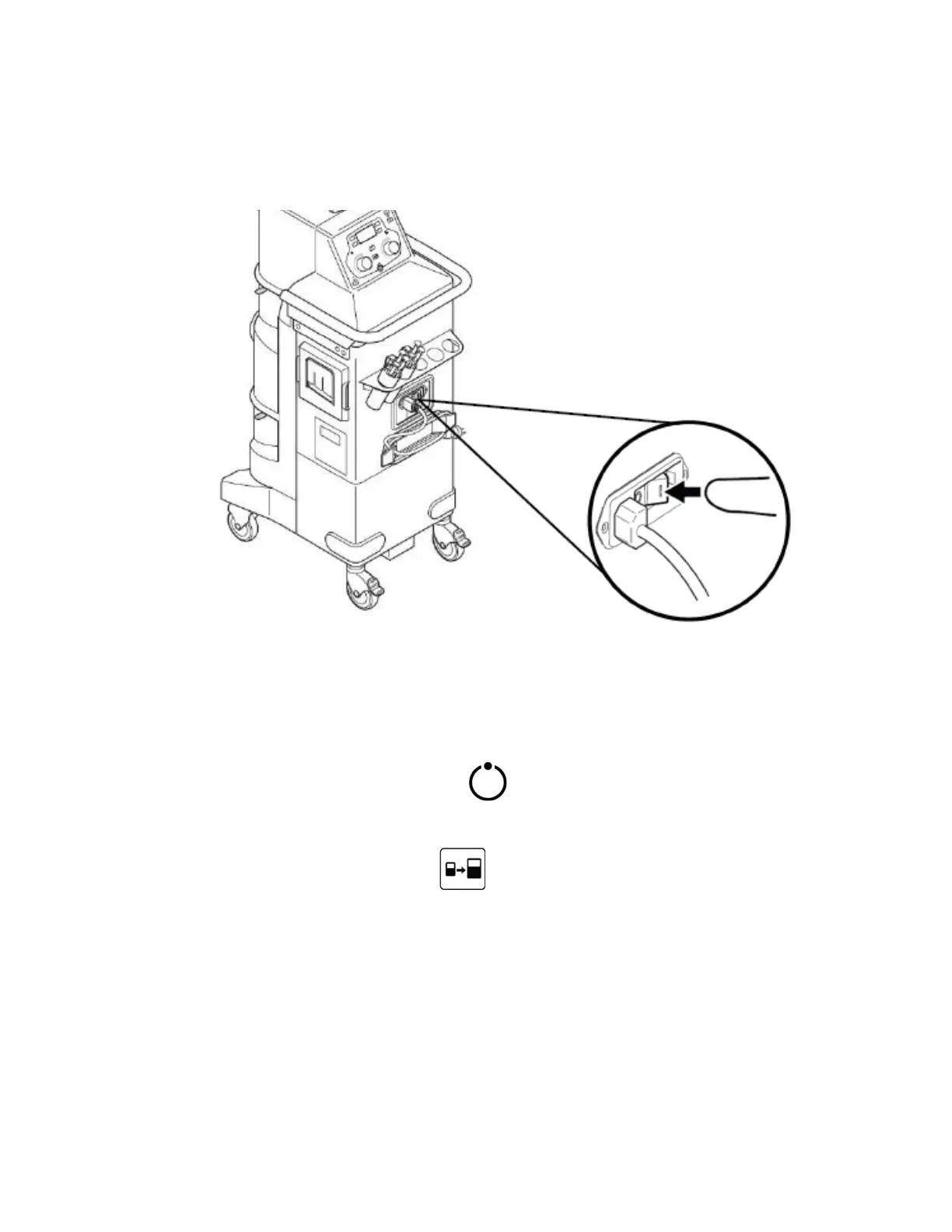
7. Plug the rover in to AC wall outlet and turn on main power switch (see figure
6)
Figure 6. Turn on Main Power Switch
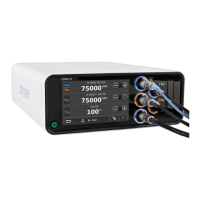
8. On the user interface panel, adjust the suction in both canisters to 100% and
press the vacuum system power icon. The suction display should be
approximately 21 in/Hg.
9. Press the empty tank button on the user interface panel to empty the
contents of the small canister into the large canister.
10. The screen will then display a caution message informing the user that
suction will be lost. Press OK to continue.
6-33

 To Next Page
 Loading...