During discharge in the calibration mode, no volume correction is
carried out. The temperature compensation as well as any meter factors
already defined are disabled.
3
Once the discharge is finished, you can read the actual discharged volume
on the calibration vessel.
•
Enter this volume into the MultiFlow as the target volume.
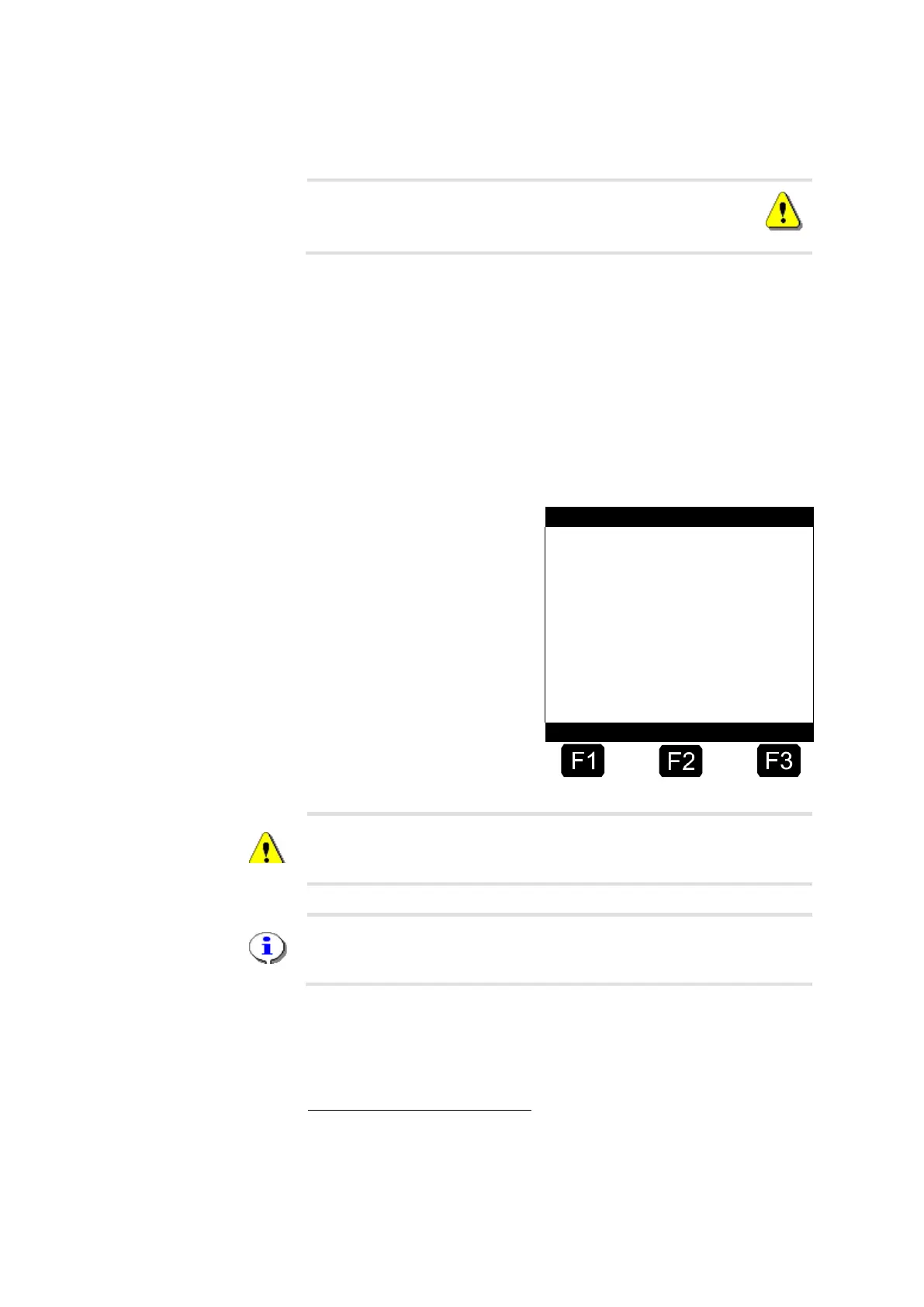
☺ MultiFlow automatically calculates the meter factor and places the two
volumes ("Target" and "Actual") in the below display for comparison.
Volume Established by MultiFlow
Volume established by
Calibration Vessel
Calculated Meter Factor
Correction Table
Volume based on
Old Meter Factor
The actual volume found by the MultiFlow is always a raw volume. This
means that it is not affected by meter factors or by temperature
compensation.
Check the meter factor used by verifying the volume figure in the lower
section of the display, because this value is based on the meter factors
defined before the discharge.
You can bring the meter slightly to the positive or negative by slightly
varying the target value (volume measured by the calibration vessel)
upon entry. The following example explains this procedure.
3
Only applies to program version 1.1 and higher. In older versions, the
uncompensated volume is displayed during discharge. This might already
be based on a defined correction value. However, to calculate the meter
factor the raw volume is always used.












 To Next Page