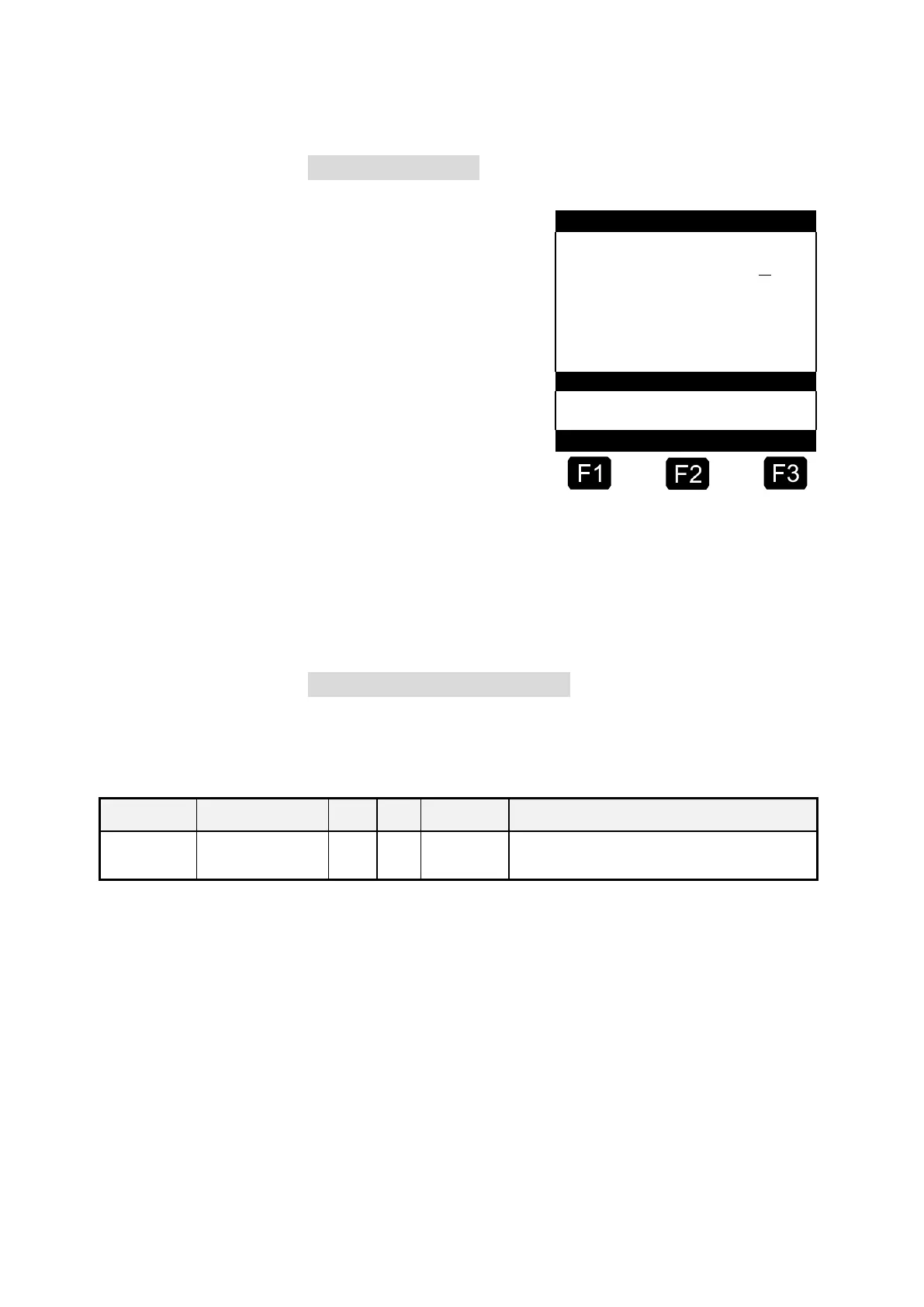
3. Delivery preset
Now the delivery preset
menu appears. The
selection made before is
displayed and the
selected hose is marked.
For MultiFlow units with
residue removal control:
after entering all the
preset values by pressing
the <START> key, the
MultiFlow checks whether
a product change has
taken place between
Del iv er y Pr es et
C 0
diesel and heating oil / heating oil with additives. If this is the case,
a corresponding message is shown regarding the necessity of
residue removal.
If you want to maintain these settings, continue with "Start the
discharge" / p. 24.
4. Residue removal via EPE2
The following description is relevant only for program versions from 5.00
(approval according to MID).
Control of a residue discharge pump connected to the
EPE2. For this purpose the "EPE2-AIII" or "EPE2-AI"
mode must be activated (parameter 3.1.8.5.1).
us to me r ID : 00 0 00
-- -- -- -- -- -- -- --- --
Pr od uc t Co de : > 1 1<
He at in g O il
Am ou nt : 10 00 l
Pr ic e pe r 1 00
w . VA T $ 8 7 .6 5
-- -- -- -- -- -- -- --- --
We t ho se 2












 To Next Page