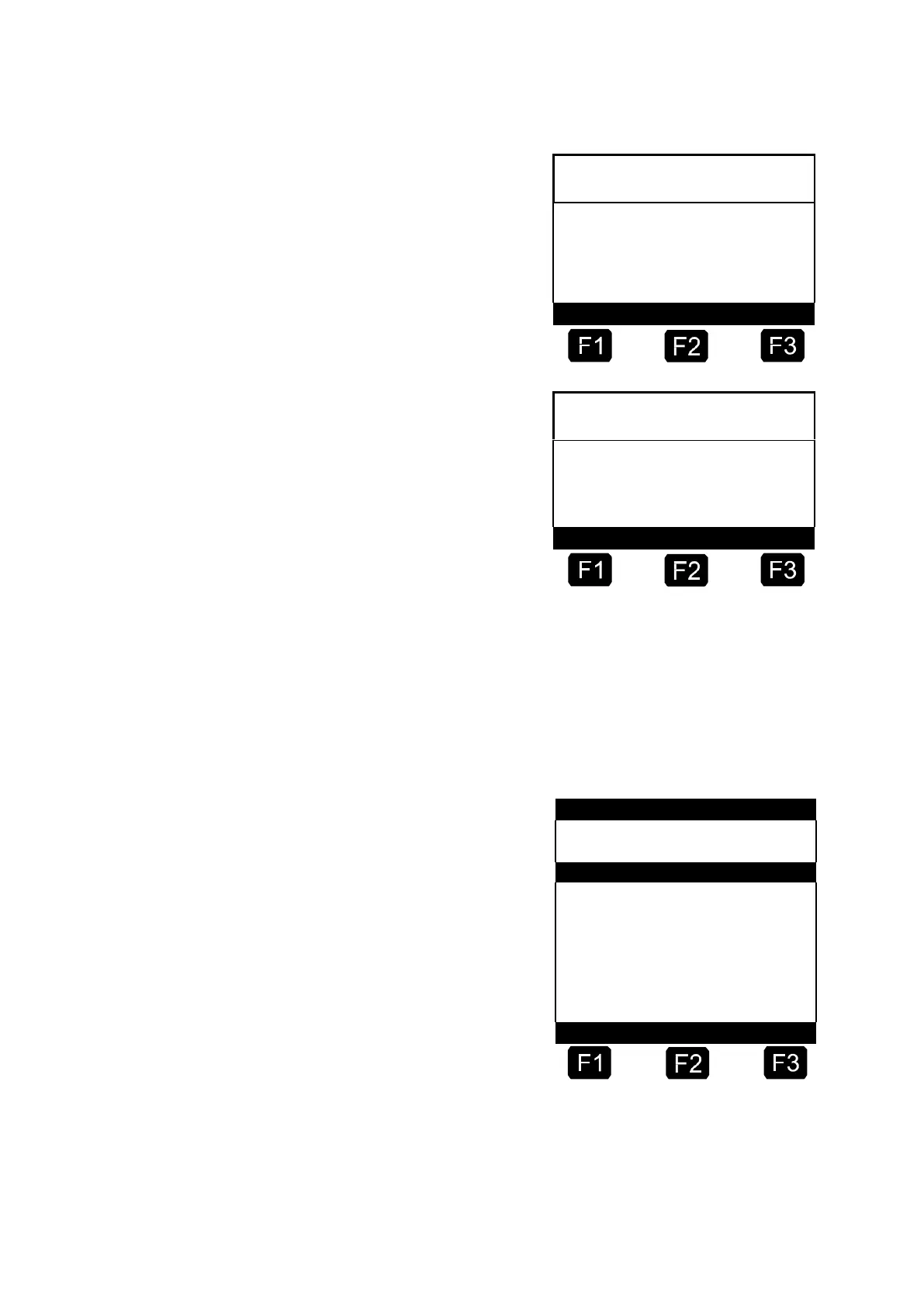
☺ Display after a successful card
test:
Display after an abortive card
test:
After the card test you can exit the TEST READER menu by pressing
<Enter>.
4.1.2
Main Menu (Function Key <F3>)
The main menu is reached via function key <F3> in the start screen and
enables configuration of the MultiFlow. It contains the product parameters
and settings for the display, printer and the sensors.
The Selection Menu is
displayed after pressing <F3>.












 To Next Page